
5 tips to get the most out of your smartphone, according to Reader's Digest
Discover smartphone tips to boost productivity, protect privacy, save storage space and unlock powerful hidden features, according to Reader's Digest

Jonas Leupe / Unsplash
The modern smartphone has quietly become the most important piece of personal technology on the planet. It wakes us up, navigates our cities, manages our finances, archives our memories and mediates much of our social lives.
Yet most people use only a fraction of what their devices can actually do. The gap between ownership and mastery is wide. Phones are powerful computers disguised as familiar objects, which means their most useful features often remain buried in menus few users explore.
Users will often upgrade their phones on schedule while barely upgrading how they use them. New hardware arrives every few years. Old habits stay forever. Productivity tools hide in plain sight. Privacy settings remain wide open. Automation features wait patiently, untouched. The problem is not weak technology. It is unrealized potential.
Consumer tech reporting increasingly points to an unexpected truth: the biggest smartphone upgrades do not come from buying a new device. They come from changing a few settings. An accessibility feature can turn any article into an instant audiobook. Automation can launch navigation before you touch the screen or reduce distractions during the workday.
Over time, those tiny improvements compound. The smartphone stops behaving like a demanding gadget and starts acting like an assistant that quietly handles some of life’s logistics.
Reader’s Digest compiled expert-reviewed smartphone techniques spanning productivity, organization, privacy protection and device longevity. Each recommendation solves a specific everyday problem: wasted time, digital clutter, unwanted interruptions or information overload.
Think of this list as a recalibration of how your smartphone fits into daily life. The most effective users do not spend more time on their phones. They configure their phones so tasks require less effort and fewer decisions.
Here are five tips for mastering your smartphone.
1. Silence spam calls before they interrupt your day

Andrej Lisakov / Unsplash
Unwanted calls remain one of the most persistent digital irritations, yet smartphones now include native tools that drastically reduce them. Reader’s Digest explains that both iPhone and Android devices allow users to filter unknown callers directly through system settings, eliminating robocalls without third-party apps. On iPhone, activating “Silence Unknown Callers” routes unfamiliar numbers away from active notifications. Android phones offer comparable spam filtering inside the Phone app’s spam or call-screen settings. These features represent a broader shift toward device-level privacy protections rather than reactive blocking after disruption occurs. The advantage extends beyond convenience.
Constant call interruptions fragment attention and reduce productivity, especially during remote work or caregiving. Preventative filtering restores control over attention, arguably the most valuable modern resource.
The feature also reduces scam exposure, which increasingly targets mobile users through spoofed numbers designed to appear legitimate. Blocking spam calls transforms the phone from a source of interruption into a controlled communication channel. One small toggle produces a disproportionate quality-of-life improvement because it removes dozens of micro-disruptions over time.
2. Edit or unsend texts to fix digital mistakes instantly
Brett Wharton / Unsplash
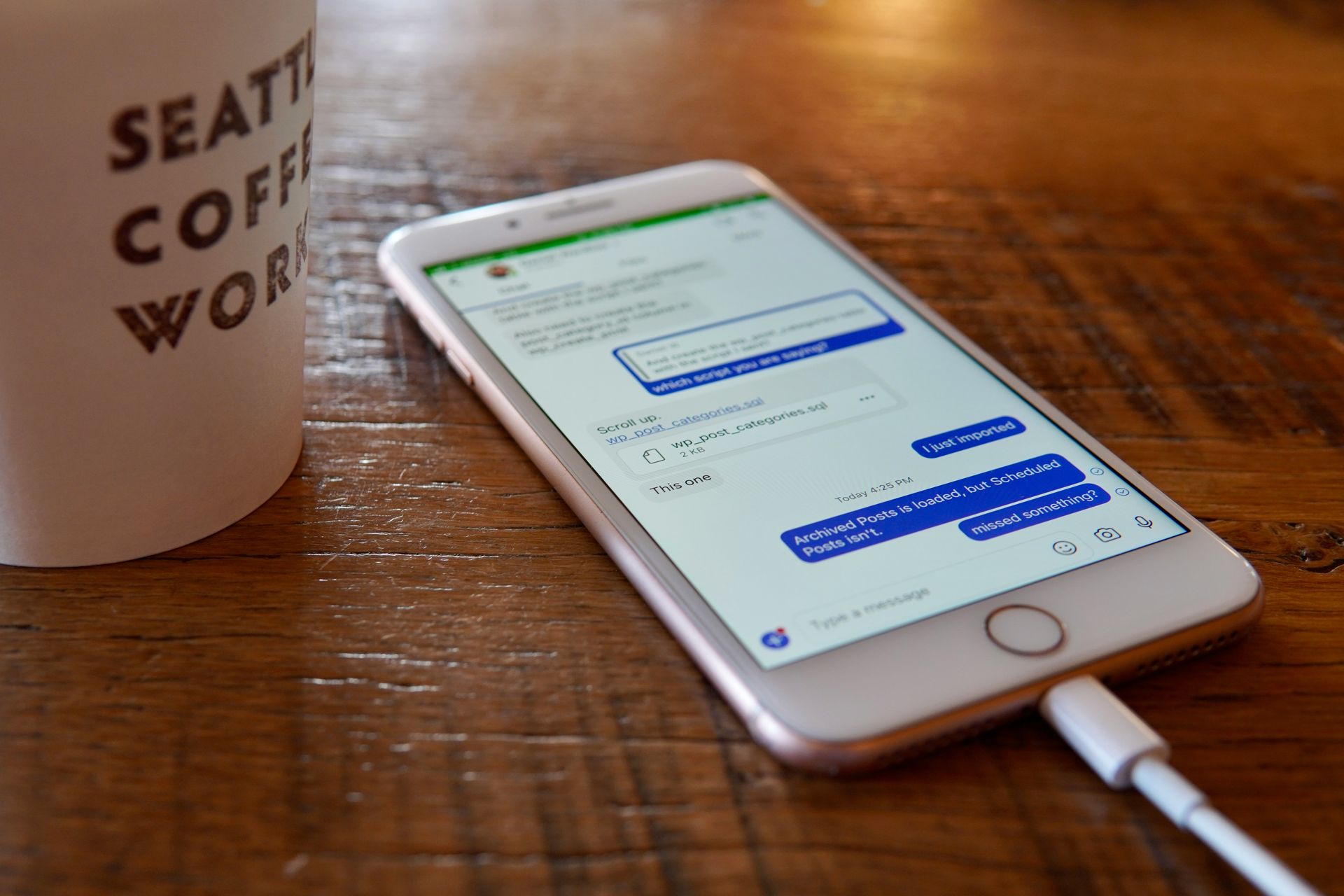
Messaging has replaced many forms of communication, which means small typing errors now carry outsized consequences. The report highlights a relatively new iPhone feature allowing users to edit or undo sent messages within two minutes after sending them.
The feature also reduces impulsive communication by introducing a short period of reversibility. While Android devices may lack identical functionality across all models, the trend toward editable communication reflects growing recognition that messaging errors are inevitable. Technology responds by designing recovery mechanisms rather than demanding perfection. According to Reader’s Digest, learning this single feature can immediately improve daily communication efficiency and reduce social friction caused by accidental texts.
3. Let your phone read webpages aloud to reclaim multitasking time
-1920x1280.jpg)
Bruce Mars / Unsplash
Smartphones increasingly double as accessibility tools, yet many users overlook features designed to reduce screen dependency. Reader’s Digest describes how voice assistants can read entire webpages aloud on both iPhone and Android devices using simple voice commands such as asking Siri or Google $GOOGL Assistant to read the page.
The feature transforms passive reading into hands-free listening, allowing users to cook, commute or exercise while consuming information.
Reduced screen time also lowers eye strain and notification distraction. Smartphones increasingly compete for attention; audio playback reverses that dynamic by allowing information consumption without constant visual engagement. Mastering this setting reframes the smartphone from a distraction machine into a flexible learning tool that adapts to real-world movement instead of demanding uninterrupted focus.
4. Automate navigation so your GPS launches itself
Ravi Palwe / Unsplash
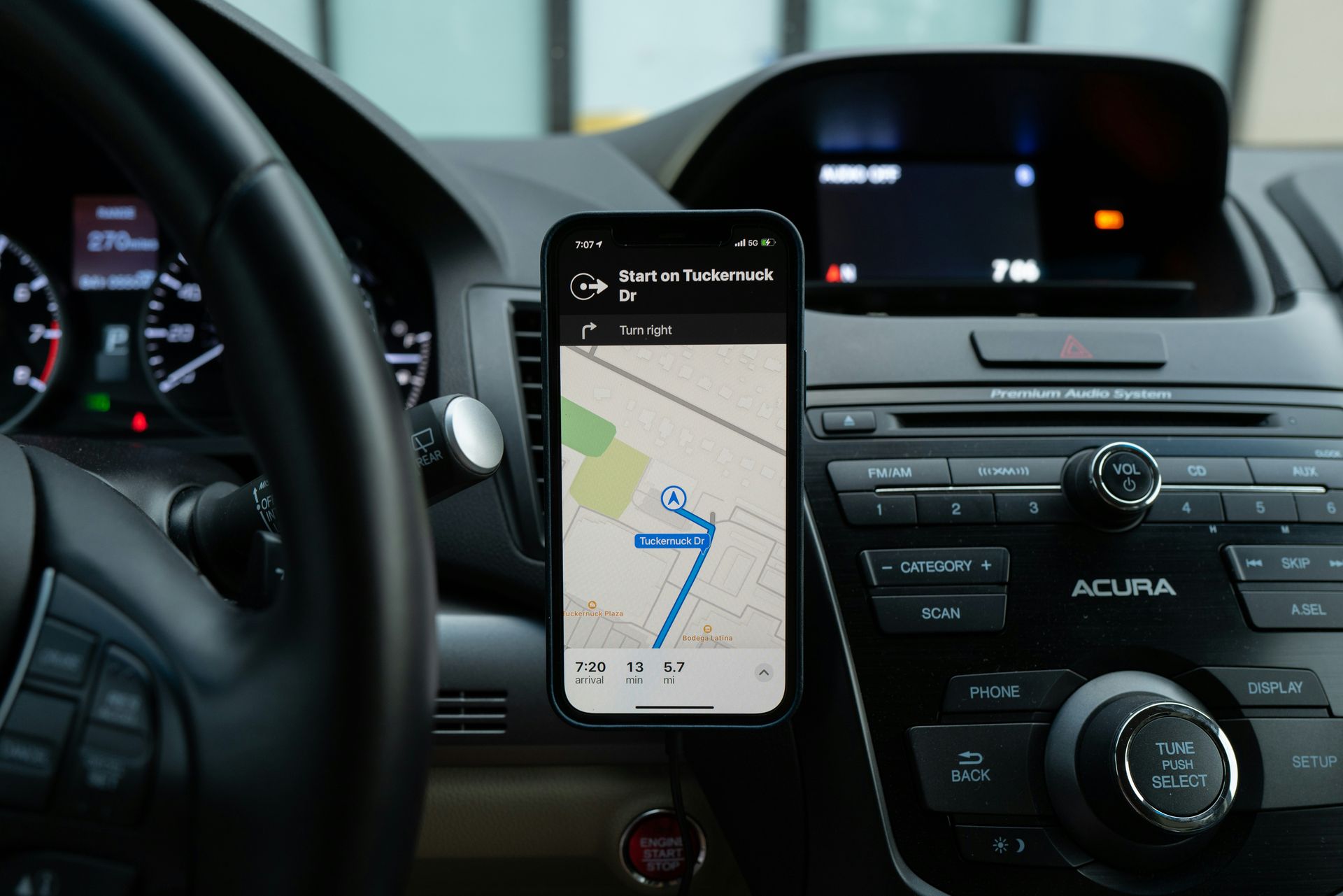
Smartphones provide essential navigation yet also create dangerous distractions. Automation removes the need to manually open navigation apps while driving, reducing temptation to interact with the device after starting the vehicle.
This represents a broader evolution in smartphone design toward context-aware behavior. The benefit compounds over time, as commuters save seconds daily and avoid forgotten navigation setups, minimizing risky interactions behind the wheel.
Although Android devices may require third-party automation apps for similar functionality, the underlying principle remains: smartphones operate most efficiently when repetitive tasks become automated workflows. Yet, according to Reader’s Digest, automation tools remain one of the least utilized yet most powerful smartphone capabilities. Many users treat phones as manual devices despite operating systems offering sophisticated triggers based on location, connection or time. Automating navigation shifts the phone from reactive tool to anticipatory assistant.
5. Translate real-world text instantly through your camera
Michal Turkiewicz / Unsplash
Language barriers once required dictionaries or dedicated translation devices. Modern smartphones now convert physical text into readable language in seconds. Reader’s Digest reports that both iPhone and Android devices can translate foreign text simply by pointing the camera at menus, signs or documents and selecting the translation option.
This capability merges camera technology with machine translation, effectively turning the phone into a real-time interpretation tool. The impact extends beyond travel convenience. Instant translation supports global commerce, education and cross-cultural communication without requiring fluency. Users gain confidence navigating unfamiliar environments because information becomes immediately understandable.
The feature shows how smartphones now connect the physical and digital worlds in remarkably helpful ways. The camera does more than capture reality; it helps explain it. Translation overlays turn everyday scenes into instantly understandable information, making travel, learning and discovery easier than ever. Setup takes only seconds, which means many users already carry a powerful translation tool in their pocket—ready whenever curiosity or adventure calls.