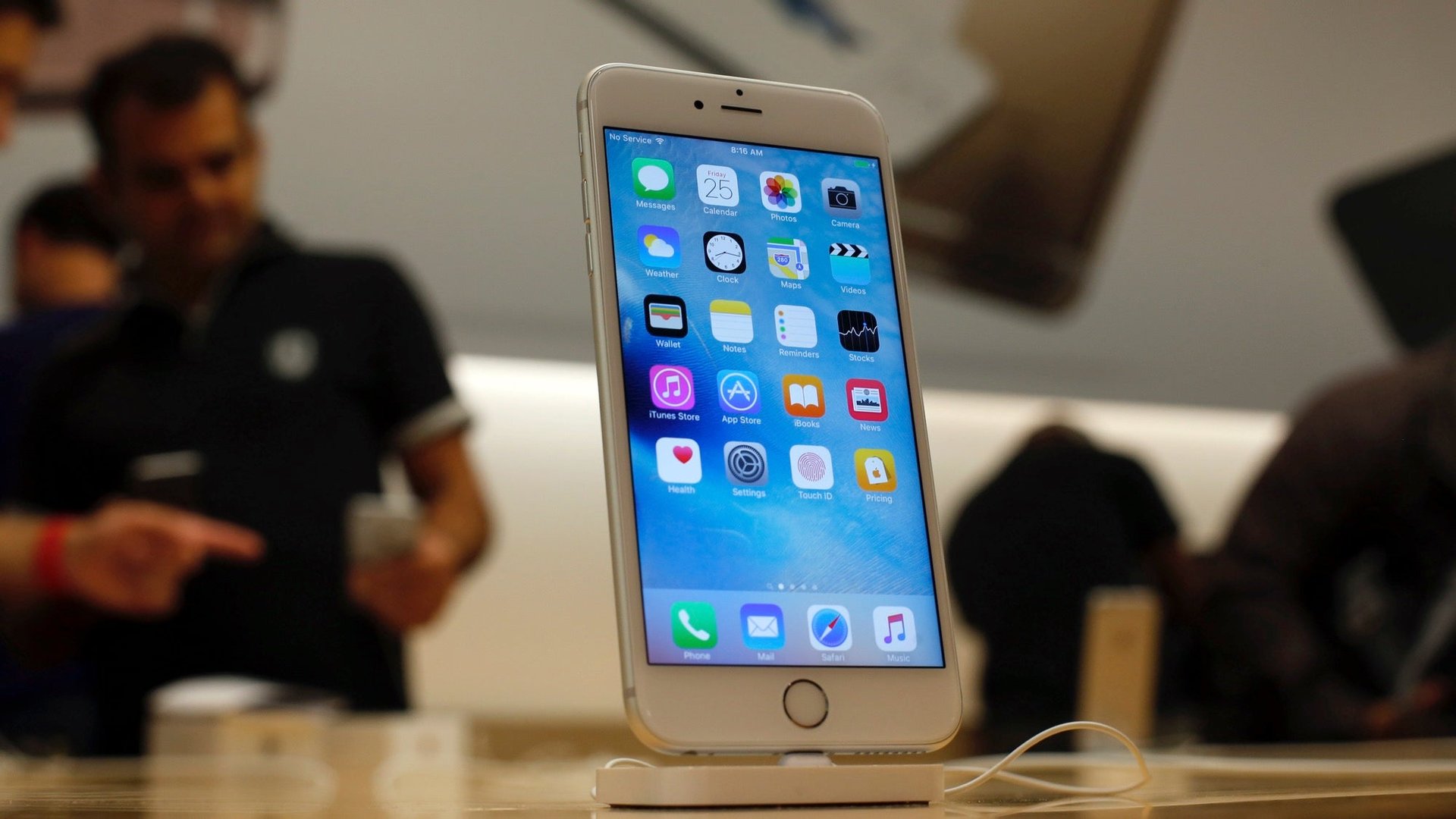
Sometimes, electronic devices seem to get buggy, or slow, for no discernible reason. Often the answer is to turn the thing off and on again, but when that doesn’t work, it feels all hope is lost. But if your iPhone has been having issues updating apps recently, or the App Store has been slow to load, there’s a weird trick—really—that AppAdvice has uncovered that might solve your problems.
The issue might be that the cache on your iPhone’s App Store app—the place that it stores temporary information—needs to be cleared out. On web browsers there’s a simple fix for that, but there’s no obvious way for the App Store. Until now:
You simply need to open up the App Store, and tap one of the icons at the bottom 10 times in a row. Make sure you tap the same icon in a quick succession. The screen should then go white for a few seconds, and then the App Store will reload, with its temporary memory now empty. The App Store should now be back to its old self.

As AppAdvice points out, this trick also works on the iTunes and Watch apps, if they are running slowly for you. Unfortunately, it doesn’t seem that this trick works on every Apple $AAPL app—Quartz tried it out on Apple Music, Podcasts, Apple News and Videos, without much luck.
