
These productivity tricks can help you automate tasks, streamline workflows, and hopefully reclaim hours in your workweek

Luca Bravo / Unsplash
Productivity isn’t just about adding tools — it’s about integrating them effectively.
Employees and freelancers are increasingly leaning on AI tools to automate routine tasks, organize workflows, and make smarter decisions faster. The end result isn’t just incremental efficiency, it’s a fundamental shift in how knowledge workers allocate their attention. By delegating repetitive or time-intensive tasks to AI, professionals can focus on higher-value work that requires creativity, judgment, and human insight — at least, that's the goal.
The key lies in using AI strategically: choosing tools that complement human decision-making, automating for specific workflows, and continuously refining these processes as the technology evolves.
Here are nine strategies that offer a roadmap for anyone looking to reclaim hours from their workweek, reduce cognitive load, and focus on meaningful tasks.
-1920x1281.jpg)
Justin Morgan / Unsplash
AI can scan, categorize, and prioritize emails, ensuring that urgent messages are addressed first while low-priority emails are queued or summarized. Tools such as Zapier integrate AI with email platforms to handle routine responses automatically. Users report reclaiming hours each week previously lost to manual inbox management.
Lukas Blazek / Unsplash
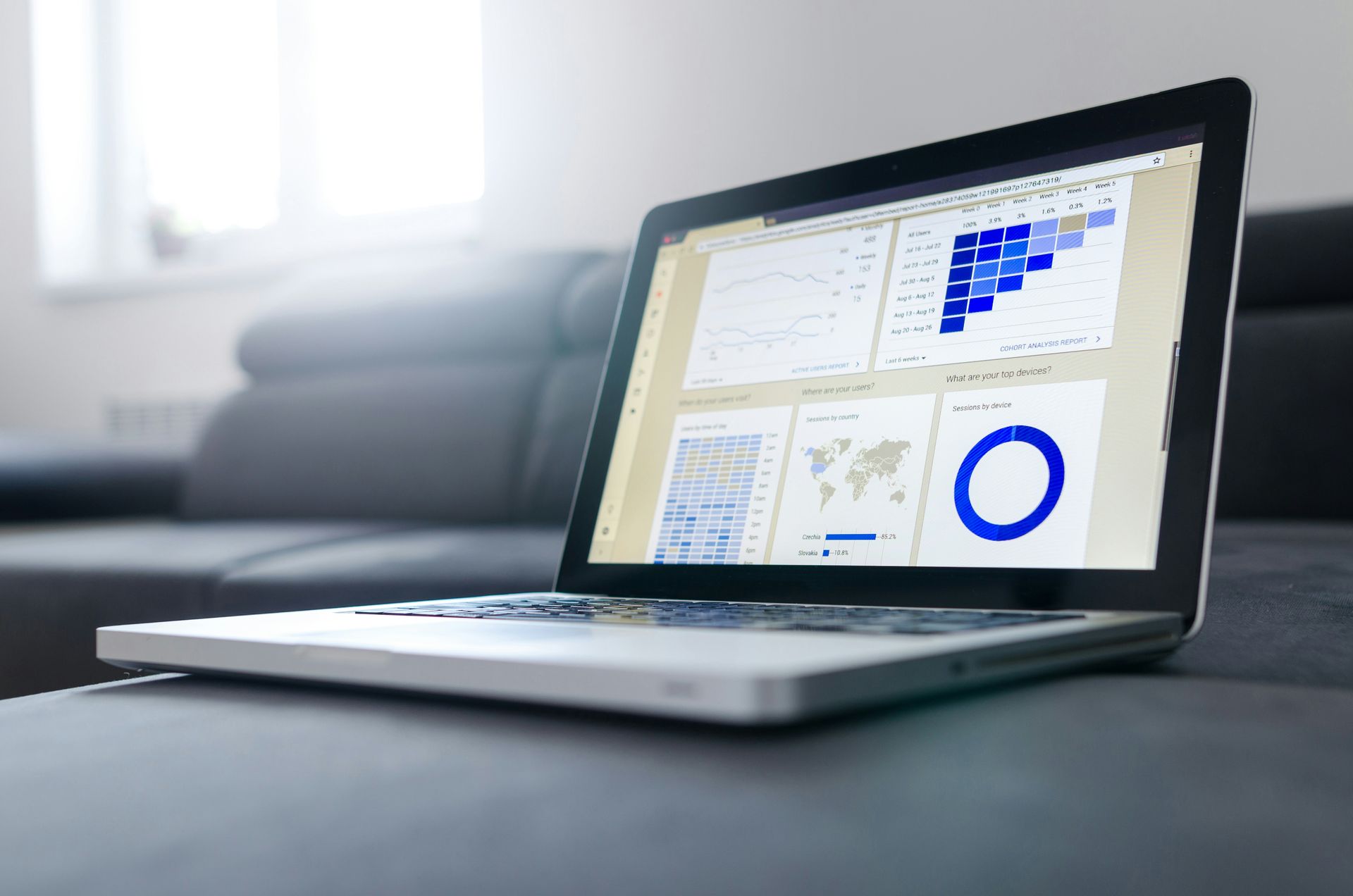
Writing first drafts, summaries, or standard reports can be delegated to AI, reducing repetitive content creation tasks. Platforms highlighted in this Medium article allow professionals to generate templates and auto-fill content based on existing data. This speeds up documentation without sacrificing quality.

Firmbee.com / Unsplash
AI summarization condenses articles, meeting notes, and research papers into digestible points. According to ClickUp, this can turn hours of reading into minutes, enabling faster decision-making. Teams can focus on insights instead of wading through raw information.

Redd Francisco / Unsplash
AI calendar assistants handle scheduling conflicts, suggest optimal times, and even draft invitations. McKinsey reports that this reduces coordination overhead significantly, especially for managers juggling multiple teams.
Teemu Paananen / Unsplash
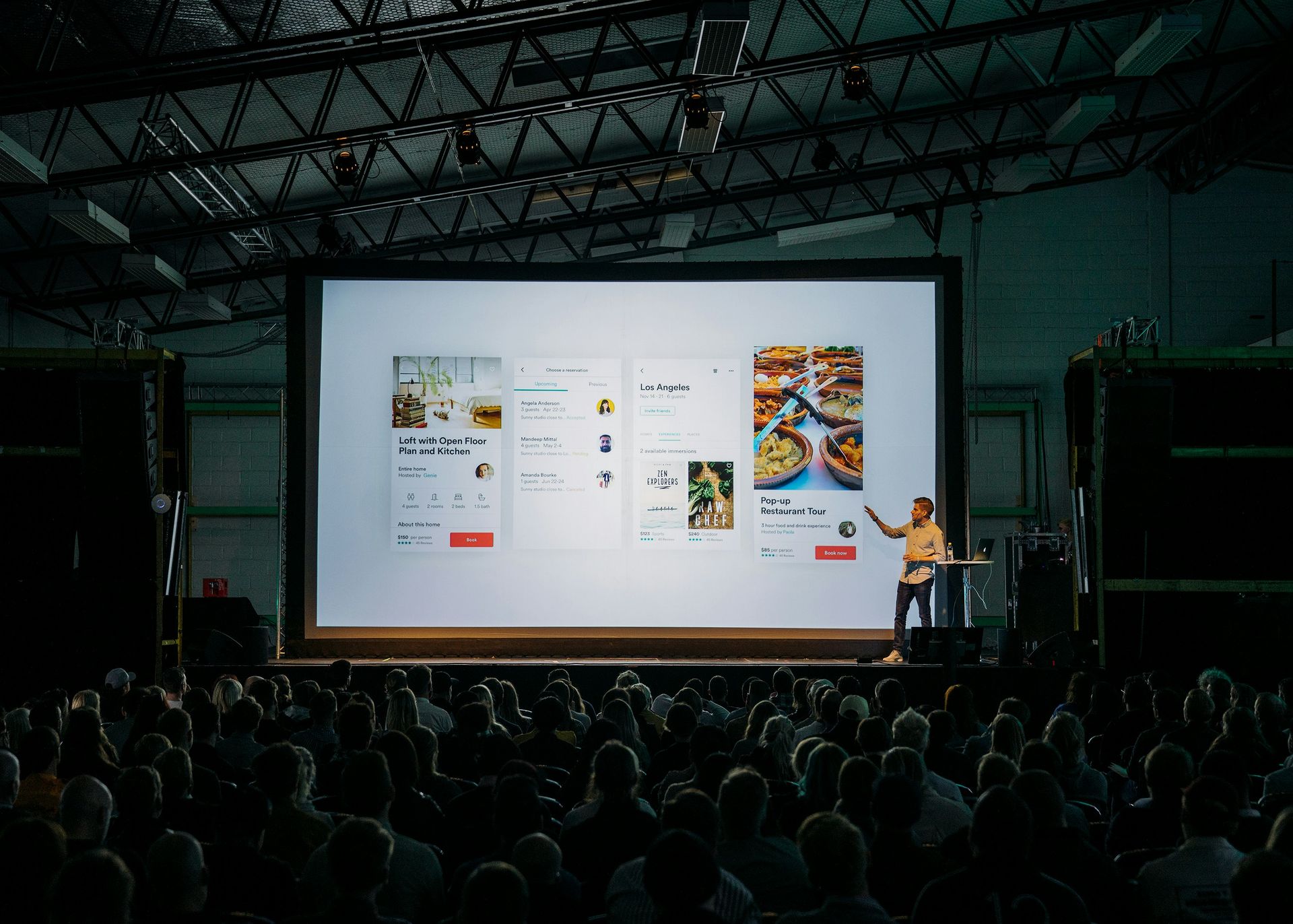
AI tools can produce charts, graphics, and slide decks in minutes, supporting communication and storytelling. As noted in this LinkedIn article, platforms like Beautiful.ai streamline design, saving hours of manual formatting. Just be sure to check the output; even supposedly cutting-edge AI tools fail to comprehend maps.
-1920x1280.jpg)
Myriam Jessier / Unsplash
Routine tasks such as data entry or status tracking can be automated, freeing staff for analytical and strategic work. Zapier highlights integrations that trigger actions across apps, reducing human error and (ideally) speeding up operations.
Markus Winkler / Unsplash
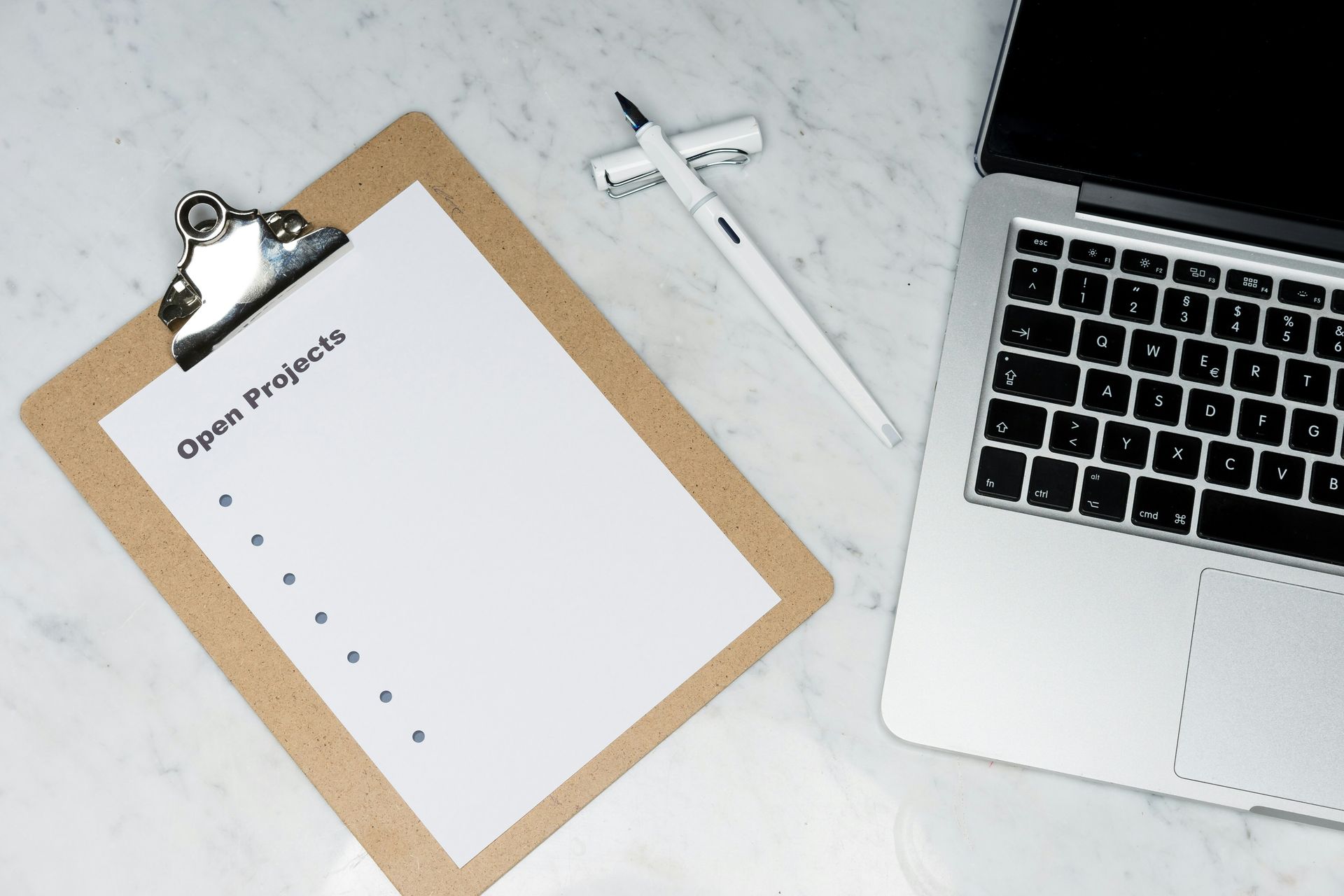
AI can analyze deadlines, workloads, and project dependencies to suggest daily priorities. According to one evangelist on Medium, users gain clearer focus and better time allocation by relying on AI recommendations.

UX Indonesia / Unsplash
AI can scan databases, news feeds, and internal knowledge bases to provide concise insights. ClickUp argues that researchers save hours on repetitive searches, enabling faster strategic decisions.

Brooke Cagle / Unsplash
Embedding AI in shared platforms can enable teams to generate, edit, and review content collectively. As McKinsey explains, this supports a “superagency” model where humans and AI complement each other, potentially unlocking peak team productivity.