
From Apple's new budget MacBook Neo to the MacBook Pro M5, here are the best laptops for every need and price point in 2026

Maskot / Getty Images
The laptop market has split in ways that would have seemed unlikely just two years ago. Apple $AAPL now sells a laptop for $599, Intel $INTC is back with a chip architecture that finally challenges Apple Silicon on battery life, and the RAM shortage triggered by the AI boom is quietly pushing up prices on the Windows side. Choosing the right machine has genuinely become difficult.
The biggest story of early 2026 is the MacBook Neo. Apple's decision to launch a budget laptop — using the A18 Pro chip from the iPhone 16 Pro — disrupted the entire affordable laptop segment. Chromebook makers and budget Windows manufacturers suddenly found themselves competing with a machine that offers premium build quality and macOS at prices they can barely match. For students, light users, and anyone who has been priced out of Apple's lineup, the Neo is a game changer.
On the premium side, Apple has also refreshed the MacBook Air and MacBook Pro lines with the M5 chip. The M5 Air delivers meaningfully faster performance, Wi-Fi 7, and an upgraded webcam. The MacBook Pro with M5 Pro and M5 Max offers professional-grade speeds that still set the standard for sustained compute workloads.
Windows laptops are not standing still. Dell $DELL's XPS 14 running Intel's Panther Lake chip has emerged as the best overall Windows machine, combining strong performance, OLED display options, and battery life that tops 20 hours on its LCD configuration. The Samsung Galaxy Book 6 Ultra and Microsoft $MSFT Surface Laptop 8 round out a strong premium Windows lineup.
Gaming laptops are in a different category entirely. The Nvidia $NVDA RTX 5000 series has arrived in laptop form, pushing frame rates and AI-assisted rendering to levels that were desktop territory 18 months ago. Machines like the Asus ROG Zephyrus G16 and HP $HPQ Omen Max 16 now offer RTX 5090 laptop GPUs inside chassis weighing under five pounds.
This guide covers 15 machines across every major category: budget, everyday productivity, premium business, creative workstations, and gaming. Prices are as of May 2026. Where deals are available, they can be meaningfully lower. The goal is to help you find the right machine for how you actually work — not just the one with the best spec sheet.
Credit: Apple
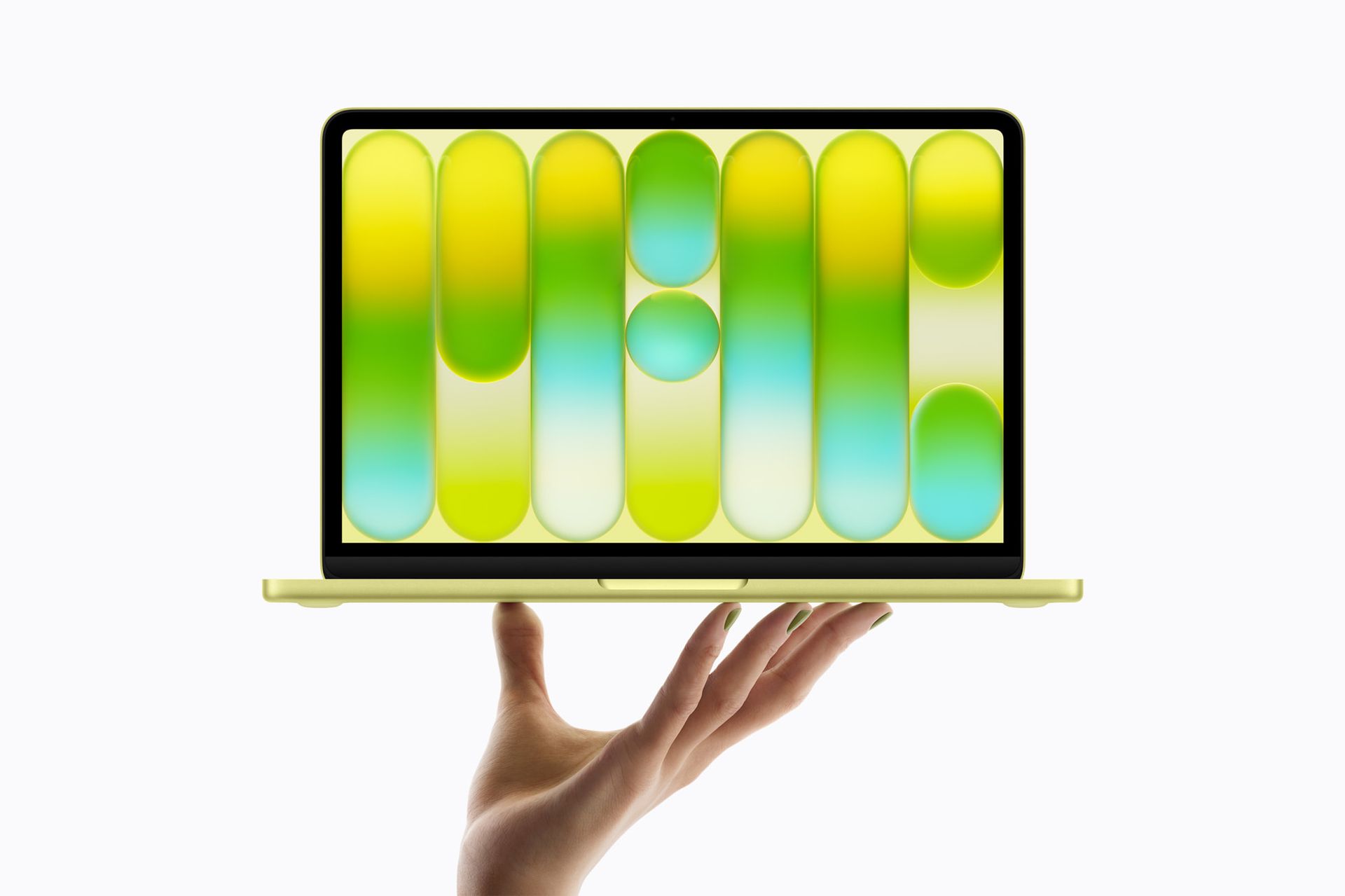
Apple $AAPL launched the MacBook Neo on March 11, and it has already transformed the budget laptop market. Starting at $599 — or $499 for students and educators — the Neo is Apple's most affordable laptop in over a decade, and it is priced to compete directly with Chromebooks and low-end Windows machines that previously had no real competition from Cupertino.
The Neo is powered by the A18 Pro chip, the same processor found in the iPhone 16 Pro. That sounds like a downgrade from a dedicated laptop chip, but in practice the A18 Pro delivers more than enough performance for the everyday tasks this machine is designed for: web browsing, email, document editing, video streaming, light photo editing, and basic productivity work. Apple claims up to 16 hours of battery life, and real-world usage tends to come close.
The design is notable for a budget laptop. The Neo is built from aluminum — not the plastic chassis common to machines at this price — and it comes in four colors: silver, indigo, blush, and citrus. The 13-inch Liquid Retina display offers a resolution of 2408 x 1506, which is sharper than most competitors at this price point.
The compromises are real and worth knowing. The base configuration ships with 8GB of unified memory, which is sufficient for light use but can feel constrained with many browser tabs open or when running multiple apps simultaneously. There are only two USB-C ports, no MagSafe charging, and the base model lacks a backlit keyboard — a meaningful omission. Touch ID requires upgrading to the 512GB model at $699.
Who is this machine for? Students, casual users, anyone moving from a Chromebook who wants macOS, and first-time Mac buyers who have been waiting for an entry point. It is not the right machine for video editors, developers running intensive builds, or anyone who needs more than basic multitasking. But for its intended audience, the Neo delivers the core Mac experience at a price the market has never seen from Apple.
The education pricing at $499 makes it even more compelling in that segment. Schools and universities have largely standardized on Chromebooks and mid-range Windows machines because of cost. The MacBook Neo changes that equation. Industry observers have already noted that it could shift institutional purchasing decisions in the same way the original Chromebook did a decade ago.
Credit: Apple
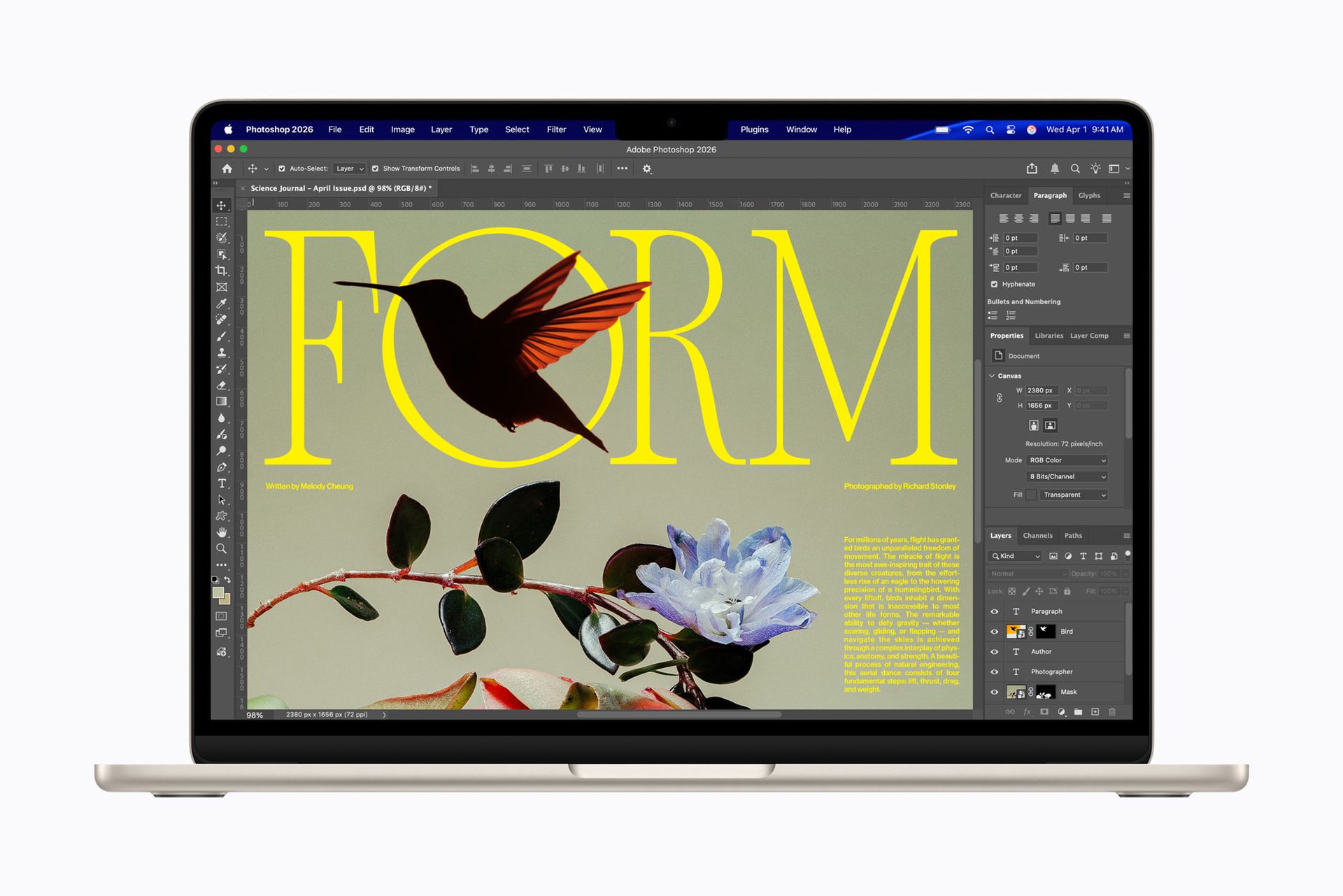
The MacBook Air M5 was announced on March 3, and went on sale March 11. It starts at $1,099 for the 13-inch model — $100 more than the M4 Air was at launch — but Apple $AAPL has doubled the base storage from 256GB to 512GB, which means the effective price per gigabyte is lower than before.
The M5 chip brings a 10-core CPU and either an eight-core or 10-core GPU depending on configuration. Apple claims up to 18 hours of battery life, and the real-world performance from the M5 chip is a meaningful step up from the M4, particularly in AI-accelerated tasks. The chip delivers 4x faster AI processing than its predecessor, which shows up in applications that use on-device machine learning — including the full suite of Apple Intelligence features.
The design is unchanged from the M2-era refresh: a flat-sided aluminum chassis, a notched Liquid Retina display at 2560 x 1664 pixels, two Thunderbolt 4 ports, MagSafe charging, a 3.5mm headphone jack, and a MagSafe 3 cable in the box. Wi-Fi 7 is new this year, offering faster wireless speeds for anyone with a compatible router.
The 13.6-inch display remains a 60Hz panel — no ProMotion, which means the 120Hz scrolling and cursor movement found on MacBook Pro models is absent. This is the Air's most notable limitation in 2026, particularly as competing Windows laptops at lower price points have begun offering 120Hz displays. It is a real-world difference once you have used a ProMotion screen.
The Air is still limited to one external display — a constraint that does not matter for most users but becomes frustrating for anyone who works at a desk with a multi-monitor setup. Power users who need two external displays will need to step up to the MacBook Pro.
For the majority of laptop buyers — people who write, browse, manage email, make video calls, and do light creative work — the MacBook Air M5 remains the best overall laptop on the market. Its combination of performance, battery life, build quality, and the macOS ecosystem is matched by nothing in this price range. The absence of ProMotion is a real shortcoming, but it is the same shortcoming the Air has always had.
Credit: Apple
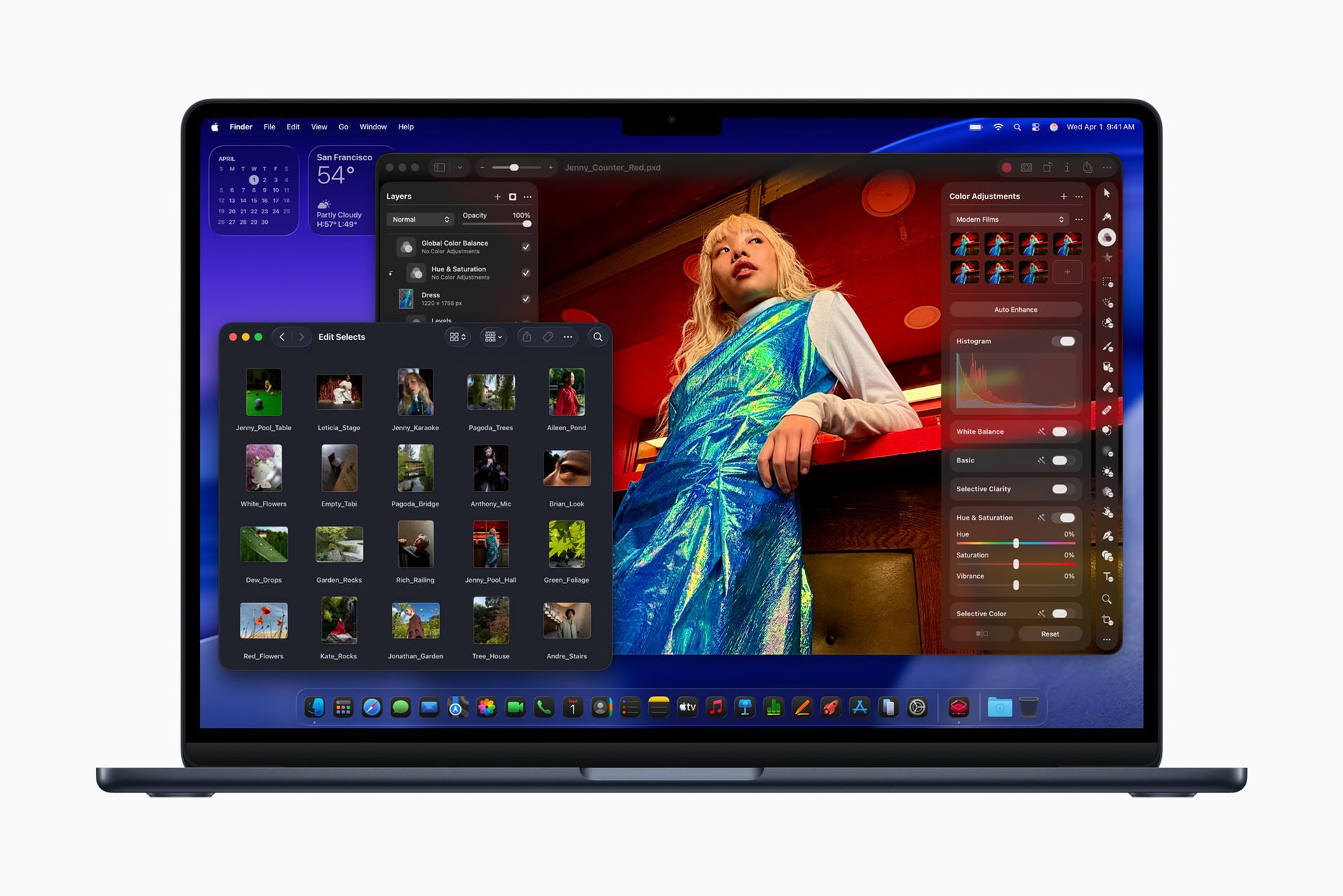
The 15-inch MacBook Air M5 starts at $1,299 and offers everything the 13-inch model does, with one critical difference: a 15.3-inch Liquid Retina display at 2880 x 1864 pixels. That is a 15% larger screen area, and for anyone who works primarily from a laptop without an external monitor, the extra real estate is meaningful.
Under the hood, the 15-inch model ships with a 10-core GPU as standard — whereas the base 13-inch model comes with an eight-core GPU. That means slightly better graphics performance at the same tier of use. Both models share the same M5 chip architecture, Wi-Fi 7, and 18-hour battery life claim. In practice, the larger battery in the 15-inch model (72.4 Wh versus 53.8 Wh) delivers comparable endurance despite powering a bigger screen.
The chassis weighs 3.5 pounds — about half a pound more than the 13-inch model — and measures 0.45 inches thin. Despite the size increase, it remains genuinely portable. The seven-speaker sound system produces noticeably better audio than the four-speaker setup in the 13-inch model, which matters for anyone who watches video or listens to music without headphones.
The connectivity is identical to the smaller Air: two Thunderbolt 4 ports, MagSafe 3, and a headphone jack. The single external display limitation applies here too. Buyers who want a large screen and multiple external monitors still need the MacBook Pro.
Pricing is $1,299 at base, which puts it $200 above the 13-inch Air. For users who spend most of their time in front of a single screen, that premium buys a meaningfully better experience. The 15-inch model is the better choice for writers, students who prefer a larger display for reading, and anyone who uses their laptop as their primary screen rather than as a portable complement to a desktop setup.
The 15-inch Air M5 also competes directly with 15-inch Windows laptops in the $1,200–$1,400 range. On battery life, build quality, and sustained performance, it holds a clear advantage over most Windows competitors at this size and price. The macOS ecosystem — and its lack of compatibility with some Windows-only software — remains the primary reason some buyers will look elsewhere.
Credit: Apple
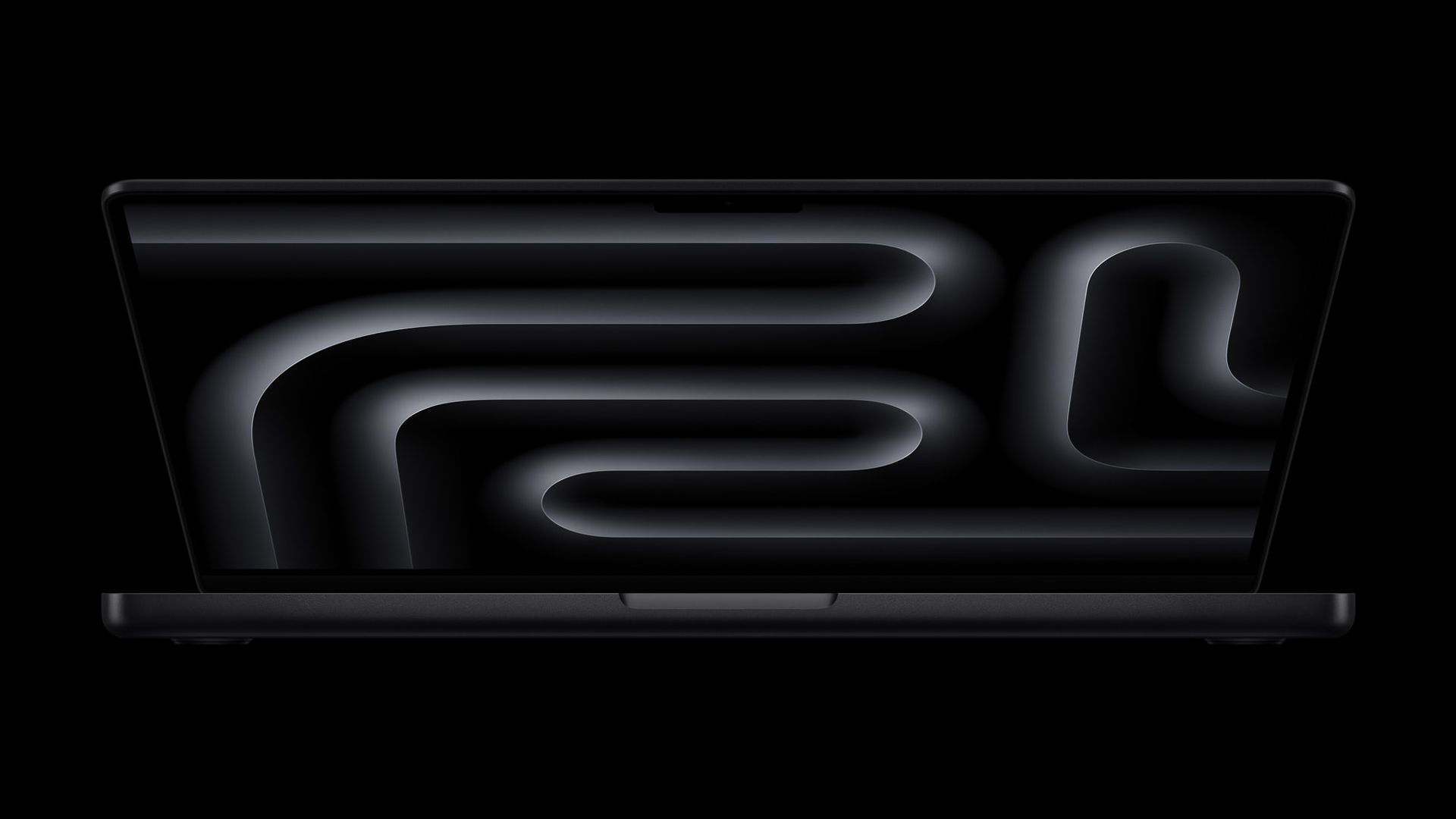
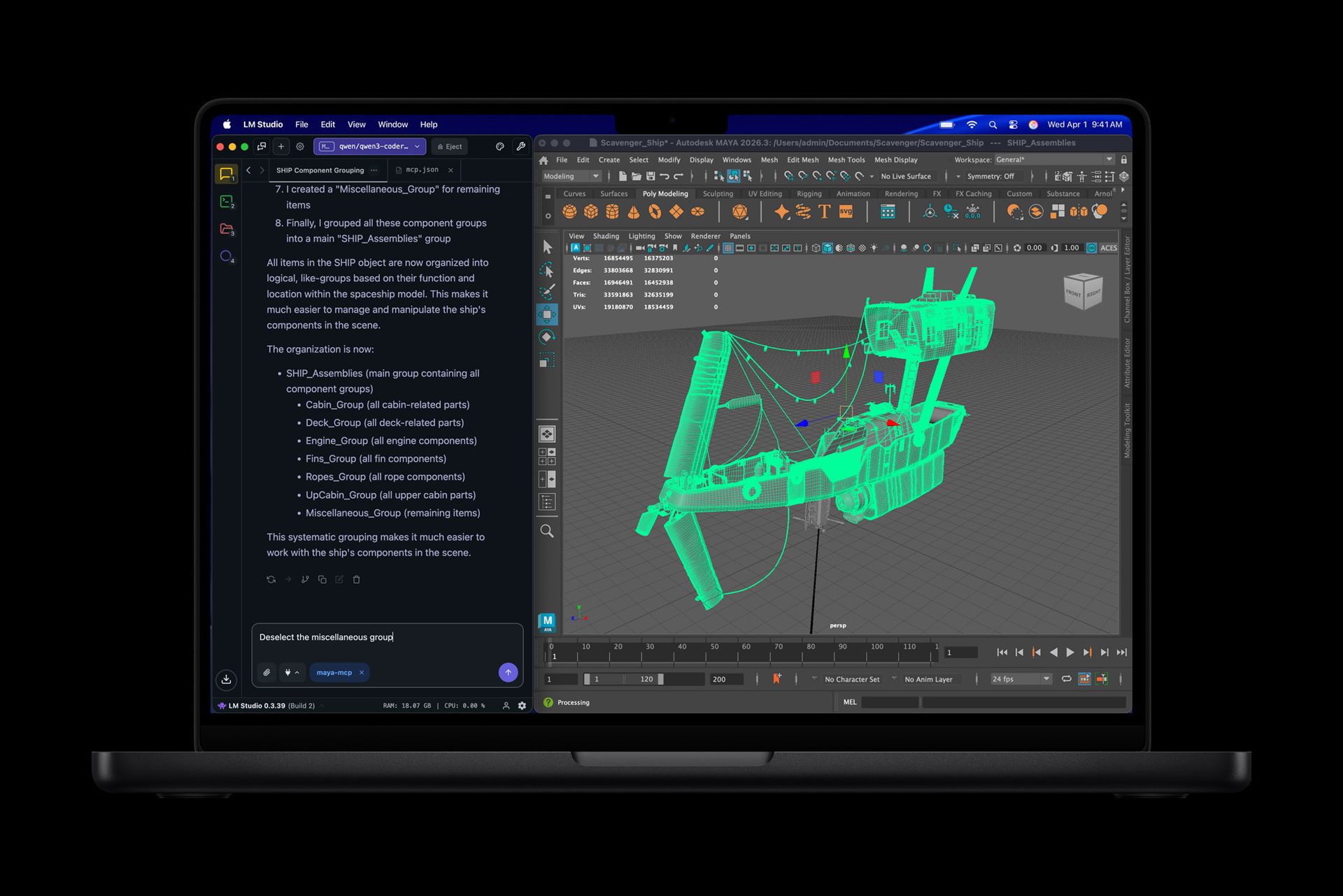
The 14-inch MacBook Pro with the base M5 chip was released in October 2025, and the M5 Pro and M5 Max configurations followed on March 11. The M5 Pro model starts at $2,199, which is a significant step up from the MacBook Air, but the gap in performance and features justifies the price for professional users.
The most important hardware distinction between the Air and the Pro is active cooling. The MacBook Pro has a fan, which means it can sustain high performance workloads indefinitely without thermal throttling. The Air's fanless design handles most tasks well, but prolonged video encoding, large compiles, or complex 3D rendering will cause it to reduce performance to manage heat. The Pro does not have this limitation.
The display is a significant upgrade as well. The 14.2-inch Liquid Retina XDR screen offers a peak brightness of 1,600 nits (versus 500 nits on the Air), supports ProMotion at up to 120Hz, and delivers the deep blacks associated with mini-LED backlighting. For designers, photographers, and video editors who need color accuracy, the Pro's display is in a different class from the Air's.
The M5 Pro chip features a 15-core CPU and 20-core GPU, with up to 64GB of unified memory. Storage starts at 1TB and can be configured up to 8TB. Thunderbolt 5 ports deliver 120 Gbps data transfer, which matters for anyone working with external SSDs or high-bandwidth peripherals. The Pro also supports two external displays simultaneously — a capability the Air lacks.
Battery life is claimed at up to 24 hours for the 14-inch model under standard productivity tasks, and real-world testing puts it at 15 to 18 hours depending on workload. That is competitive with the Air, despite the more powerful chip and brighter display.
The MacBook Pro M5 is the right machine for software developers, video editors, motion graphics artists, music producers, and anyone whose primary tool is their laptop. For casual users, it is overkill. For professionals who push a laptop hard, it remains the best machine available in the 14-inch category.
Credit: Apple
The 16-inch MacBook Pro with M5 Max starts at $3,899 and represents the absolute ceiling of what a laptop can currently do outside of dedicated workstation machines. For professionals running sustained, intensive workflows — 8K video editing, 3D rendering, large machine learning models, professional audio production — it has no peer.
The M5 Max chip features an 18-core CPU and either a 30-core or 40-core GPU, with up to 128GB of unified memory. That memory ceiling is significant: it means the MacBook Pro can hold the entire working set of a complex video project, a large code repository, or a professional audio session in memory without swapping to disk. The result is a machine that handles workloads that would bring other laptops to a halt.
Storage speeds on the M5 Max models are up to 2x faster than the M4 generation, reaching read speeds that make external storage less of a bottleneck than it used to be. The four Thunderbolt 5 ports support daisy-chaining multiple external drives and connecting to high-bandwidth peripherals simultaneously.
The 16.2-inch Liquid Retina XDR display reaches 1,600 nits peak brightness and 1,000 nits sustained. It covers 100% of the P3 wide color gamut and is factory calibrated for professional color work. ProMotion at 120Hz makes the interface feel fluid, and the display's dynamic range is sufficient for HDR grading work.
The machine weighs 4.7 pounds — not light, but acceptable for a machine with this capability. Battery life is rated at up to 22 hours, and real-world professional workloads typically deliver 10 to 14 hours depending on how hard the GPU is being pushed.
The $3,899 starting price is hard to justify for anyone outside professional workflows. For video editors working on feature films, architects rendering large models, or developers managing complex multi-service environments, the total cost of ownership — measured against the time saved by faster renders and fewer crashes — makes the economics more defensible than the sticker price suggests.
Credit: Dell
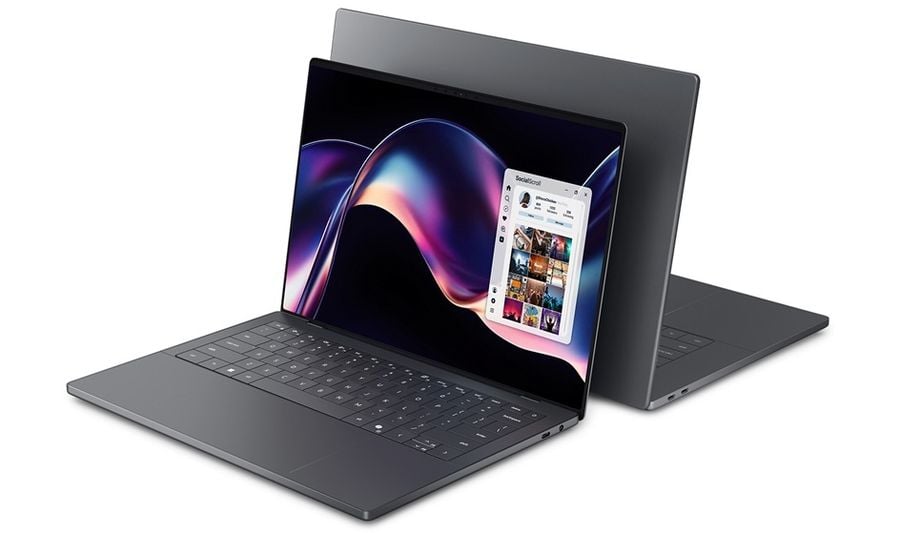
Dell $DELL's XPS 14 running Intel $INTC's Panther Lake chip is the best Windows laptop for most people in 2026. It earns that designation by being very good at everything simultaneously: performance, battery life, display quality, build quality, and portability — without requiring the kind of trade-offs that most Windows machines ask for at this price point.
The Panther Lake chip architecture marks Intel's most competitive response to Apple $AAPL Silicon in years. In the XPS 14, it delivers battery life that tops 20 hours on the base LCD configuration — a number that was unthinkable for x86 Windows laptops two years ago. The OLED configuration tested at over 12 hours, which is still a meaningful improvement over previous Intel-based machines.
The 14.5-inch OLED display option is one of the highlights. It offers deep blacks, wide color coverage, and the kind of contrast ratio that makes media consumption and design work genuinely better than on a standard LCD panel. The base configuration uses a 1920 x 1200 IPS display with a variable refresh rate that drops as low as 1Hz, which contributes to the exceptional battery life on that model.
Build quality is excellent — the XPS line has always had a premium feel, and the 2026 model maintains that. The keyboard and trackpad are strong, which matters for anyone who spends long days writing or working in spreadsheets. Port selection is reasonable: two Thunderbolt 4 ports, a USB-A port, an SD card reader, and HDMI.
Starting at $1,599, the XPS 14 sits at a price point that is competitive with the MacBook Air 15-inch. For users who need full Windows compatibility — specific software, hardware peripherals, enterprise environments — it is the machine to get. For users who are platform-agnostic, the choice between the XPS 14 and the MacBook Air M5 comes down to operating system preference and ecosystem.
The XPS 14 is particularly strong for business travelers who need x86 compatibility, the ability to connect legacy peripherals, and a machine that can run specialized Windows software. The combination of long battery life and a premium chassis makes it one of the few Windows laptops that can genuinely rival the MacBook Air on the road.
Credit: Microsoft
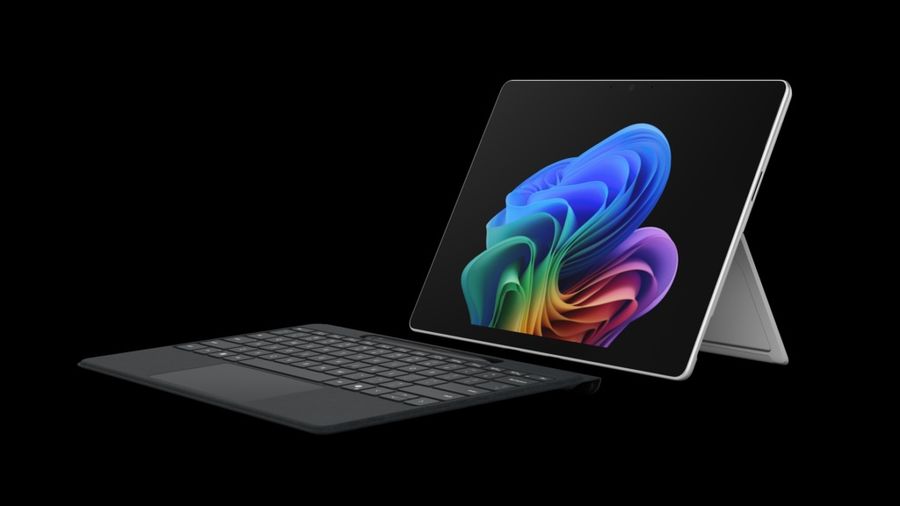
The Microsoft $MSFT Surface Laptop 8 is designed for business users who want a premium Windows experience with long battery life and a clean, consistent hardware platform. It runs on Intel $INTC Panther Lake chips and starts at $1,299, offering a compelling combination of build quality and endurance in a machine that integrates deeply with Microsoft's enterprise software ecosystem.
The 13.8-inch PixelSense display operates at a 2304 x 1536 resolution with a 120Hz refresh rate. It is not OLED, but the LCD quality is high enough that most users will not feel the absence. The 3:2 aspect ratio — taller than the 16:10 screens common on most laptops — gives more vertical space for documents and web pages, which matters for productivity work.
Battery life is a defining strength. On the LCD configuration, the Surface Laptop 8 delivers over 20 hours of real-world use. That means a full working day without looking for a charger in most circumstances. For business travelers, this is a meaningful advantage over many competitors.
The build quality is excellent — an aluminum chassis, a keyboard that reviewers consistently rate among the best on Windows machines, and a trackpad that has finally closed the gap with MacBook standards after years of Windows machines falling behind. Microsoft Copilot features are integrated directly into the hardware, including a dedicated Copilot key on the keyboard.
The connectivity is the main limitation: two USB-C ports (USB 3.2), one USB-A port, and a Surface Connect port. There is no Thunderbolt support, which means high-bandwidth peripherals like fast external SSDs or high-resolution external monitors may not perform as expected. RAM is soldered, starting at 16GB with a 32GB upgrade option.
For IT departments managing Windows device fleets, the Surface Laptop 8 offers predictable hardware, strong Windows integration, and a premium user experience that employees are more likely to take care of. It is not the machine for power users or creative professionals, but for knowledge workers who live in Microsoft 365, it is one of the best options available.
Credit: Samsung
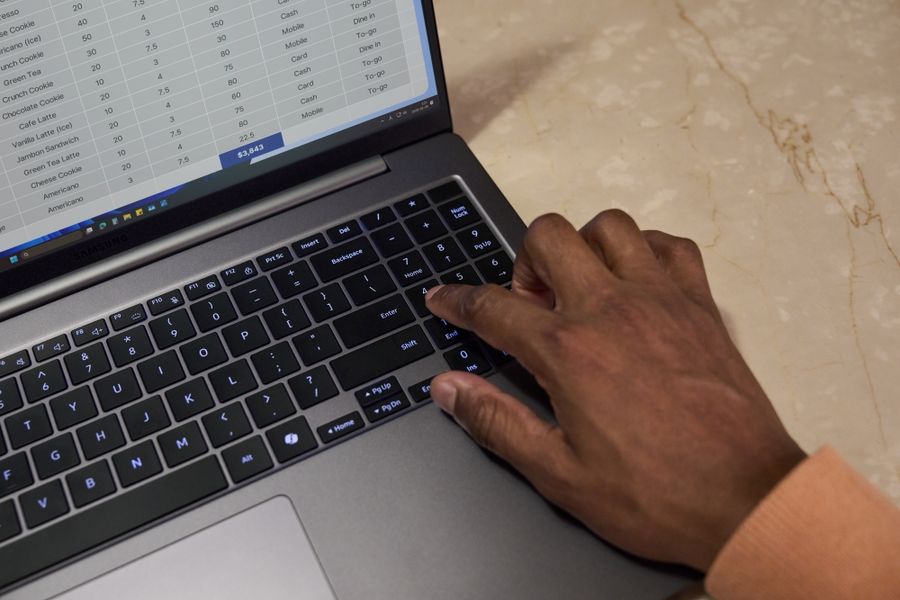
The Samsung Galaxy Book 6 Ultra occupies the upper tier of the Windows laptop market, offering strong overall performance and a display that stands out even in a crowded premium segment. For users who want the best Windows has to offer in terms of screen quality and build, it is the machine to consider.
The Galaxy Book 6 Ultra comes with Intel $INTC's latest chips and a dedicated Nvidia $NVDA GPU, which gives it versatility that pure productivity machines lack. It handles demanding creative software, runs games at respectable frame rates, and manages sustained workloads without the thermal throttling that plagues thinner machines. The combination of a discrete GPU and a premium chassis is a relatively rare configuration at this price point.
The display is a standout feature. Samsung's AMOLED technology delivers exceptional color saturation, deep blacks, and the kind of brightness that makes the screen readable in direct sunlight. For photographers, designers, and video editors who need a Windows machine, the Galaxy Book 6 Ultra's display is among the best available in a laptop chassis.
Samsung's ecosystem integration is relevant for users who already own Galaxy smartphones or tablets. Samsung DeX, link to Windows features, and cross-device file sharing work more seamlessly with Samsung hardware than with other Android devices. For users invested in that ecosystem, the integration adds practical value.
The machine is not without trade-offs. It is heavier than comparable ultrabooks, and the fan noise under load is audible. Battery life is solid for a machine with a discrete GPU — typically eight to ten hours under mixed use — but falls short of the ARM-based or pure efficiency-chip machines in this price range.
Starting in the $1,800–$2,200 range depending on configuration, the Galaxy Book 6 Ultra is positioned as a direct competitor to the MacBook Pro at the lower end of that line's range. For Windows users who need professional-grade display quality and the flexibility of a discrete GPU, it is one of the few machines that makes a strong case.
Credit: Lenovo
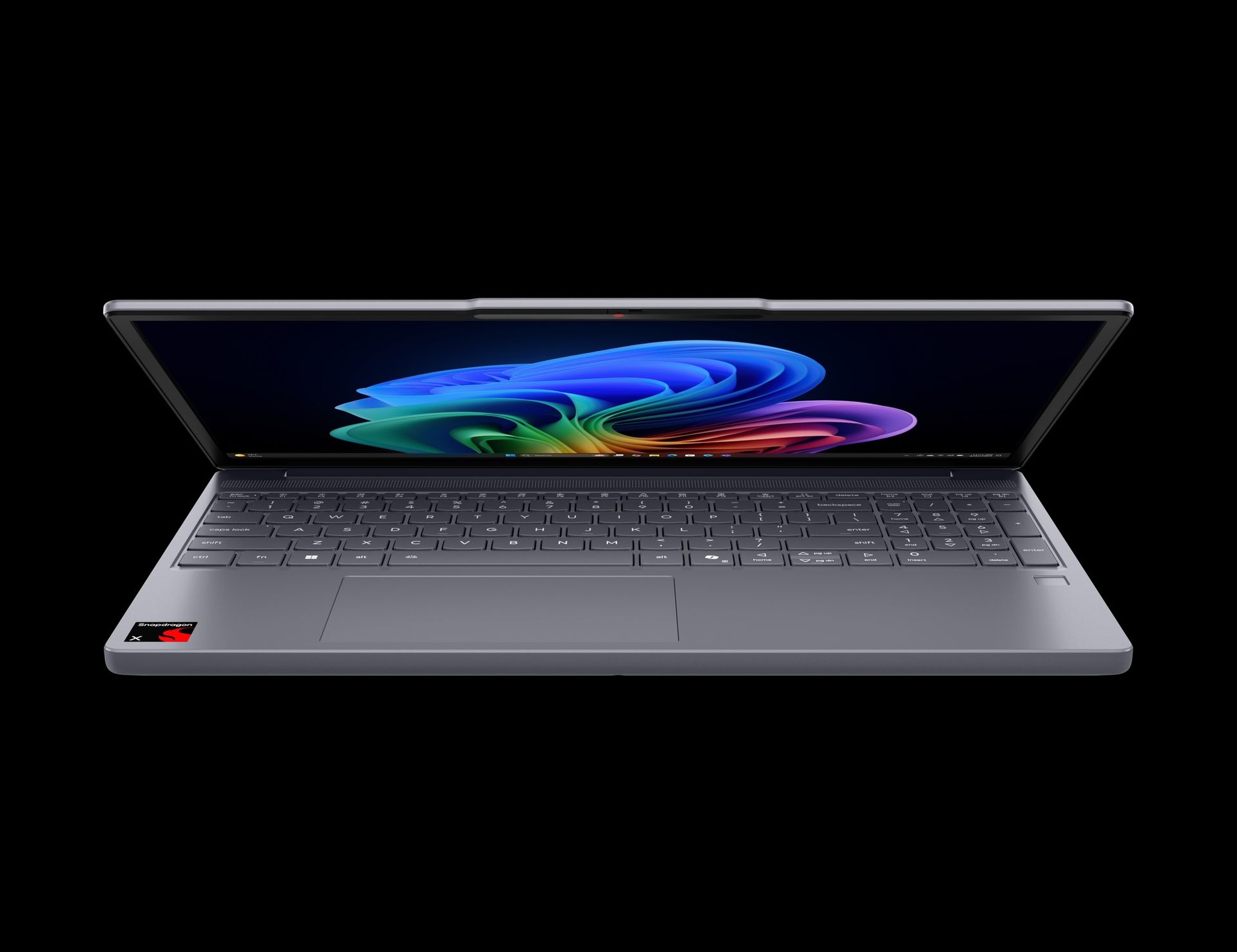
The Lenovo IdeaPad Slim 3x is the best budget Windows laptop in 2026 for users who need a capable machine at a price under $750. It has been praised by reviewers for delivering battery life and solid performance at a price point where Windows machines typically ask for significant compromises.
The Slim 3x runs on Qualcomm $QCOM Snapdragon X $TWTR chips, which have matured considerably since their first generation. The Snapdragon platform offers ARM-based efficiency that produces battery life figures — typically 15 to 18 hours under mixed use — that are far better than what Intel $INTC or AMD $AMD chips delivered in budget Windows machines just two or three years ago. That shift has made the sub-$800 Windows laptop category genuinely viable for users who need all-day battery life.
The build quality is good for the price — not premium, but solid enough that the machine does not feel disposable. The keyboard is comfortable for extended typing sessions, which is not always guaranteed at this price tier. The display is a 14-inch IPS panel that delivers acceptable color accuracy and brightness for everyday use.
App compatibility on Snapdragon-based Windows machines has improved significantly with Windows 11 Arm's expanded emulation layer. Most mainstream productivity software — Microsoft $MSFT 365, Chrome, Zoom $ZM, Slack $WORK, and similar tools — runs without issues. Some specialized software, particularly older 32-bit applications and certain professional tools, still requires an x86 machine.
The base configuration starts at $749, and sale pricing has pushed it to around $499 on a regular basis — a price at which it becomes a serious value proposition even in comparison with Chromebooks. It is particularly well-suited for students who need a reliable everyday machine and for remote workers whose software requirements are met by web apps and mainstream Windows applications.
The Slim 3x is the Windows answer to the MacBook Neo at the budget end of the market, though the Neo still holds advantages in build quality and overall platform cohesion. For users who need Windows specifically, it is the best option under $750.
Credit: Lenovo
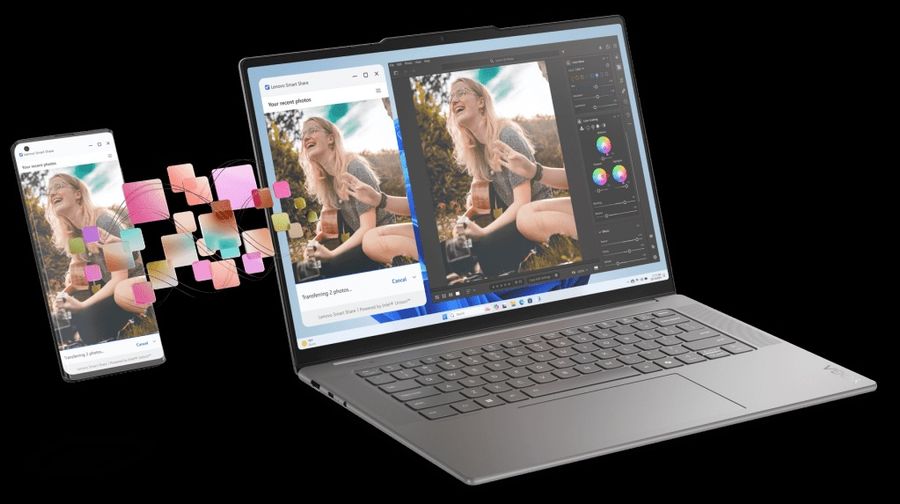
The ThinkPad X1 Carbon is one of the most enduring laptop lines in the business market, and the Gen 13 model maintains the formula that has made it a standard issue machine for enterprise IT departments for more than a decade. It is thin, light, durable, and equipped with a keyboard that remains among the best in the category.
At under 2.5 pounds, the X1 Carbon Gen 13 is among the lightest business laptops on the market. It meets MIL-SPEC durability standards for resistance to temperature, humidity, vibration, and dust — certifications that matter for road warriors who need a machine to survive the rigors of regular travel. The carbon fiber and magnesium construction contributes to both the low weight and the structural integrity.
The keyboard deserves specific attention. Lenovo's reputation was built on typing experience, and the ThinkPad keyboard remains the gold standard for anyone who spends long hours at the keys. The key travel is deeper than most ultrabooks, the tactile feedback is consistent, and the layout avoids the cramped configurations found on thinner machines. The TrackPoint pointing stick — the small red dot in the middle of the keyboard — remains available for users who prefer to navigate without moving to the trackpad.
The Gen 13 runs on Intel $INTC's latest chips with configurations up to 64GB of RAM and 2TB of SSD storage. Battery life with the latest Intel Panther Lake architecture has improved considerably — expect 14 to 17 hours under mixed productivity use. The machine charges via USB-C and supports rapid charging to 80% in roughly an hour.
Enterprise features include optional LTE and 5G connectivity, a fingerprint reader, an IR camera for Windows Hello, and the ThinkShutter webcam cover. For IT managers, the X1 Carbon comes with a wide range of ISV certifications for business software compatibility and supports Lenovo's commercial device management tools.
Starting around $1,500 in typical business configurations, the X1 Carbon is priced competitively for the enterprise segment. It is not the machine for creative professionals or gamers — it has no discrete GPU — but for the business user who measures their laptop by reliability, keyboard quality, and how long it lasts across a long travel day, it remains one of the best choices available.
Credit: Asus
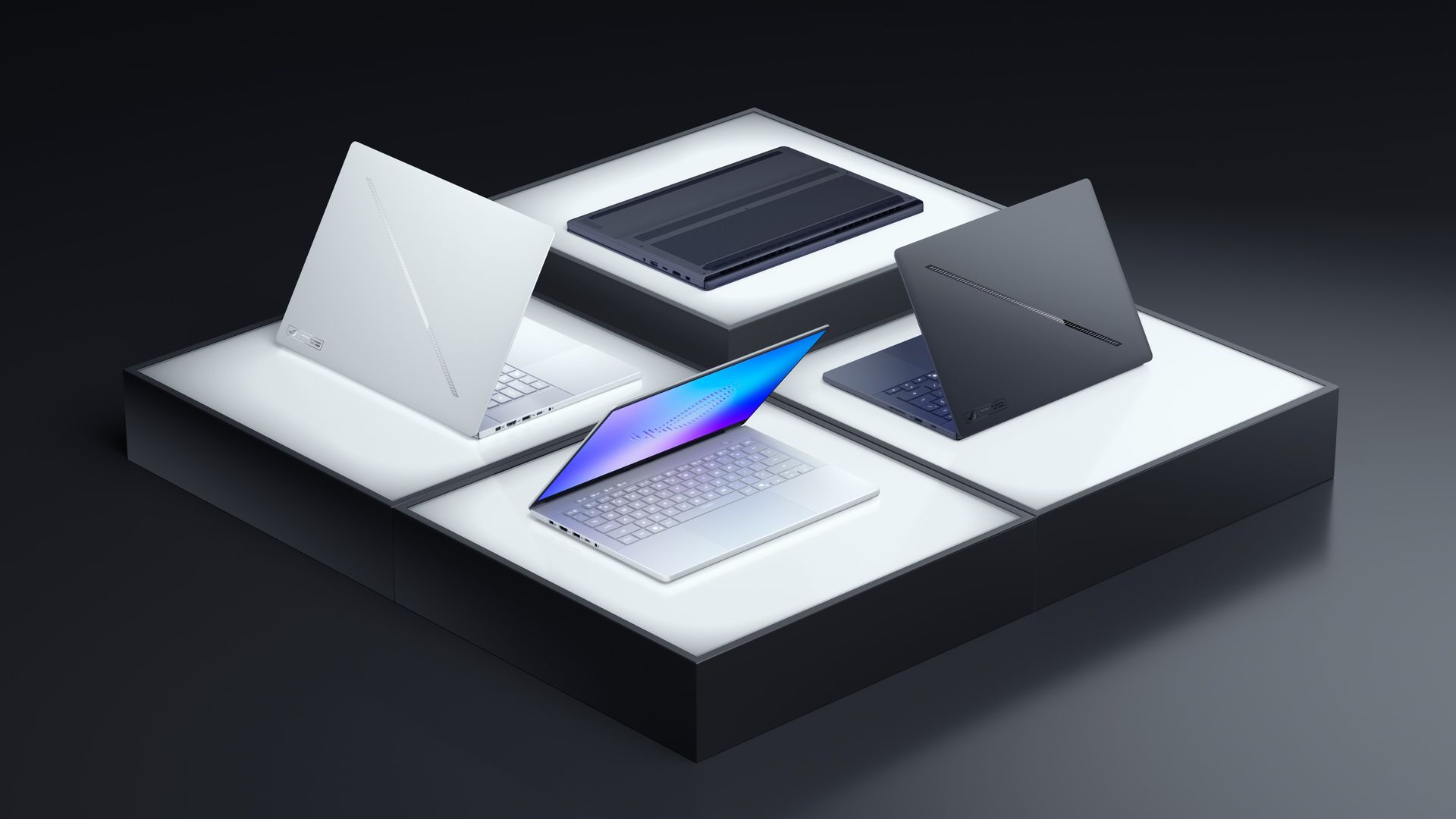
The Asus ROG Zephyrus G16 is the best gaming laptop of 2026 for most buyers who want high-end performance without the bulk that defines the true desktop-replacement machines at the top of the market. At 4.3 pounds and 0.59 inches thin, it is genuinely portable for a machine that can configure up to an RTX 5090 laptop GPU.
The 16-inch ROG Nebula HDR OLED display is one of the best screens on any laptop in any category. It runs at 240Hz with a 3200 x 2000 resolution, supports HDR content with accurate color reproduction, and delivers the kind of contrast that makes games and media look significantly better than on standard LCD gaming panels. For users who care about display quality alongside frame rates, the G16 stands out.
The Intel $INTC Core Ultra 9 processor paired with an RTX 5090 laptop GPU at full power delivers gaming performance that approaches desktop GPU performance from two generations ago. For esports titles and competitive games at high frame rates, the G16 handles anything the market offers. For AAA titles at high settings, it delivers smooth performance at the display's native resolution.
Asus's thermal management on the G16 is better than most gaming laptops at this size. The Tri-Fan Technology and vapor chamber design allow the machine to maintain high clock speeds under sustained load without the severe thermal throttling that plagued earlier thin gaming laptops. Fan noise is still present under heavy load — this is the nature of a high-performance machine in a thin chassis — but it is managed better than competing products.
Battery life for gaming is short, as it is on any high-performance laptop: expect two to three hours when the GPU is fully loaded. For productivity use with the discrete GPU idle, the G16 delivers seven to eight hours, which is reasonable for a gaming machine. The 90Wh battery supports fast charging.
Pricing starts around $2,000 for mid-tier RTX 5070 configurations and climbs toward $3,500 for top-spec RTX 5090 builds. For buyers who want the best gaming performance in a portable chassis, it is the machine to get. For buyers who want an occasional gaming machine that primarily does productivity work, the high-end configurations are more than necessary.
Credit: HP
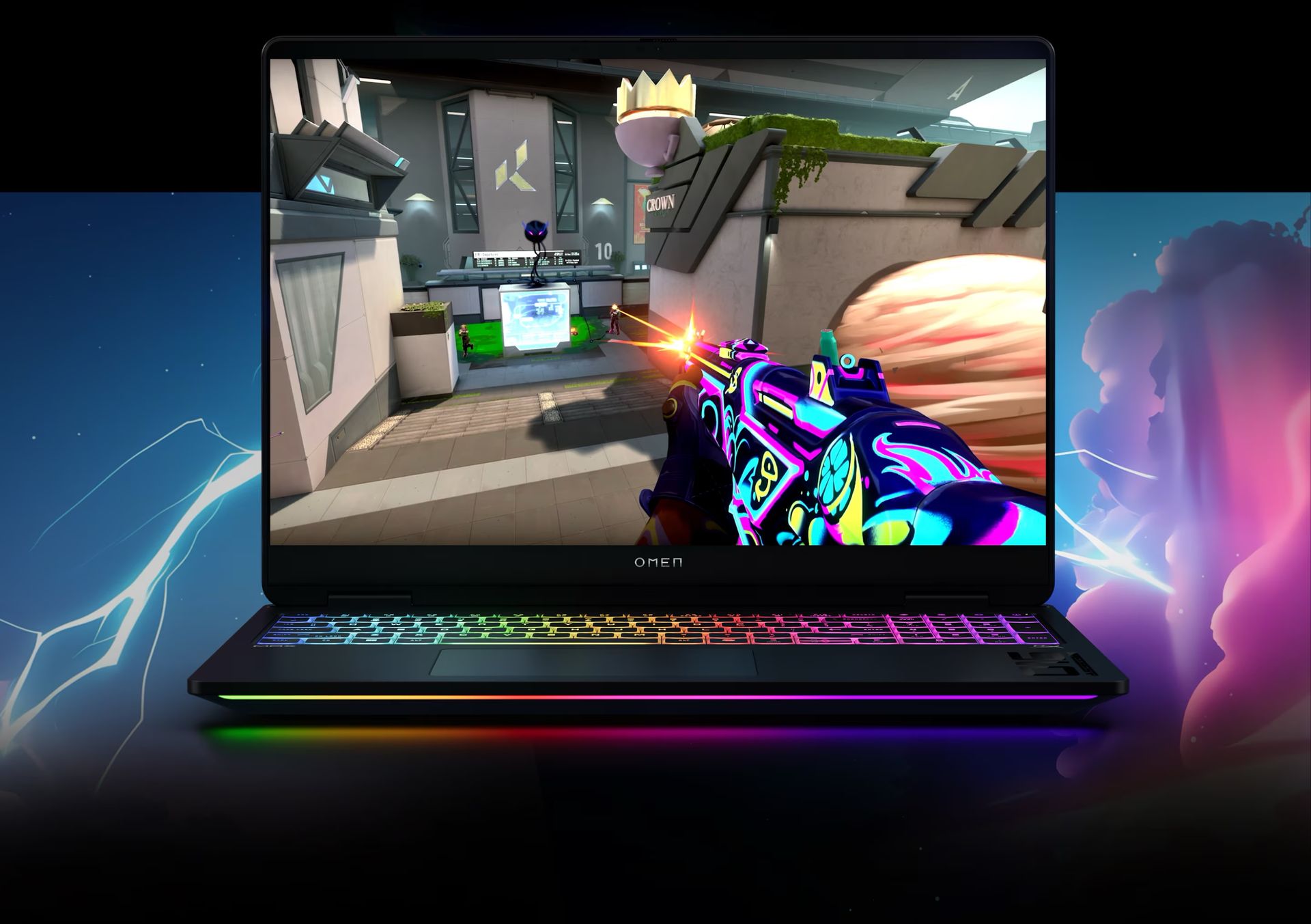
The HP $HPQ Omen Max 16 offers high-end gaming performance at prices that consistently undercut the more brand-premium gaming laptops. It can be configured with Nvidia $NVDA RTX 5090 laptop GPU at a starting price that is several hundred dollars below comparable configurations from Razer and Asus ROG, and that pricing advantage has made it a consistent recommendation for performance-focused buyers who are not paying for a name.
The thermal design is the machine's technical standout feature. HP's cooling improvements in the Omen Max allow the GPU to sustain higher power limits for longer without thermal throttling — which means that the RTX 5090 configuration holds its performance advantage over extended gaming sessions rather than dropping clock speeds after the first few minutes. For competitive gamers who play for hours, this matters more than the peak benchmark numbers.
The 16-inch display is an IPS panel running at up to 240Hz with a 2560 x 1600 resolution. It is not OLED — a difference that is visible in dark scenes — but the refresh rate and response time are well-suited to competitive gaming. The display covers 100% of the sRGB color space, making it acceptable for content creation work alongside gaming.
Build quality is solid if not premium. The chassis uses a mix of materials and feels durable without achieving the machined-aluminum refinement of the Zephyrus G16 or Razer Blade 16. The keyboard is backlit and comfortable for gaming sessions, with per-key RGB lighting and good key travel. The trackpad is functional but clearly secondary to a mouse in the design priorities.
Battery life follows the same pattern as all high-end gaming laptops: short under gaming load (two to three hours), and reasonable under light productivity use (five to seven hours). The 99Wh battery supports fast charging, and the machine ships with a 330W power adapter.
For buyers who want RTX 5090 performance without the premium pricing of brand names, the HP Omen Max 16 is a practical choice. The savings over comparable Razer or Asus configurations can fund several years of game purchases. It does not have the aesthetic refinement or the OLED display of its more expensive competitors, but in raw gaming performance per dollar, it is one of the strongest options in the market.
Credit: Razer
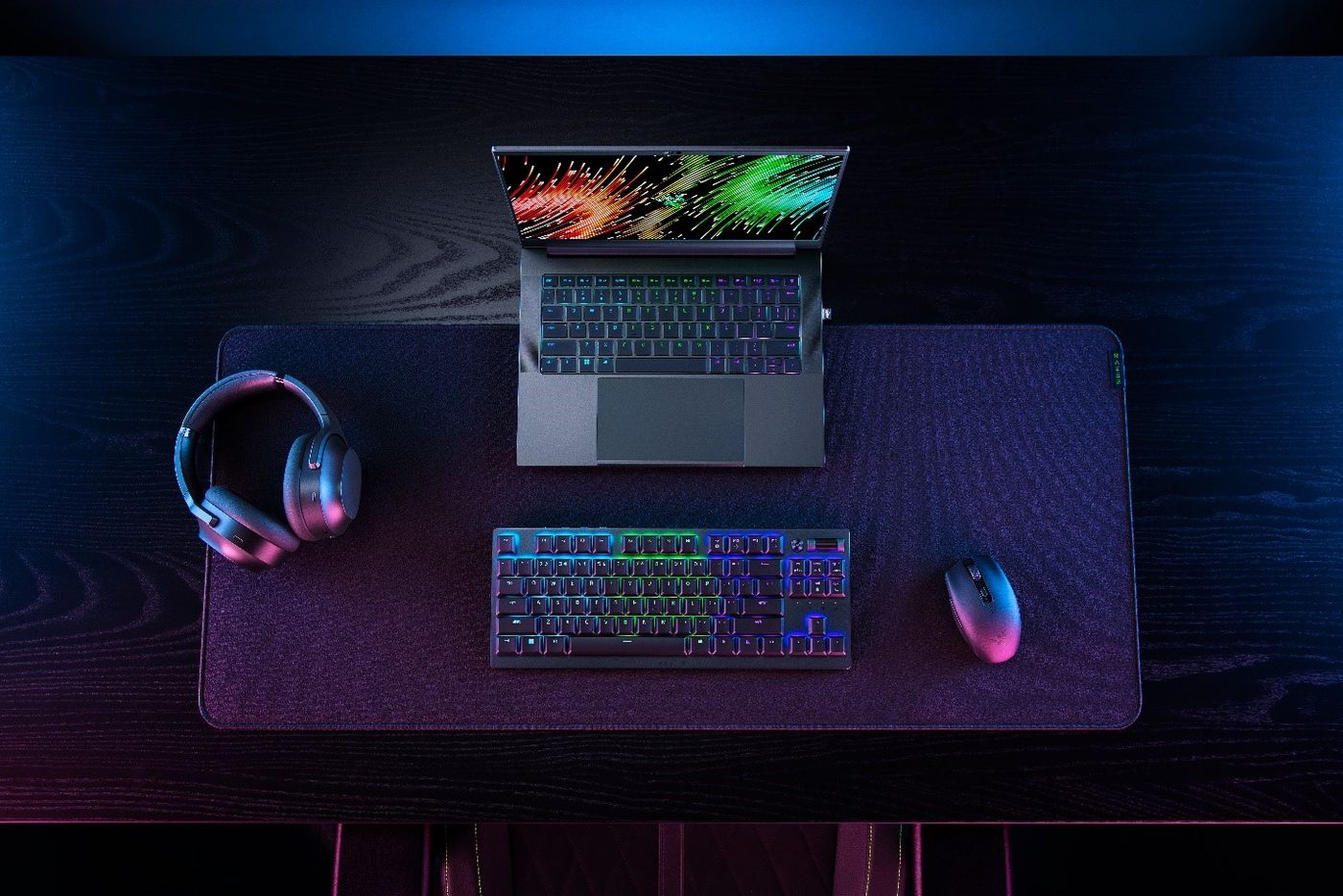
The Razer Blade 14 is the benchmark for gaming laptops that prioritize portability without abandoning performance. At under four pounds, it is the lightest serious gaming laptop on the market, and Razer's decision to pair it with an OLED display makes it the best-looking portable gaming machine available.
The 14-inch OLED display runs at 240Hz with a 2560 x 1600 resolution. The combination of OLED's infinite contrast ratio and a high refresh rate is unusual at this screen size — most 14-inch gaming laptops use LCD panels with either better brightness or better refresh rates, but not the color depth and black levels that OLED provides. For users who play both games and consume media, the display is a genuine differentiator.
The machine runs on AMD $AMD or Intel $INTC configurations depending on the region, with up to an RTX 5070 Ti laptop GPU. That is where the portability trade-off becomes explicit: the Blade 14 cannot accommodate the RTX 5080 or 5090 configurations that larger gaming machines offer. For competitive esports titles and well-optimized AAA games, the RTX 5070 Ti delivers excellent performance. For users who want to push demanding games at the highest settings, the larger Blade 16 or the Asus Zephyrus G16 offers more headroom.
Build quality is exceptional. The CNC-machined aluminum chassis sets a standard for fit and finish that most gaming laptop manufacturers have not matched. It feels closer to a premium ultrabook than to a gaming machine in terms of material quality, and it is designed to avoid the aggressive visual branding that characterizes many competitors in the category.
Battery life is five to seven hours under light use — acceptable for a gaming machine at this size. Under gaming load, expect two to three hours. The machine charges via USB-C in addition to its proprietary charging port.
Starting around $2,500, the Blade 14 is priced at a premium for what the GPU configuration delivers. Buyers are paying for the combination of OLED display, premium build quality, and the lightest chassis in serious gaming laptops. For a buyer who travels with their gaming machine and cares as much about how it looks and feels as how it performs, it is the best option in the 14-inch gaming category.
Credit: Asus
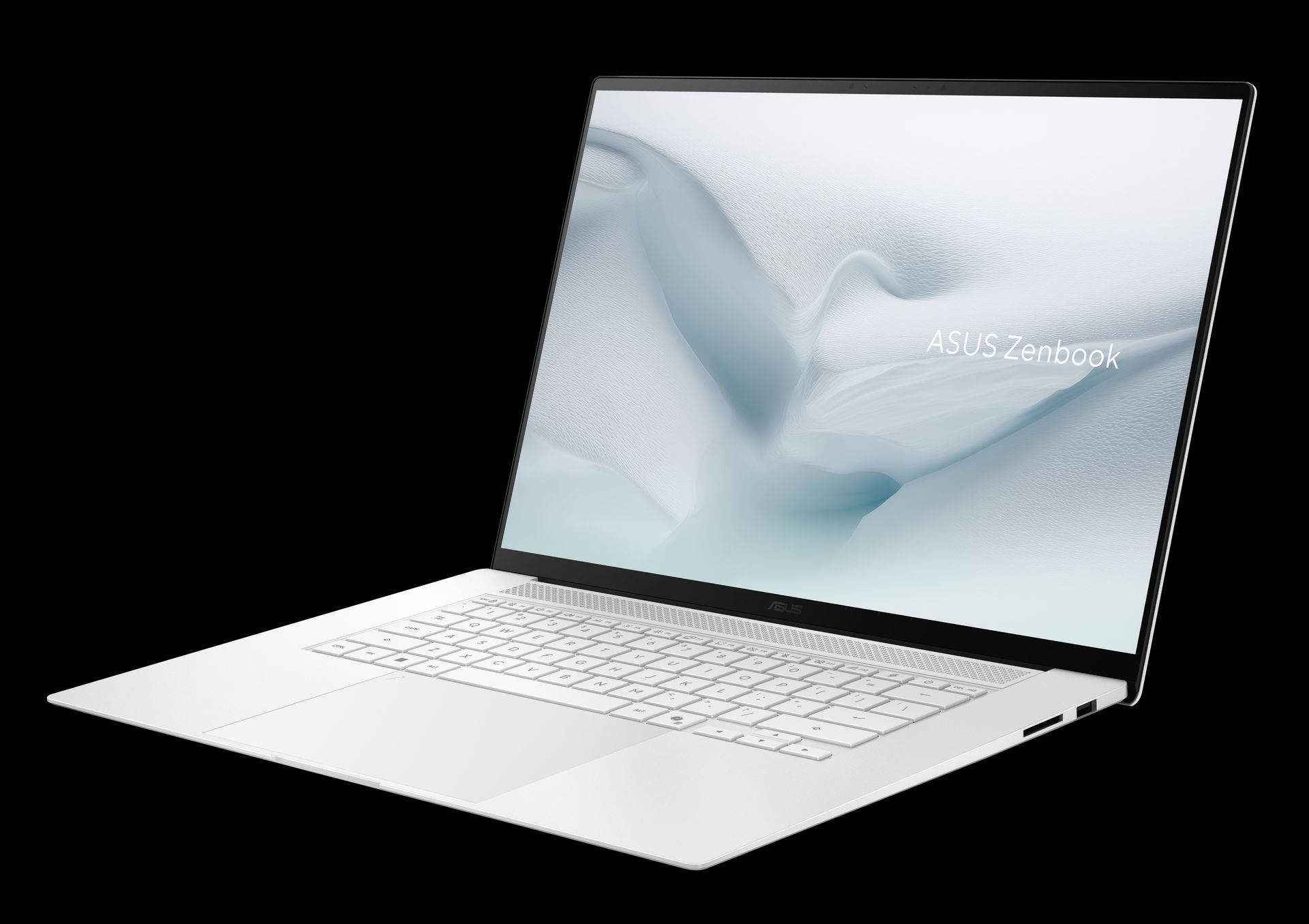
The Asus Zenbook S16 is the best ultrabook for users who want the thinness and portability of a premium ultrabook with display and performance quality that justify the premium pricing. It occupies a space between the MacBook Air and the full performance laptops, appealing to Windows users who want a refined daily driver.
The 16-inch OLED display is the headline feature. It runs at 120Hz with a 3200 x 2000 resolution, and the OLED panel delivers color accuracy and contrast that rivals the best screens in any laptop category. At this screen size in this price range, OLED is not standard, and the Zenbook S16 offers it without requiring a move to gaming-class machines.
The chassis is built from Ceraluminum — a ceramic-aluminum composite that Asus has used in its premium Zenbook line — which gives it a distinctive texture and high scratch resistance. It measures 0.55 inches thick and weighs 3.3 pounds, making it genuinely portable for a 16-inch machine. The design is understated compared to the gaming laptops in the Asus lineup, with a clean aesthetic that works in both office and creative environments.
Performance comes from AMD $AMD Ryzen AI configurations that handle everyday productivity workloads with ease and manage light creative work — photo editing, vector design, video editing at lower resolutions — without issue. It is not a replacement for a dedicated workstation, but for users whose creative needs are occasional rather than the primary workload, it handles the tasks.
Battery life is a strong point: real-world mixed use delivers 12 to 14 hours on most configurations, which is excellent for a 16-inch machine with an OLED display. The OLED panel's ability to turn off individual pixels in dark content helps the battery last longer than a comparably sized LCD machine would.
Pricing starts around $1,300, making it competitive with the 15-inch MacBook Air M5. For Windows users who want the best OLED display in an ultrabook form factor and do not need the power of a gaming machine, the Zenbook S16 is one of the strongest arguments for staying in the Windows ecosystem in 2026.
Credit: LG
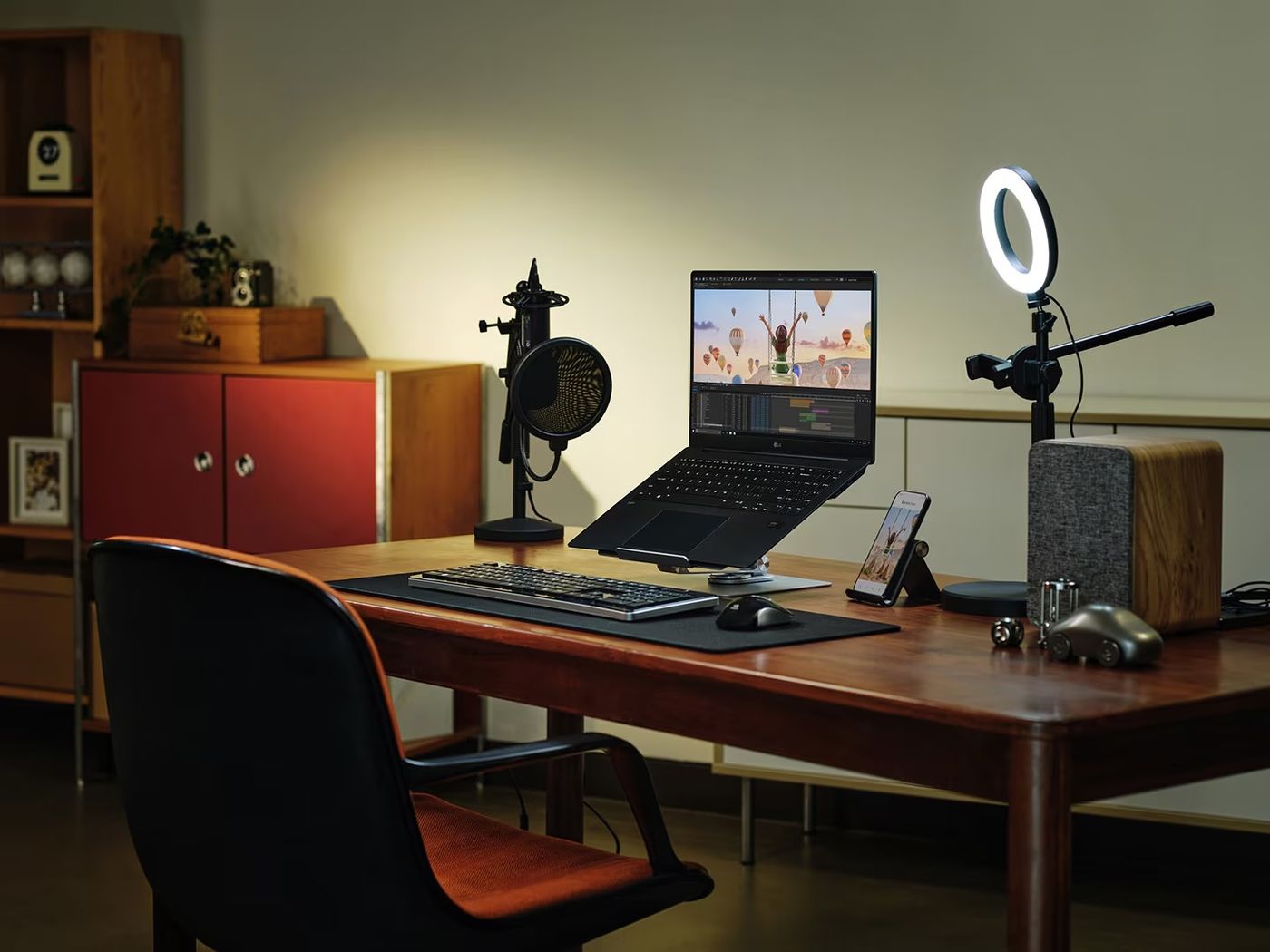
The LG gram Pro 16 is one of the most unusual laptops on the market: a 16-inch machine that weighs just 2.7 pounds. Most 16-inch laptops weigh between 3.5 and 5 pounds, so the gram Pro's chassis is a genuine engineering achievement. It is lighter than many 13-inch laptops from other manufacturers, and for users who want a large screen without the physical burden of carrying a large machine, nothing else in the Windows market matches it.
Under the hood, the gram Pro 16 runs an Intel $INTC Core Ultra 7 processor with 16GB of memory, which handles the full range of everyday productivity tasks — email, web browsing, document editing, light photo work, spreadsheets, and video calls — without issue. It supports Copilot+ AI features, Microsoft $MSFT's suite of on-device AI tools that includes features like real-time translation, image generation, and intelligent search across local files.
Battery life is the machine's defining specification. In Consumer Reports' web-browsing test, the gram Pro 16 ran for more than 20 hours — a result that Consumer Reports rated as exceptional and enough to leave the charger at home on most trips. That result puts it among the longest-lasting Windows laptops in any size category, let alone the 16-inch segment where large screens typically drain batteries faster.
The 16-inch display gives the gram Pro a meaningful advantage for users who work across multiple documents, use large spreadsheets, or simply prefer more screen real estate for reading and writing. LG's panel earns solid marks for brightness and color accuracy, and the thin bezels keep the overall footprint smaller than the screen size alone suggests.
Build quality is strong. LG uses magnesium alloy for the chassis, which contributes to the low weight while maintaining rigidity. The machine meets MIL-SPEC durability standards for drops, vibration, and temperature extremes. The keyboard and trackpad are well-regarded for a machine in this weight class.
Starting at $2,000, the gram Pro 16 is not a budget machine. But for users who need a large screen and genuinely light weight in the same package — frequent travelers, people who commute with their laptop, anyone who works from multiple locations — it is a compelling option. Consumer Reports rates it among the best Windows laptops of 2026.
Credit: Lenovo
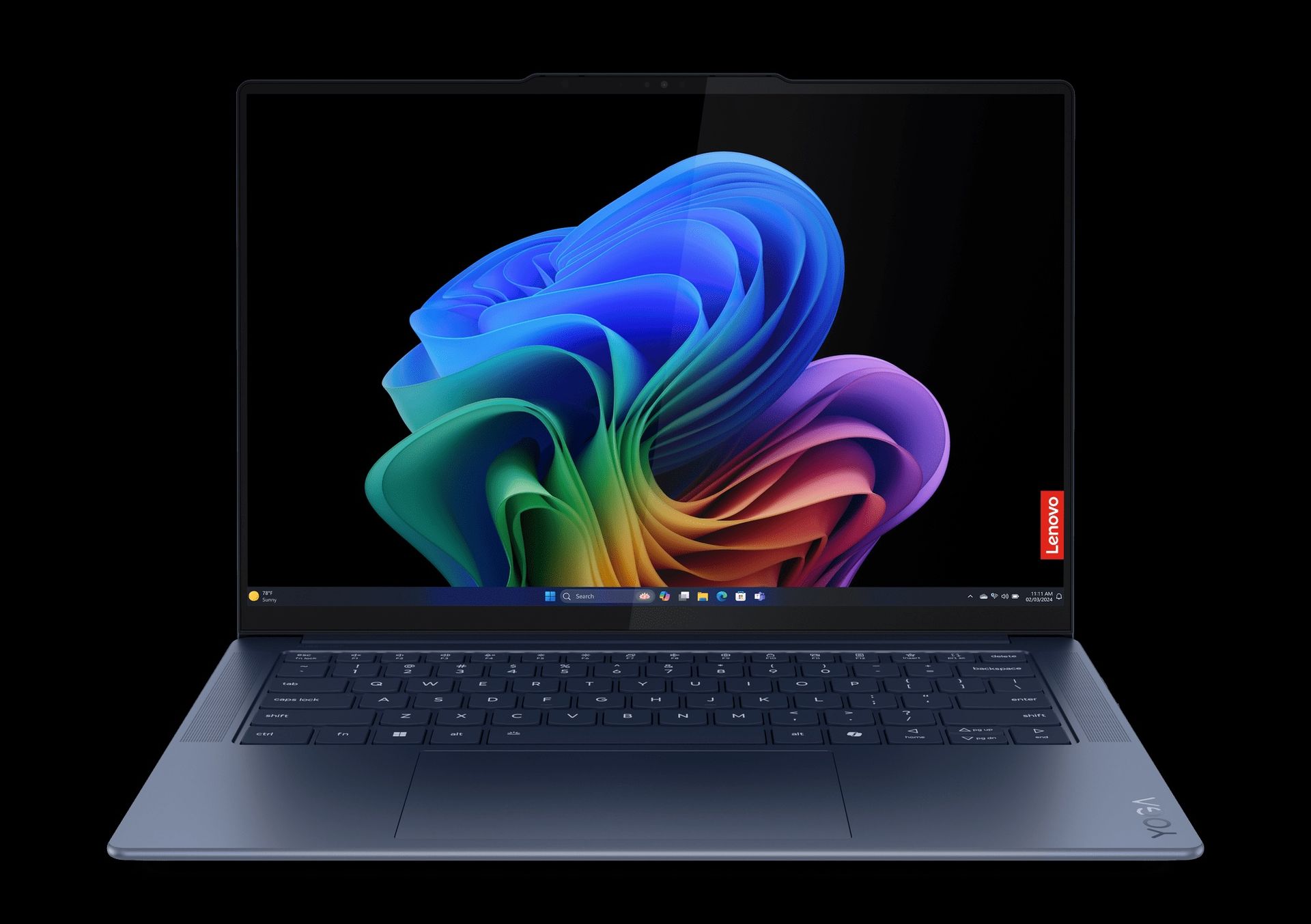
The Lenovo ThinkPad T14s Gen 6 holds a record that no other laptop in Consumer Reports' current ratings can match: 32.5 hours of battery life in their web-browsing test. That is not a typo. The T14s ran for more than two full working days on a single charge under Consumer Reports' standardized conditions — a result that puts it in a category by itself.
The battery performance comes from the Qualcomm $QCOM Snapdragon X $TWTR processor, an ARM-based chip that prioritizes efficiency over raw speed. At 32GB of memory, the machine handles typical productivity workloads — email, document editing, web browsing, video calls, light spreadsheet work — with ease. It is not designed for video editing, 3D rendering, or other GPU-intensive tasks, and buyers should be clear-eyed about that trade-off. For knowledge workers and frequent travelers whose needs are squarely in the productivity category, the chip is more than sufficient.
Consumer Reports named the T14s Gen 6 among its top picks for travelers in 2026, noting that for frequent travelers and remote workers who genuinely live out of a bag, it's hard to do better. At 2.7 pounds, it is genuinely portable, and the 32.5-hour result means that even users who regularly pull long days — or find themselves in airports, on trains, or in locations where outlets are scarce — are unlikely to run out of power.
The ThinkPad keyboard is worth calling out specifically. Lenovo's typing experience has been the standard by which business laptop keyboards are measured for decades, and the T14s maintains that reputation. Key travel is deeper than most ultrabooks, the layout is logical, and the spill-resistant design adds durability for road use. The TrackPoint pointing stick remains available for users who prefer to navigate without lifting their hands from the keys.
App compatibility is worth noting for Snapdragon-based machines. The vast majority of mainstream business software — Microsoft $MSFT 365, Chrome, Zoom $ZM, Slack $WORK, Teams, and most web-based tools — runs without issues. Older or more specialized Windows applications that have not been updated for ARM architecture may require the emulation layer, which adds some overhead. Buyers with specific software dependencies should verify compatibility before purchasing.
Pricing starts around $1,939, which is on the higher end for a machine without a dedicated GPU. The premium is for the battery life and the ThinkPad build quality. For the right buyer — a consultant who travels constantly, a remote worker in locations with unreliable power, or anyone who has ever missed a meeting because their laptop died — the T14s Gen 6 makes a strong case.
The most important question to answer before buying a laptop in 2026 is not which machine has the best specs. It is: what operating system do you need, and what do you actually use a laptop for?
If you are primarily a macOS user or you are open to either platform, Apple $AAPL's lineup has never been more clearly organized. The MacBook Neo at $599 is for casual users and students. The MacBook Air M5 is for most people who want a capable everyday machine. The MacBook Pro is for professionals who push their hardware hard. The lines between these tiers are meaningful — do not buy a Pro if an Air will meet your needs, and do not shortchange yourself with a Neo if you regularly edit video or run developer tools.
If you need Windows — because of specific software, an enterprise environment, hardware compatibility, or personal preference — the Dell $DELL XPS 14 is the best general-purpose machine, and the Microsoft $MSFT Surface Laptop 8 is the best choice for pure business use. Both offer battery life that was not achievable on Windows machines two years ago, largely because of Intel $INTC's Panther Lake architecture.
Budget is a real constraint. The RAM shortage affecting the Windows market in 2026 is real: major manufacturers are paying more for memory, and prices have risen or are expected to rise. If you are shopping on a tight budget and are open to macOS, the MacBook Neo at $599 is likely the best value available. If you need Windows and are watching cost, the Lenovo IdeaPad Slim 3x on sale represents strong value in the under-$750 range.
Gaming laptops are a separate purchase entirely. Do not buy a gaming laptop as an everyday machine unless you also regularly game — the weight, heat, and shortened battery life under load are meaningful trade-offs for productivity use. The Asus ROG Zephyrus G16 and HP $HPQ Omen Max 16 are excellent for gaming but are heavier and louder than ultrabooks in daily use.
Finally: buying last year's model at a discount is often the right decision. The MacBook Air M4 at clearance pricing, or a discounted XPS 14 from the previous cycle, will handle everything most users need. The generational improvements in 2026 are real but not so transformative that an M4 or previous-generation Intel machine becomes inadequate for everyday use.