
These are the subscription costs quietly draining bank accounts every month, from forgotten app trials to bundled streaming add-ons

Credit: Towfiqu barbhuiya / Pexels
The subscription economy was built on a simple bet: that once a monthly charge is small enough and automatic enough, most people will stop checking for it. That bet mostly pays off. A streaming trial that quietly becomes a recurring charge, a cloud storage tier bumped up two years ago, a VPN renewed on autopilot since a work trip that has long since ended — none of these show up as a single alarming bill. They show up as a string of small, forgettable line items scattered across a bank statement, each one too minor to investigate on its own.
That is exactly the design. Subscription businesses are not primarily competing to win new customers every month; they are competing to avoid losing the ones they already have, and the easiest way to do that is to make cancellation harder to remember than payment. Free trials convert automatically unless a person opts out inside a narrow window. Storage tiers creep up as phones fill with photos. Software bundled into a job laptop keeps billing a personal card long after the job ends.
None of this requires fraud or deception in the legal sense — most of these charges were technically agreed to at signup. What they require is inattention, and inattention is the one resource every subscriber reliably supplies. A single forgotten five-dollar charge barely registers. Ten of them, spread across app stores, cloud platforms, fitness apps and old software licenses, add up to a real and entirely avoidable monthly cost.
This list walks through 10 of the most common places that cost hides, drawn from how these industries are actually structured rather than from guesswork. Reviewing a bank or credit card statement line by line against this list, rather than skimming it, is the only reliable way to catch what has been running quietly in the background.
Credit: Brett Jordan / Pexels
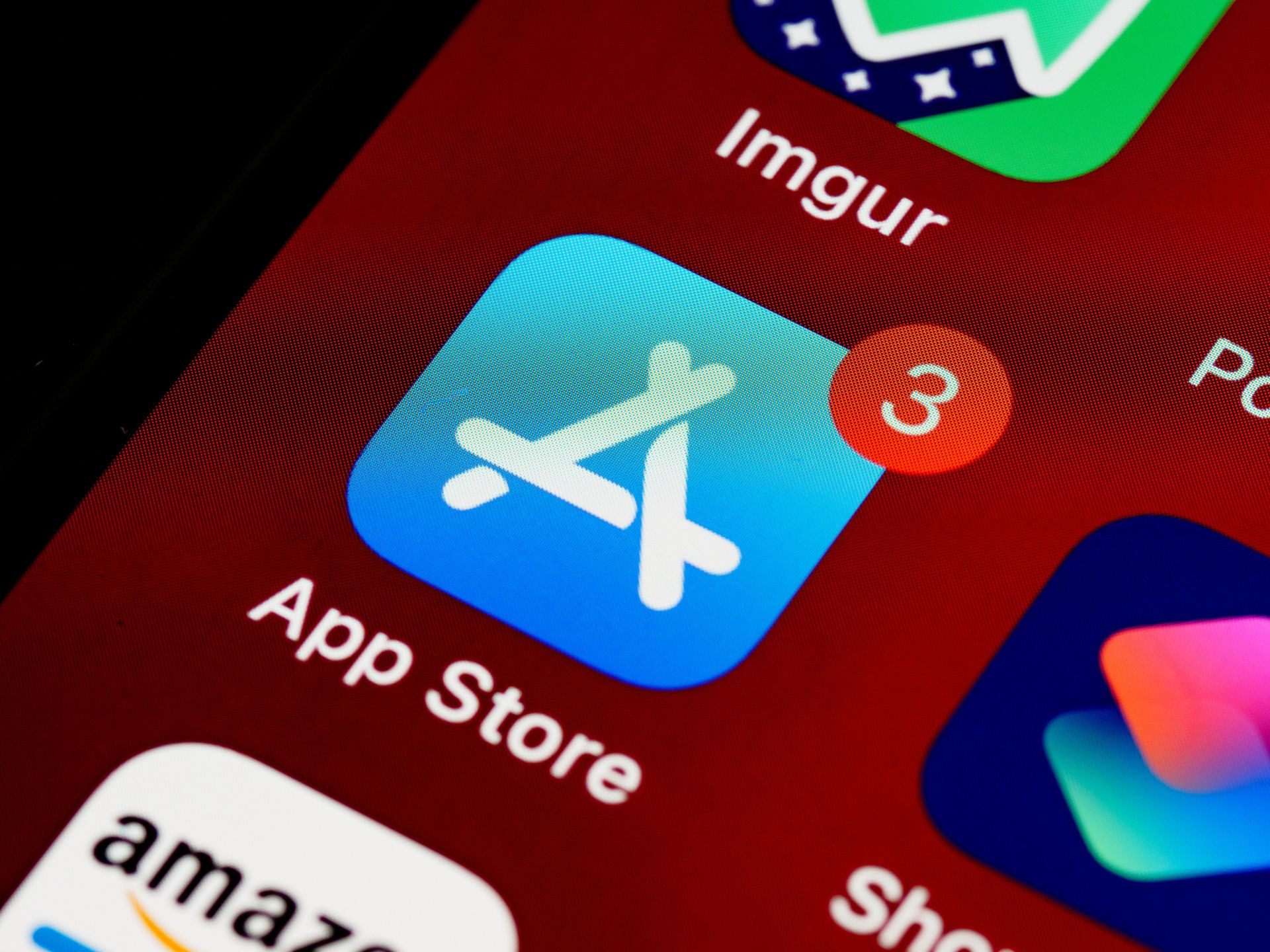
Free trials on the Apple $AAPL App Store and Google $GOOGL Play are the single most common source of forgotten subscription charges, because both platforms are built to convert a trial into a paid plan automatically unless a person cancels manually before it ends.
Meditation apps, workout apps, horoscope apps and photo editing tools are especially common offenders because they are often downloaded for a single use case — a stressful week, a new fitness goal, a one-off photo edit — and then never opened again. The trial period passes, the card on file gets charged, and the app sits untouched on a phone's second or third home screen, out of sight and out of mind.
Both Apple and Google route these subscriptions through their own billing systems rather than the developer's, which means the charge on a bank statement often reads as "Apple.com/Bill" or "Google Play" rather than the name of the app itself. That naming quirk is a major reason these charges go unnoticed for so long: a person scanning a statement for familiar names has no way of matching a vague platform charge to a specific forgotten app.
Checking this is more direct than checking a bank statement. On an iPhone, opening the Settings app, tapping the Apple ID banner at the top, and selecting Subscriptions shows every active and expired subscription tied to that account in one list. On Android, opening the Google Play Store app, tapping the profile icon, and selecting Payments and subscriptions shows the equivalent list. Both screens show the next billing date and next charge amount for every active subscription, which makes it possible to identify anything that has not been opened in months.
Because these trials are structured around a specific conversion date, the fix is rarely a one-time cleanup. New trials get started for new apps on a regular basis, so a habit of checking that subscriptions screen every few months catches new charges before they have time to become forgotten ones.
Credit: Canva Images
Cloud storage subscriptions from Apple $AAPL iCloud, Google $GOOGL One and Dropbox tend to grow on their own as photo libraries and device backups expand, moving a person into a paid tier without any active decision to upgrade.
Most phones default to backing up full-resolution photos and videos to the cloud automatically. As a camera roll grows over months and years, free storage limits get exceeded, and the device prompts for an upgrade to keep backups running. Accepting that prompt once, often during a moment of low storage panic before a trip or an event, locks in a recurring charge that then continues indefinitely, often at a higher tier than actually needed.
The specific issue is that these prompts ask for the smallest fix to an immediate problem — free up space now — rather than presenting a full picture of ongoing storage needs. A person who upgrades from five GB to 50GB of iCloud storage to get through one full phone rarely revisits that decision once the crisis passes, even after deleting duplicate photos or clearing out old device backups that would let them drop back down to a lower tier or the free plan.
Reviewing this one is straightforward on any of the three major platforms. On an iPhone, the Settings app shows iCloud storage usage and plan under the Apple ID banner. Google One has its own app and website showing exactly what is consuming space across Gmail, Google Photos and Google Drive. Dropbox shows the same breakdown in its account settings. All three let a person see, in gigabytes, what is actually being stored, which makes it possible to judge whether the current paid tier matches real usage or was simply the easiest button to press during a low-storage moment.
Deleting duplicate photos, offloading old videos to a computer or an external drive, and clearing out old device backups that are no longer needed can often drop a person back to a lower, cheaper tier without losing anything currently in use.
Credit: Jakub Zerdzicki / Pexels
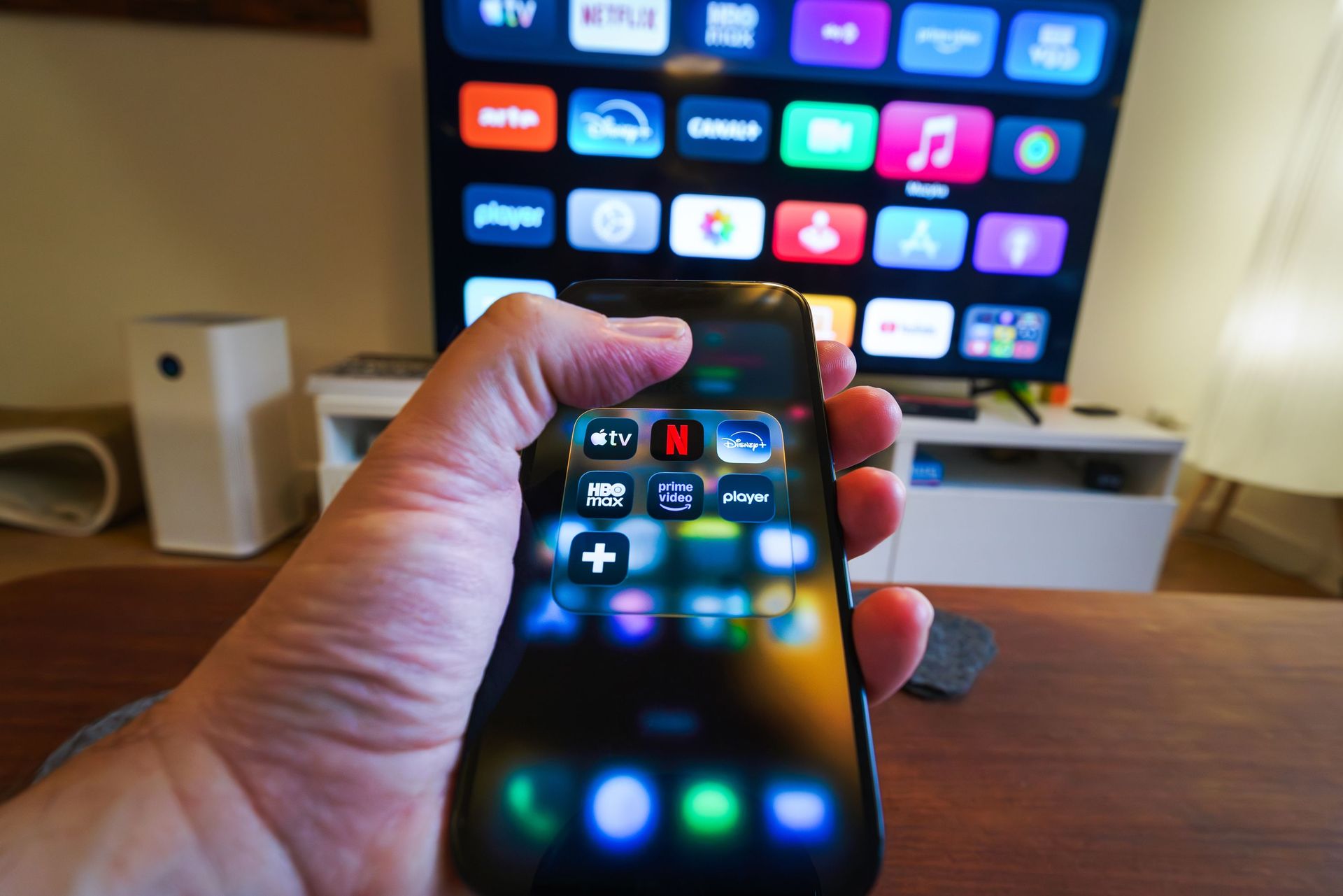
Streaming platforms increasingly sell add-on channels bundled inside a primary subscription, and these add-ons are structured to be easy to add and easy to forget, since they show up as a small increase to one existing bill rather than a new one.
Amazon $AMZN Prime Video is the clearest example of this model. Beyond the base Prime membership, Amazon sells dozens of channel add-ons — including Paramount $PARA+, Starz, Max and various sports and international channels — that bill directly through the Amazon account and appear as a single combined Prime charge rather than as separate line items. A channel added for one show or one live sports season keeps billing long after that specific reason for signing up has passed.
Roku $ROKU Channels operates on a similar structure through the Roku device or app, letting a person add premium channels directly to a Roku account with a single click, again folding the charge into whatever payment method is on file rather than creating an obviously separate transaction.
This differs from the freestanding streaming subscriptions covered elsewhere on this list because the add-on never generates its own distinct charge on a bank or credit card statement — it hides inside a bill for a service the person already expects to see and already associates with a reasonable, familiar amount.
Checking for these requires going into account settings rather than a bank statement. On Amazon, the Prime Video app or website has a Channels or Manage Your Subscriptions section listing every active add-on with its individual monthly cost and next billing date. On Roku, the same information lives under the account's Manage Subscriptions page on the Roku website. Both list every add-on individually, which makes it possible to spot a channel added for a show that finished its season eight months ago and has not been opened since.
Credit: Stefan Coders / Pexels
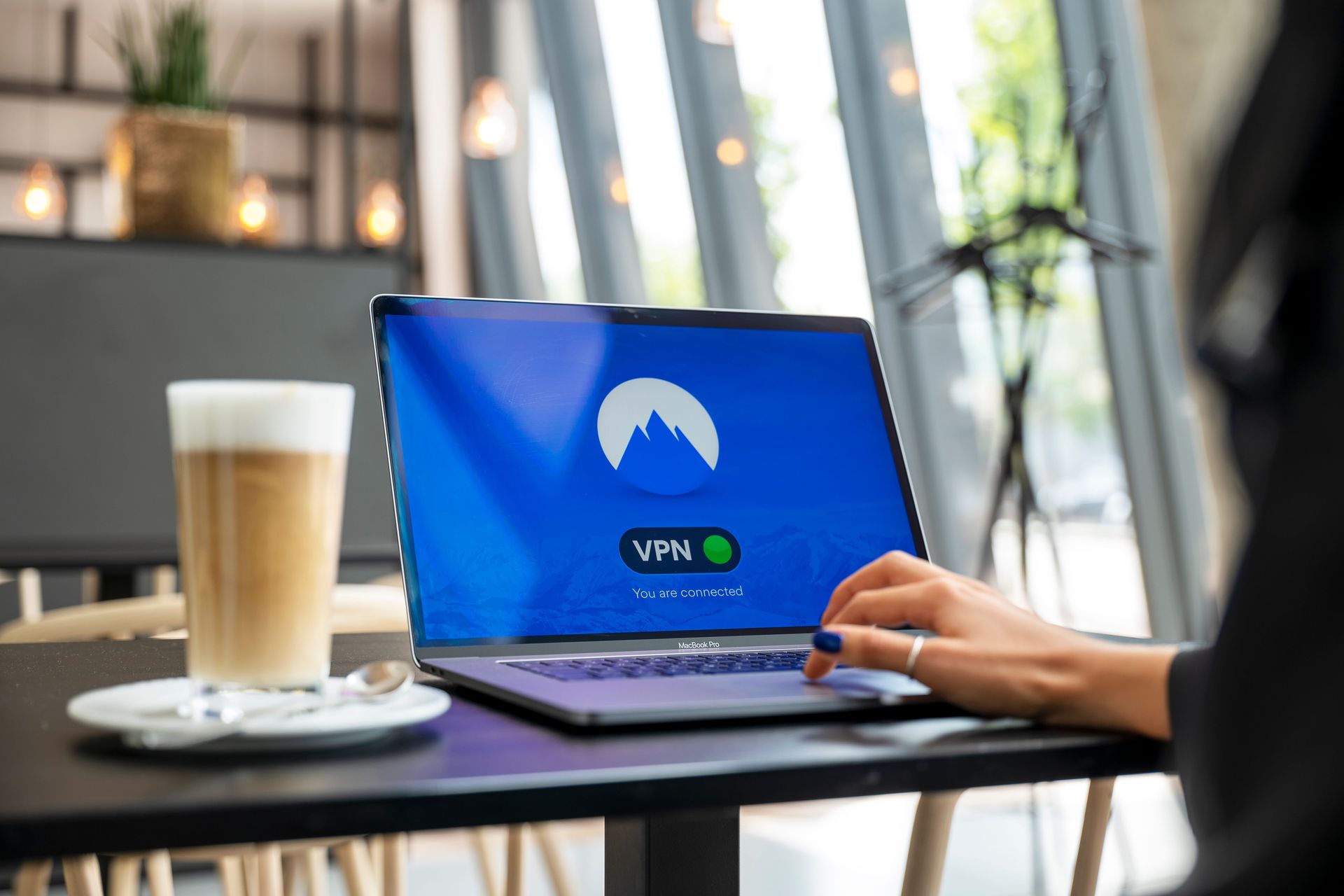
Antivirus software and VPN services from providers such as Norton, McAfee and NordVPN commonly use an introductory first-year price that jumps significantly at renewal, and the renewal itself is set to happen automatically unless a person actively cancels.
These products are frequently bundled with a new computer purchase, offering a free trial or a steep discount for the first year as a way to get the software installed before a purchase decision is even made. That first-year price is deliberately attractive, and the renewal notice, when one is sent at all, often arrives as an email that looks similar enough to routine marketing that it gets ignored rather than acted on.
The renewal charge itself is usually significantly higher than the introductory rate, sometimes several times higher, because the entire first-year pricing exists specifically to establish the habit of having the software installed and running before the full price ever applies. Once a renewal has processed and the higher price has been charged for a year or two, it tends to keep renewing at that same elevated rate indefinitely, since there is no natural moment that prompts a person to reconsider.
VPN services follow a nearly identical pattern, often sold through a steep multi-year discount up front that reads as an excellent deal, only to renew at the standard monthly or annual rate once that initial term ends. A VPN purchased for a specific trip or a specific streaming workaround frequently keeps billing long after the original reason for using it has passed, particularly since VPN software runs quietly in the background without any visible interface that would prompt a person to notice it is still active.
Checking for these means looking directly at the software's account portal rather than relying on an email that may never have been read, since most of these companies list current plan, renewal date and renewal price clearly inside the account dashboard on their own website.

Credit: Ingo Joseph / Pexels
Connected fitness products such as the Peloton app, Strava's paid tier and Fitbit Premium bill monthly regardless of whether the underlying habit that justified signing up is still active, which makes them one of the easiest recurring charges to lose track of.
The Peloton app subscription, notably, is sold separately from Peloton hardware and works on a phone or tablet without any bike or treadmill at all, which means a person who bought a Peloton bike, later stopped using it, and even later sold or gave away the bike itself can still be charged for the app subscription that came bundled with it, since canceling the app requires a separate action from getting rid of the hardware.
Strava's paid subscription, similarly, adds features on top of a free tier that already covers basic activity tracking for running and cycling, meaning a person who tried the paid tier during a period of serious training can keep paying for advanced segment and pace analysis tools long after training frequency has dropped back down to a casual, occasional pace that does not benefit from them.
Fitbit Premium works the same way, layering additional health insights on top of a wearable device that still functions for basic step and heart rate tracking without the paid tier. A person who stops wearing the device — often after losing it, breaking it, or simply losing the habit of putting it on each morning — frequently keeps paying for a data analysis service with no data actively being generated to analyze.
What connects all three is that the subscription is decoupled from the object or activity that originally justified it. Checking each app's own account or subscription settings, rather than assuming that abandoning the workout or the hardware also cancels the billing, is the only way to confirm whether the charge is still active.

Credit: Kindel Media / Pexels
Recurring subscription boxes for razors, meal kits and beauty products are structured around convenience rather than active reordering, which means the charge continues by default long after the product itself has piled up unused in a closet or a bathroom cabinet.
Companies such as Dollar Shave Club and Harry's built their entire business model around this convenience, shipping a fixed set of blades and grooming products on a set schedule so that a customer never has to remember to reorder. That same design, however, means a person who stocks up faster than they use the product, switches razors entirely, or simply stops needing new blades as often keeps receiving and paying for shipments that accumulate rather than get used.
Meal kit services such as HelloFresh and Blue Apron operate on the same recurring model, defaulting to a weekly box unless a person actively logs in to skip a week or pause the account. A busy stretch of travel or takeout can mean several weeks of unopened meal kit boxes arriving and being paid for, since skipping requires remembering to do so before each week's order cutoff, typically several days before delivery.
Beauty and grooming subscription boxes, including services like Birchbox, follow an identical pattern of curated monthly shipments that continue unless actively paused or canceled, often accumulating a backlog of sample-size products that outpaces how quickly a single person can use them.
All of these services make signing up simple and immediate, but canceling or pausing typically requires logging into an account on the company's website rather than doing so through an app store, which puts it a step further removed from a person's regular subscription-checking habits. Reviewing which boxes are still arriving each month, rather than which ones are still being used, is the clearest way to spot this kind of forgotten cost.

Credit: kaboompics.com / Pexels
Digital subscriptions to newspapers and magazines are frequently started to get past a single paywalled article, then continue billing at the full rate once an initial discounted introductory period ends.
Many news outlets, including major national papers, offer a steeply discounted introductory rate — sometimes a token amount for the first several months — specifically to get a reader to convert from an anonymous visitor into a paying subscriber. That introductory period exists to establish a habit of reading the publication regularly, but for a reader who signed up mainly to finish one specific article, the habit frequently does not form, and the subscription quietly renews at its full, non-discounted price once the introductory term ends.
This is compounded by how these subscriptions are usually started: often through a mobile browser, in the middle of trying to read something else, with a payment method saved for speed rather than deliberate long-term commitment. The friction of finishing that original task tends to be lower than the friction of remembering, months later, that a recurring charge was created in the process.
Magazine subscriptions follow a related pattern, particularly when sold as a gift, a bundled deal with another purchase, or a low-cost multi-year offer that renews automatically at a standard rate once the initial term expires. A subscription gifted by a family member, for example, may auto-renew on the recipient's own card once the original gifted term ends, without the recipient necessarily realizing the free period has passed.
Because news and magazine subscriptions typically bill through the publisher directly rather than through Apple $AAPL or Google $GOOGL's subscription systems, checking the App Store or Google Play subscriptions list will not surface them. These need to be checked directly on the bank or credit card statement, matched against the publisher's own account settings page, which will show the current plan and next renewal date and price.

Credit: Sincerely Media / Unsplash
Adobe $ADBE Creative Cloud, Microsoft $MSFT 365 and password managers such as LastPass are commonly subscribed to during a specific job or project, then left running on a personal card well after that job or project has ended.
It is common for a freelancer or contractor to subscribe to Adobe Creative Cloud for a single client project requiring Photoshop or Premiere Pro, using a personal card because no company card is available, with every intention of canceling once the project wraps. Once the deadline passes and attention moves to the next thing, the cancellation step is easy to forget, particularly because Creative Cloud continues to function normally in the background without requiring any further action to keep billing.
Microsoft 365 subscriptions follow a similar pattern for anyone who signed up during a period of heavy Word, Excel or Outlook use tied to a specific job, especially since a Microsoft 365 subscription includes cloud storage through OneDrive that can quietly accumulate saved files, making the subscription feel more essential to keep than it actually is once the original need for it has passed.
Password managers add a particular wrinkle: canceling feels riskier than canceling a photo editing tool, because saved passwords are tied directly to the paid account, so a person who no longer needs the premium tier may keep paying simply to avoid the perceived hassle of exporting and migrating stored credentials elsewhere, even when a service's free tier would otherwise be sufficient for their current needs.
All three of these categories share the same root cause: the software still works exactly as expected, so nothing about the day-to-day experience signals that the subscription has outlived its original purpose. Checking each provider's own account billing page directly is more reliable than trying to remember why the subscription was started in the first place, since the reason is often tied to a job or project that ended long ago.

Credit: Negative Space / Pexels
A personal website, blog or small side project registered through a domain registrar such as GoDaddy or Namecheap, or hosted through a platform such as Squarespace or Bluehost, typically renews automatically every year regardless of whether the site itself has been updated or even visited recently.
Domain registration is sold in yearly or multi-year blocks, and nearly every registrar defaults new accounts to automatic renewal specifically to prevent a domain name from lapsing and being purchased by someone else. That default protects the domain owner from losing the name, but it also means a domain registered for a project, a small business idea or a portfolio site that was later abandoned keeps renewing and billing every year with no further action required from the owner.
Website hosting works the same way, particularly on platforms that bundle hosting, a website builder and a custom domain into a single recurring plan. A site built once, during an initial burst of motivation to start a blog, a portfolio, or a small online store, frequently stops receiving updates within the first year, while the hosting plan underneath it continues renewing at full price regardless of how much or how little traffic the site receives.
Because these renewals often happen once a year rather than monthly, they are especially easy to forget between charges — an annual charge is disconnected from monthly budgeting habits in a way that a monthly gym membership or streaming service is not, since a full 12 months pass between each reminder that the service exists at all.
Checking a domain registrar or hosting account directly, rather than trying to recall an annual charge from memory, will show the exact renewal date and price for every active domain and hosting plan tied to that account, along with an option to turn off automatic renewal for anything no longer in active use.

Credit: cottonbro studio / Pexels
Paying for more than one music streaming subscription at the same time — commonly Spotify $SPOT and Apple $AAPL Music together, or an individual plan alongside a family plan someone else manages — is a specific and surprisingly common way that people end up covering the same basic service twice.
This happens most often during a transition between platforms. A person moving from Spotify to Apple Music, for example, may keep the old Spotify account active during the switch to preserve saved playlists or make sure the new service actually has everything needed before fully committing, then simply never returns to cancel the original account once the switch is complete and comfortable.
Family plans create a second, distinct version of this overlap. A person included on a family or student plan managed and paid for by someone else may still have an old individual subscription sitting active on their own card from before they joined the family plan, created back when they were paying for the service on their own. Because the family plan works seamlessly with no visible difference in the app itself, there is no obvious signal that a redundant individual subscription is still running and billing separately in the background.
A related version of this shows up with audiobook and podcast subscription services layered on top of an existing music subscription that already includes similar content, such as a music platform's own podcast features running alongside a separate, paid podcast app doing largely the same job.
The clearest way to catch this is to list every active audio subscription by name in one place — Spotify, Apple Music, YouTube Music, Amazon $AMZN Music, Audible, and any specific podcast app — rather than checking each service individually, since the overlap is only obvious when the full list is seen together rather than one platform at a time.