
15 smart home upgrades anyone can install without an electrician
These 15 smart home devices install in minutes, skip the rewiring and add security, comfort and energy savings to any house or apartment

Credit: Jakub Zerdzicki / Pexels
The smart home industry spent the past decade selling a vision that came with a renovation budget attached. Contractors pulled wire through walls. Electricians swapped out switches. A weekend disappeared into permits and drywall dust. That version of the smart home never fit how most people actually live, and for the vast majority of useful upgrades, it was never necessary in the first place.
Nearly every practical smart home device sold today runs on battery power or plugs into an existing outlet. Others connect to the low-voltage wiring already sitting behind a doorbell or thermostat, the kind that carries a fraction of what runs through a wall outlet. Wireless standards like Wi-Fi, Bluetooth, Zigbee and Thread replaced the copper runs a licensed electrician used to install. Matter, a shared connectivity standard backed by Amazon $AMZN, Google $GOOGL, Apple $AAPL and Samsung, adds another layer of simplicity on top. A lock from one company and a camera from another can increasingly live in the same app without a professional setting up either one.
That shift matters for two different groups of people. Homeowners can add real security, comfort and energy savings without scheduling a contractor or opening a wall. Renters can do the same and take every device with them when the lease ends, since almost nothing on this list requires a permanent change to the property.
The 15 upgrades below share three qualities. Each one installs with a screwdriver, an adhesive strip or a smartphone app, never a wire spliced into house current. Each one connects to a phone within minutes, not a technician's appointment. And each one solves a specific problem. That might mean fewer false alarms, a lower energy bill, a clear view of who's at the door or a warning before a slow leak floods a floor.
None of these upgrades require an electrician. Most take less than an hour to set up, and several take only a few minutes. The list below runs from the simplest starting point to the upgrades that quietly hold an entire smart home together. It works whether the goal is a single smart lamp or a house that senses when everyone has left for the day.
Smart plugs turn any lamp or appliance into a connected device
Credit: Canva Images
A smart plug sits between a wall outlet and whatever gets plugged into it. It adds remote control and scheduling to a lamp, fan or appliance that would otherwise only have an on-off switch, and it requires no wiring at all. The plug goes into the outlet, the appliance's own cord plugs into the smart plug, and a phone app handles everything else.
Setup takes a few minutes. Most brands ask for a Wi-Fi network name and password, then walk through naming the device something identifiable, such as "living room lamp" or "coffee maker." Once connected, the plug can be turned on or off from anywhere with a phone signal. It can also be scheduled to follow sunrise and sunset, or grouped with other devices so a single tap turns off every lamp in a room.
Two versions are common. Indoor plugs work for lamps, fans, humidifiers and similar low-draw devices. Outdoor-rated plugs, usually built with a weatherproof cover, handle holiday lights, low-wattage patio heaters and pond pumps. Checking the wattage rating matters before connecting anything with a heating element. In the U.S., most standard smart plugs handle up to 15 amps, or roughly 1,800 watts. A window air conditioner or a space heater running on high often draws close to or beyond that limit.
Some models add energy monitoring, tracking how many kilowatt-hours a specific device uses over a day, a week or a month. That data can reveal which appliance is quietly running up an electric bill, whether it's an older refrigerator in a garage or a space heater left on overnight.
Smart plugs also work as an entry point into voice control. Once one plug connects to Alexa, Google $GOOGL Assistant or Apple $AAPL HomeKit, saying "turn off the lamp" becomes possible. So does building a routine that dims the lights at 10 p.m., all without touching another wire in the house. For anyone testing whether a smart home setup is worth the effort, a single smart plug remains the cheapest, lowest-risk way to find out.
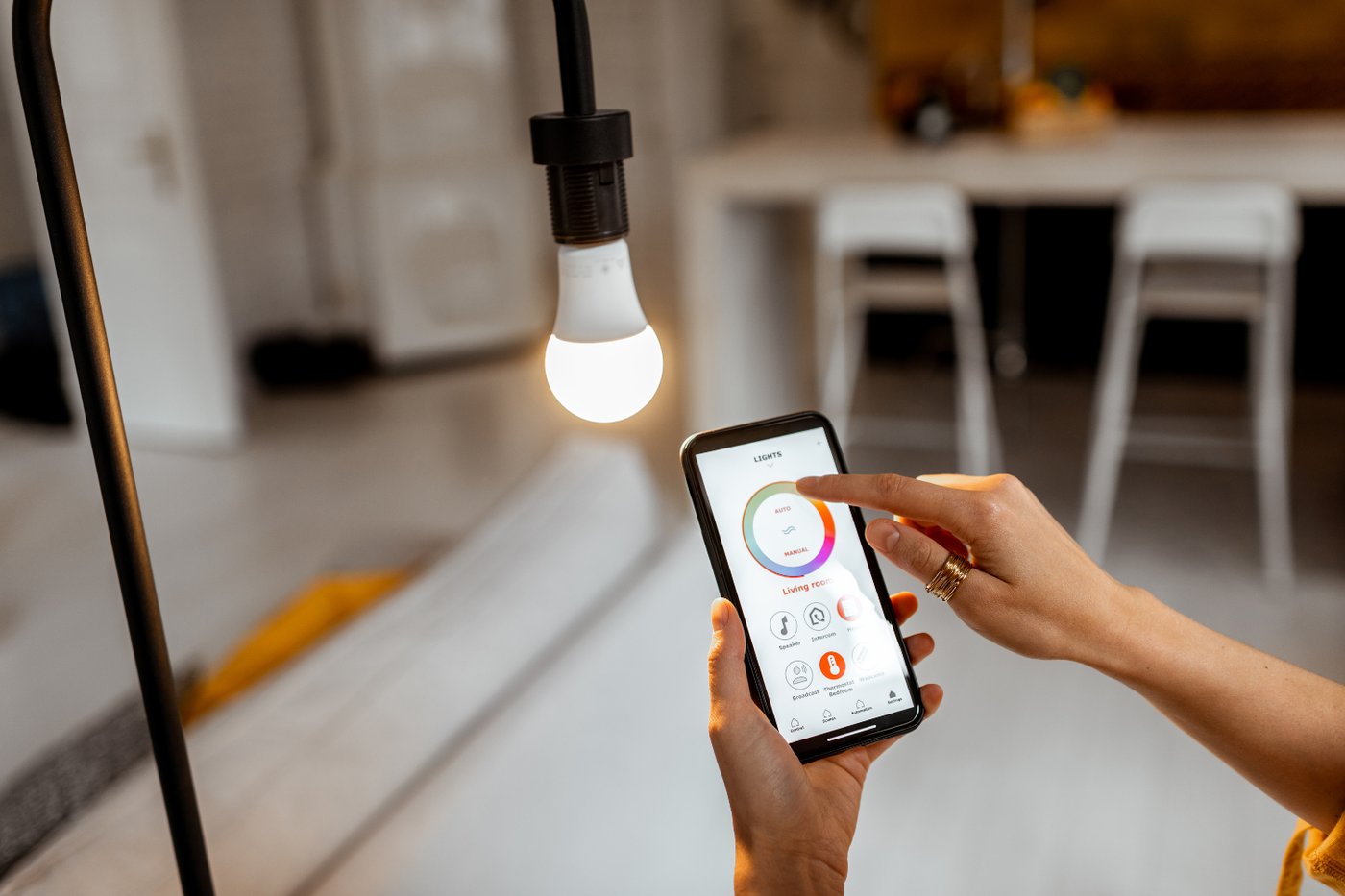
Smart bulbs upgrade any fixture without touching a wire

Credit: Anete Lusina / Pexels
A smart bulb replaces a regular bulb in any lamp or ceiling fixture that takes a standard base. It needs nothing beyond what's already screwed into that socket. The upgrade is a bulb swap, not an electrical project.
Two connection types exist. Wi-Fi bulbs talk directly to a home network and need only a phone app to set up. Bulbs built around Zigbee or Z-Wave, including most Philips Hue products, need a small hub plugged into the router first, then route through that hub instead of Wi-Fi directly. The hub approach tends to handle larger numbers of bulbs more reliably, which matters for anyone planning to fit out an entire house rather than a single room.
One detail trips up almost every first-time buyer. The wall switch controlling that socket has to stay in the on position at all times. A smart bulb only responds to an app or a voice command while it has power. Flip the physical switch off, and the bulb goes dark and stops answering to anything until the switch goes back on. Some households solve this by covering the switch with a guard, or simply asking everyone in the house to leave it alone.
A second detail matters for anyone with an existing dimmer switch. Standard dimmers cut power in a way built for traditional bulbs, and pairing one with a smart bulb often causes flickering, buzzing or a bulb that won't fully turn off. The fix is either swapping that dimmer for a plain on-off switch, or confirming the bulb is rated to work with the specific dimmer already installed.
Color-changing bulbs add scenes, syncing to music or movies, and gradual wake-up routines that brighten a bedroom before an alarm goes off. White-only bulbs cost less and cover the basics: scheduling, dimming and voice control. Either type is rated to last tens of thousands of hours, far outlasting a traditional incandescent bulb.
A video doorbell shows who's at the door before anyone answers it
Credit: Canva Images
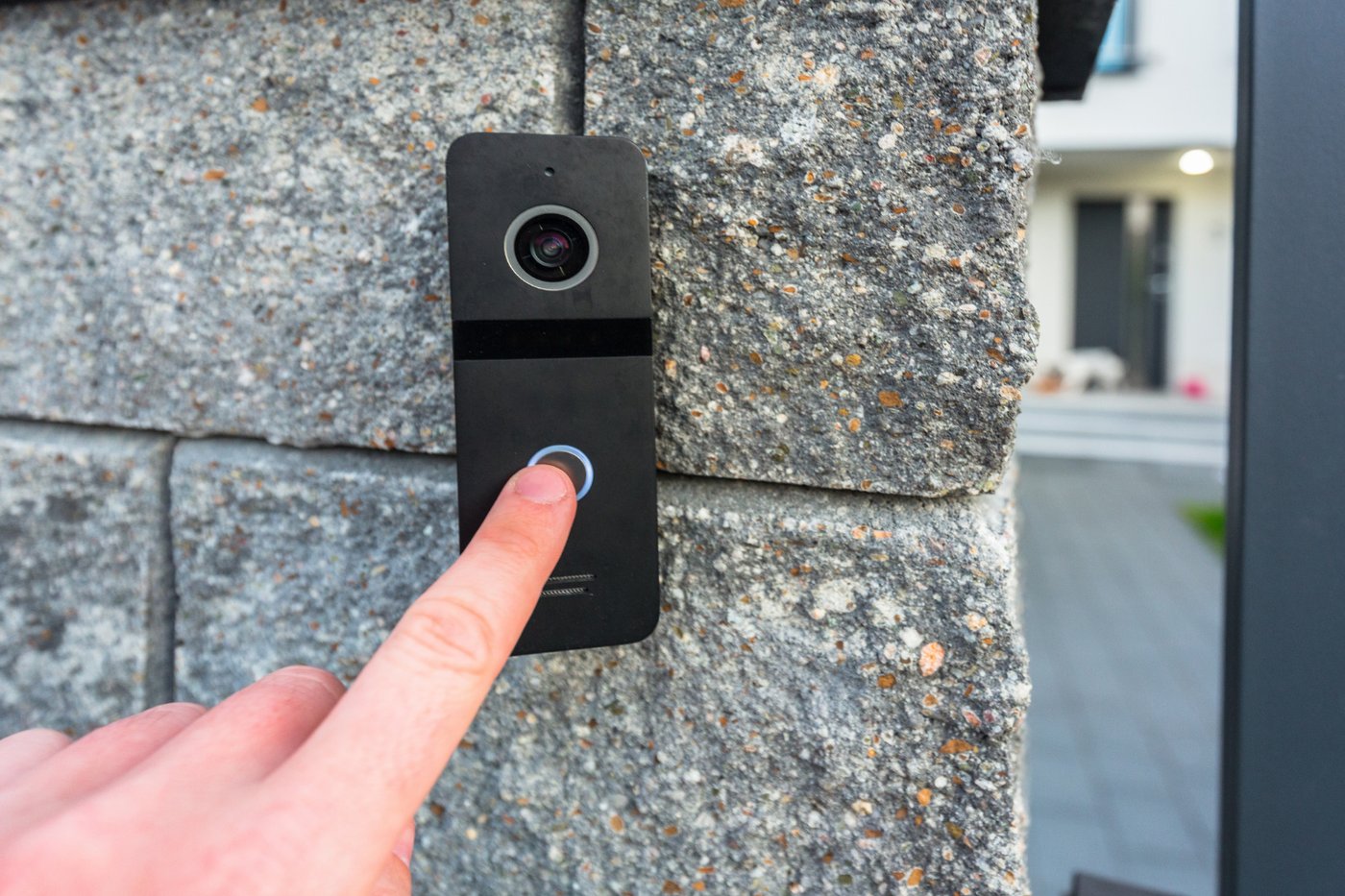
A video doorbell replaces the existing doorbell button with a camera-equipped version that connects to a phone whenever someone approaches the door. Battery-powered models need nothing more than a screwdriver and a drill for two pilot holes. The whole unit runs on an internal battery, charged every few weeks or months depending on how much activity it records.
Anyone with an existing wired doorbell can also connect the new one to that low-voltage wiring, usually somewhere between 16 and 24 volts in the U.S. That keeps it charged continuously instead of requiring a battery swap. This connection still doesn't call for an electrician. Doorbell wiring carries a fraction of the voltage running through a wall outlet, and most kits include a simple wire clip that requires no soldering or splicing.
Setup happens through an app that walks through connecting to Wi-Fi, positioning the camera angle and drawing motion zones on a live view of the porch. Motion zones matter more than most buyers expect. Without them, a doorbell facing a street sends a notification for every car and passing dog. With a zone drawn around the walkway and porch, notifications drop to events that actually matter, such as a person approaching the door or a package left behind.
Most models offer two-way talk, letting a homeowner speak to a delivery driver from anywhere. Night vision switches to infrared or a spotlight after dark. Some models also add package detection, which recognizes a box left on the porch and sends a separate alert from general motion.
One detail deserves attention before installation. Video doorbells often record audio along with video, and audio recording laws vary by state. Some states require consent from everyone being recorded, which can complicate a doorbell that picks up conversations on a public sidewalk. Checking local rules, or simply disabling audio recording in the app, avoids any question about compliance.
Smart locks trade a key for a code, an app or both
Credit: Canva Images
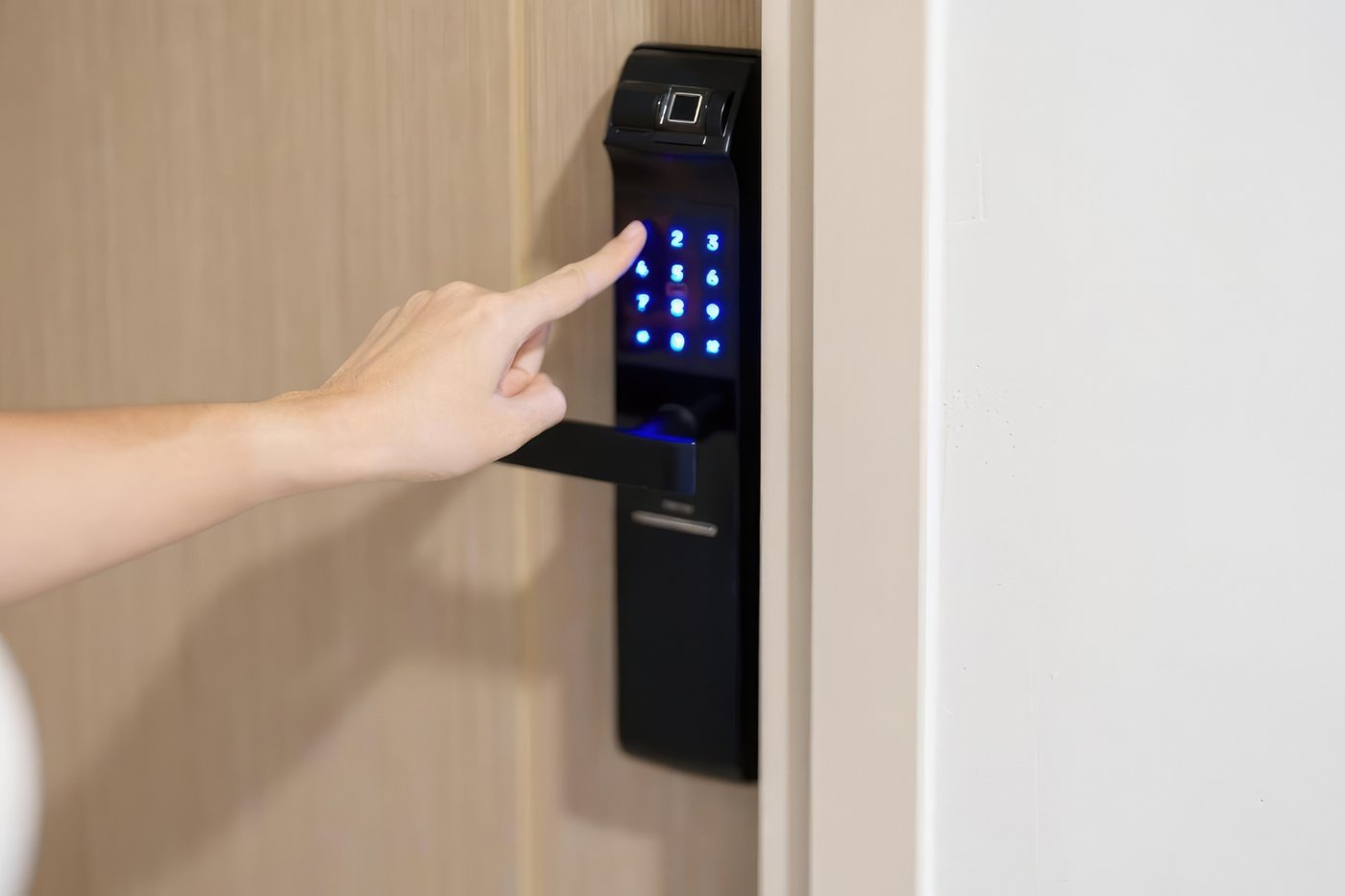
A smart lock replaces or attaches to an existing deadbolt and runs on batteries, usually four AA cells that last close to a year under normal use. No wiring is involved, and installation typically takes less than half an hour with a screwdriver.
Two basic approaches exist. Retrofit locks mount over the existing deadbolt from the inside, leaving the original exterior keyway untouched. That appeals to renters who need to restore the door to its original look before moving out. Full-replacement locks swap out the entire deadbolt, exterior included, and usually add a keypad to the outside of the door. Both approaches skip anything resembling electrical work.
Before buying either type, measuring the door matters more than most people expect. Deadbolts are built around a standard backset, the distance from the edge of the door to the center of the bolt. In the U.S., that's most commonly two and three-eighths or two and three-quarters inches. Confirming that measurement, along with door thickness, avoids the most common reason a smart lock gets returned.
Once installed, a smart lock accepts several ways in. A keypad code works without a phone at all, useful for kids walking home from school or a house cleaner who comes on a set day. A phone app unlocks the door from anywhere, and some models add a fingerprint reader or automatic unlocking triggered by a phone's location as it approaches the house. Guest codes can be set to expire after a single use or a specific date. That suits a short-term rental or a dog walker who only needs access for a season.
A physical key or a spare code matters as a backup. Batteries eventually die, apps occasionally fail to connect, and a lock that only works through a phone becomes a real problem the moment that phone is lost or dead. Most smart locks send a low-battery warning through the app well before the batteries actually run out, which gives enough notice to swap them before getting locked out.
Wi-Fi cameras extend a smart home past the front door
Credit: Please donation / Pexels
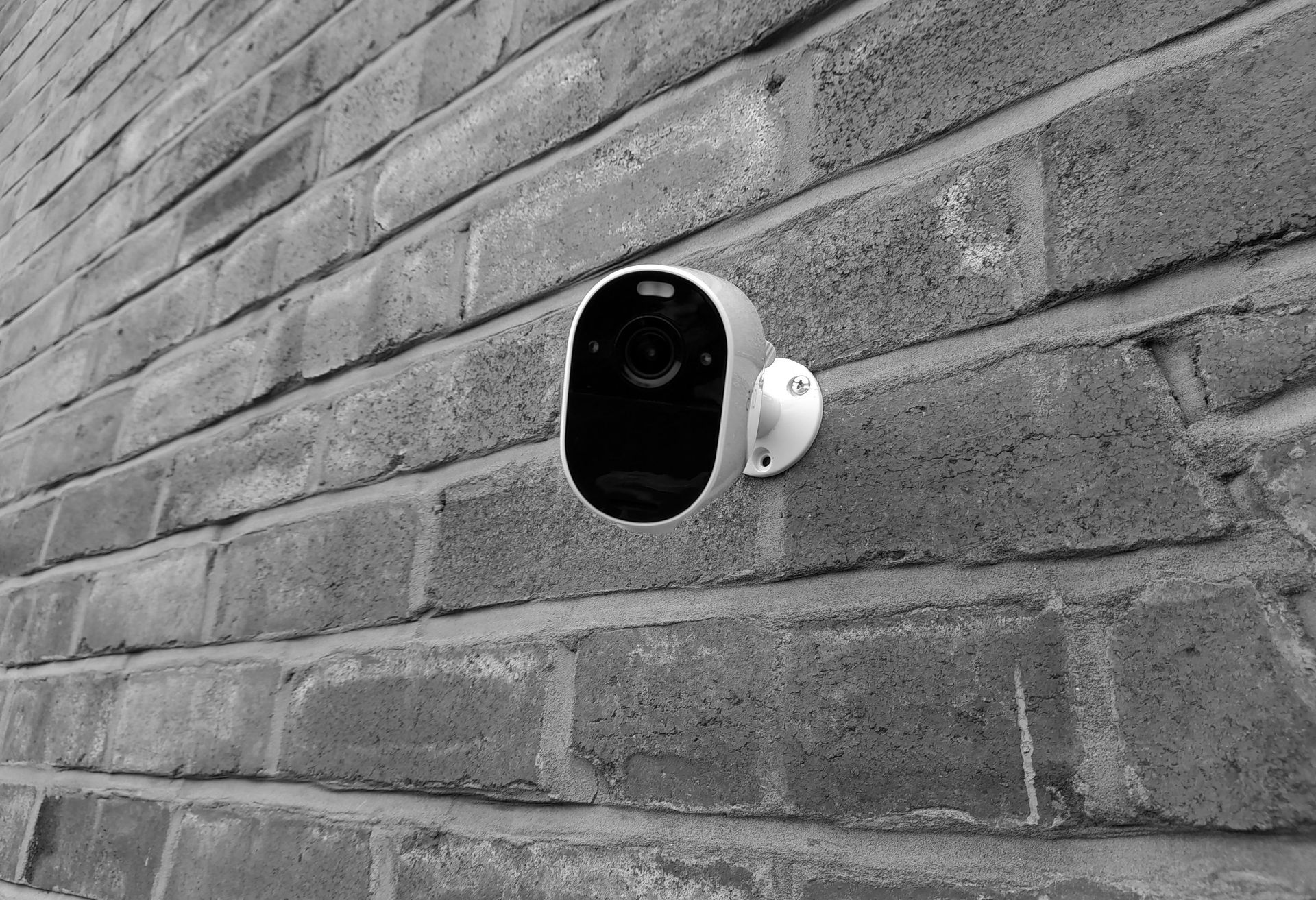
A video doorbell only watches one entry point. A Wi-Fi security camera covers everything else: a backyard, a driveway, a side gate, a garage interior or a living room. Most modern cameras run on Wi-Fi and either battery power or a plug-in cord. Mounting one usually means a couple of screws or an adhesive pad, not any wiring.
Indoor and outdoor models differ mainly in weatherproofing. Outdoor cameras carry a rating such as IP65 or IP66, numbers that describe how well a device resists dust and water. A camera meant for a porch or a backyard should carry one of these ratings; a camera without one belongs indoors only.
Storage is worth checking before buying rather than after. Some cameras save video locally to a memory card inside the camera itself, which avoids any ongoing subscription. Others upload everything to the cloud and charge a recurring fee for anything beyond live viewing. A few models support both, saving locally while offering cloud backup as an option rather than a requirement.
Modern cameras increasingly detect people, vehicles and animals separately, rather than triggering an alert for every leaf blowing across the frame. That distinction cuts down on notification fatigue, the point at which someone starts ignoring every alert because too many of them turned out to be nothing. A camera that only flags an actual person walking up the driveway gets checked far more often than one that flags everything.
Placement affects both security and privacy. Aiming a camera at a shared fence line, a neighbor's window or a public sidewalk raises its own privacy questions. It can also strain a neighborly relationship even where it's legal. Indoor cameras raise a separate consideration. Pointing one at a bedroom, a bathroom or anywhere a guest might expect privacy is worth avoiding. Several apps also allow scheduling a camera to switch off automatically during hours when the house is occupied.
Motion-sensor lights bring security to the darkest corners of a yard
-1400x933.png)
Credit: Canva Images
A dark side yard, an unlit walkway or a driveway with no overhead light is exactly where an intruder prefers to approach a house unnoticed. Motion-sensor lights close that gap, and the DIY versions need nothing more than a mounting screw or, in some cases, no tools at all.
Solar-powered motion lights are the simplest option. A small panel on top charges an internal battery through the day, and a sensor triggers the light for a set duration whenever it detects movement at night. Installation is typically one screw into a wall or fence post, with no wiring and no need to be anywhere near an outlet. The tradeoff is brightness: solar units tend to produce less light than a plug-in equivalent, and they perform worse in a spot that gets limited direct sun.
Plug-in smart floodlights offer more brightness and add features solar units can't match. Beyond motion detection, they connect to Wi-Fi, which allows scheduling, remote control and integration with a camera system so a triggered light and a recording happen together. Many can also run on a dusk-to-dawn setting, staying on at low brightness overnight and jumping to full brightness only when motion is detected.
Sensitivity and range are worth adjusting after installation rather than leaving on factory settings. A sensor aimed too broadly picks up cars on the street or a neighbor's cat, triggering constant false alerts that eventually get ignored. Narrowing the detection zone to the actual walkway or driveway cuts down on that noise considerably.
Placement matters as much as the light itself. Covering the front door is the obvious choice, but side and rear entrances, a detached garage and a gate leading to a backyard are common blind spots. A house with bright motion lighting at the front and nothing anywhere else still leaves an easy, unlit path around back.
Water leak sensors catch a problem before it floods a floor

Credit: Piotr Łaskawski / Unsplash
A slow leak under a sink, behind a washing machine or near a water heater can run for days or weeks before anyone notices. By then, the damage often extends past the original source to flooring, drywall and whatever was stored nearby. A water leak sensor is a small battery-powered device that sits on the floor or clips to a pipe in exactly those spots. It sends a phone alert the moment its sensor touches water.
Placement drives how useful a leak sensor actually is. Common spots include under the kitchen sink, behind or under a washing machine, next to a water heater, under a dishwasher and near a sump pump. Basements deserve particular attention, since a sump pump failure during a storm can flood a finished basement in a matter of hours while everyone is asleep or at work.
Most sensors run on a small battery that lasts a year or more, since the sensor sits idle until it actually contacts moisture. Some models add a temperature sensor as well, useful for catching a frozen pipe before it bursts. A sharp temperature drop near an exterior wall in winter often precedes a freeze.
Higher-end setups pair a leak sensor with an automatic shutoff valve installed on the main water line. That valve closes the supply the moment a leak is detected, rather than just sending an alert. That valve typically does call for a plumber, since it involves cutting into an existing water line. The sensors themselves need no such installation. They simply sit in place and report back.
The value of a leak sensor grows with distance and time away from the house. A leak behind a laundry room washer might get noticed within a day in an occupied house. In a vacation home, a rental property or during a two-week trip, that same leak can run undetected until real damage has already occurred. A phone alert the moment water appears closes that gap entirely.
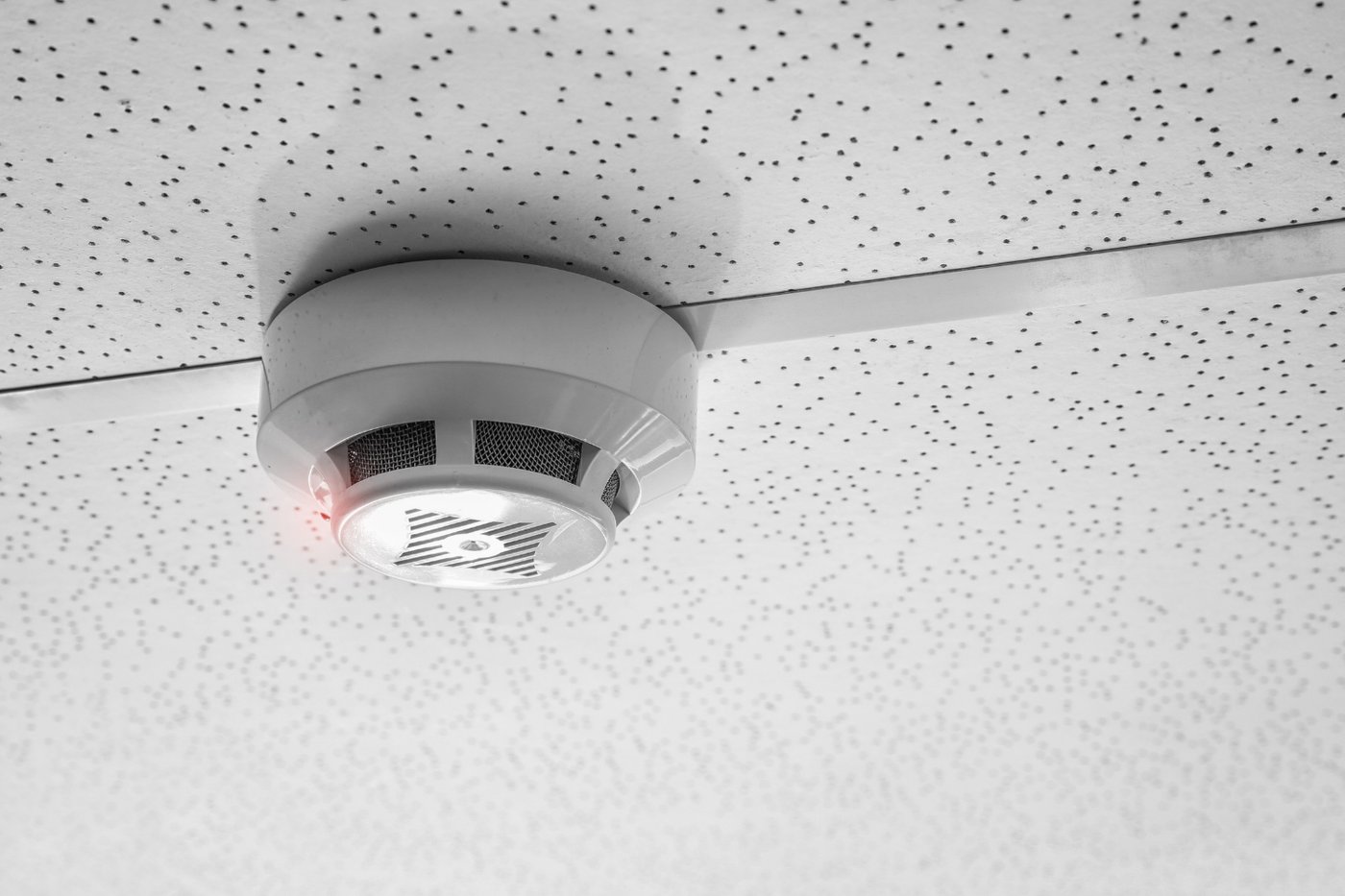
Smart smoke and carbon monoxide alarms send a warning even when no one's home
Credit: Canva Images
A standard smoke detector does one job well. It makes noise in the room where it's mounted. That works fine if someone is home to hear it. It does nothing for a fire that starts in a garage, a basement or a house while everyone is away at work or on vacation.
Smart smoke and carbon monoxide alarms solve that gap by sending a phone notification the instant they detect smoke, gas or unusually high heat. Several styles exist. Some are full battery-powered replacement units that mount to the same bracket as a standard detector, requiring no wiring at all. Others are small listening devices that clip near an existing hardwired alarm and forward its sound to a phone the moment it goes off. None of it touches the house's wiring.
That second category matters for anyone with hardwired, interconnected smoke detectors, the type common in homes built or renovated under modern fire codes. Those units are wired into house current and typically link to each other, so one alarm going off in a basement triggers every unit in the house at once. Replacing that hardwired system with a smart version usually calls for an electrician. Adding a listening device instead does not, since it simply sits nearby and reacts to sound.
Carbon monoxide detection deserves equal attention alongside smoke. Carbon monoxide has no smell or color, and it becomes dangerous well before a person notices anything wrong. A furnace, a water heater, a gas stove or a car left running in an attached garage are common sources. A combined smoke and carbon monoxide alarm covers both risks with a single device rather than two separate ones.
Most models include a self-test feature accessible through the app, along with a warning sent well before the battery actually dies. That warning matters more than it might seem. The chirping sound a dying smoke detector makes overnight has driven plenty of households to pull the battery out entirely rather than replace it right away. That leaves the whole household without protection until someone remembers to finish the job.
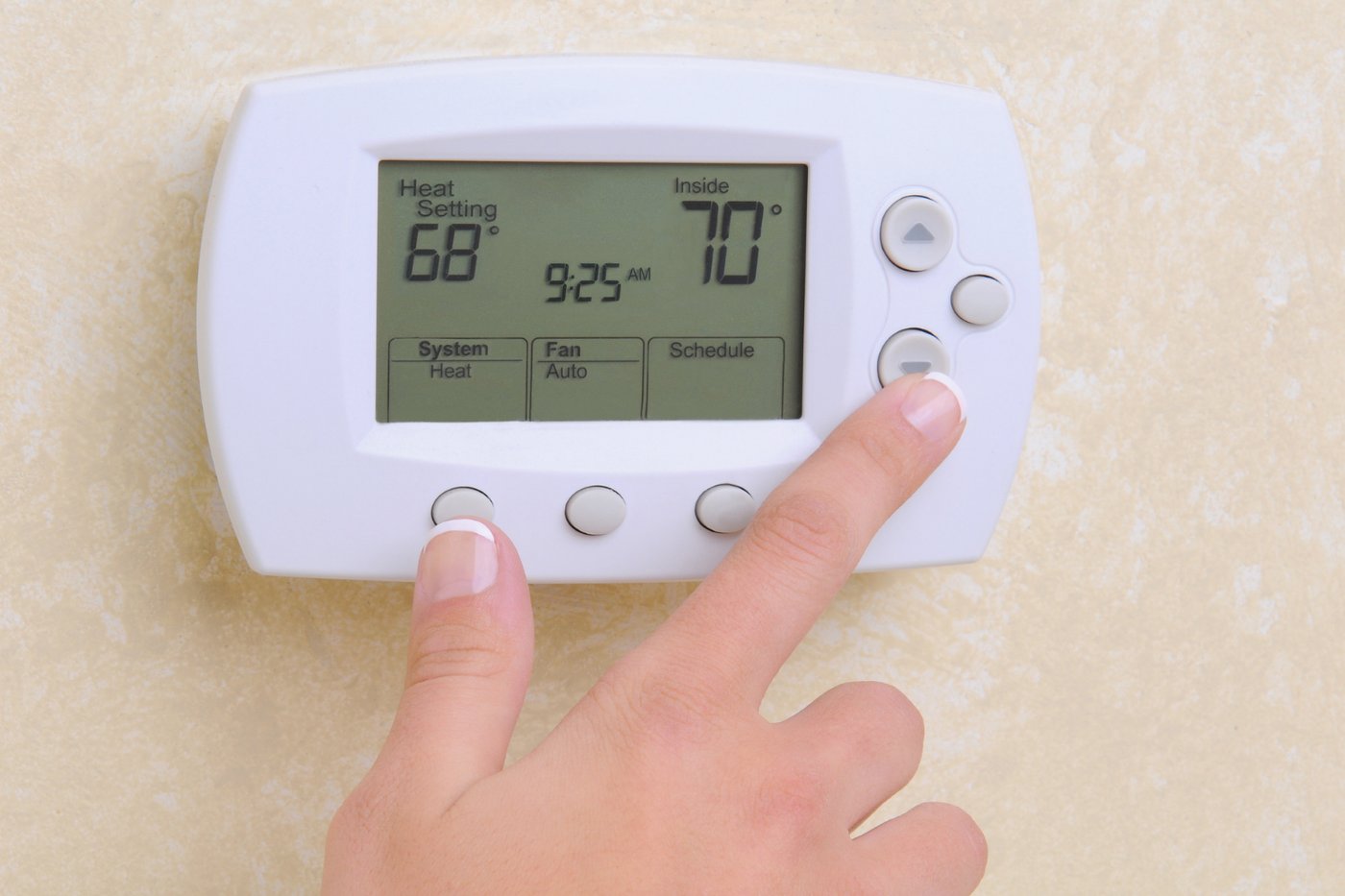
A smart thermostat learns a household's routine and trims the energy bill
Credit: Canva Images
A smart thermostat replaces an existing thermostat and connects to the same low-voltage wires already running behind it. Those wires typically carry 24 volts or less, nothing close to the current running through a wall outlet. Turning off the breaker that controls the furnace or air conditioner before starting is still worth doing. It prevents a short if two bare wires happen to touch during installation.
Compatibility is worth checking before buying rather than after. Most major brands offer an online tool that asks which wires are currently connected to an existing thermostat, then confirms whether a specific model will work with that system. Heat pumps, multi-stage furnaces, boilers and older systems without a dedicated common wire, often labeled a C-wire, each introduce their own quirks.
That C-wire issue trips up more installations than any other single factor. Many older homes were wired with only enough wires to run a basic, non-electronic thermostat, skipping the C-wire since it wasn't needed at the time. A smart thermostat's screen, Wi-Fi radio and other electronics need continuous power that a C-wire provides. Most current models include a workaround, either a small adapter installed at the furnace or a battery that supplements the missing wire. A missing C-wire delays a project rather than ending it.
Once running, a smart thermostat adjusts to how a household actually behaves rather than a fixed schedule punched in once and forgotten. Some models build that schedule automatically by tracking which temperatures get chosen manually over the first week or two. Others rely on a phone's location to detect when everyone has left, then shift into an energy-saving mode until someone starts heading home.
The energy savings add up primarily by avoiding conditioning an empty house. Many utility companies offer rebates for thermostats that meet ENERGY STAR certification, since heating and cooling typically make up the largest share of a home's energy bill. Checking with a local utility before buying can turn a modest purchase into one partly covered by a rebate.
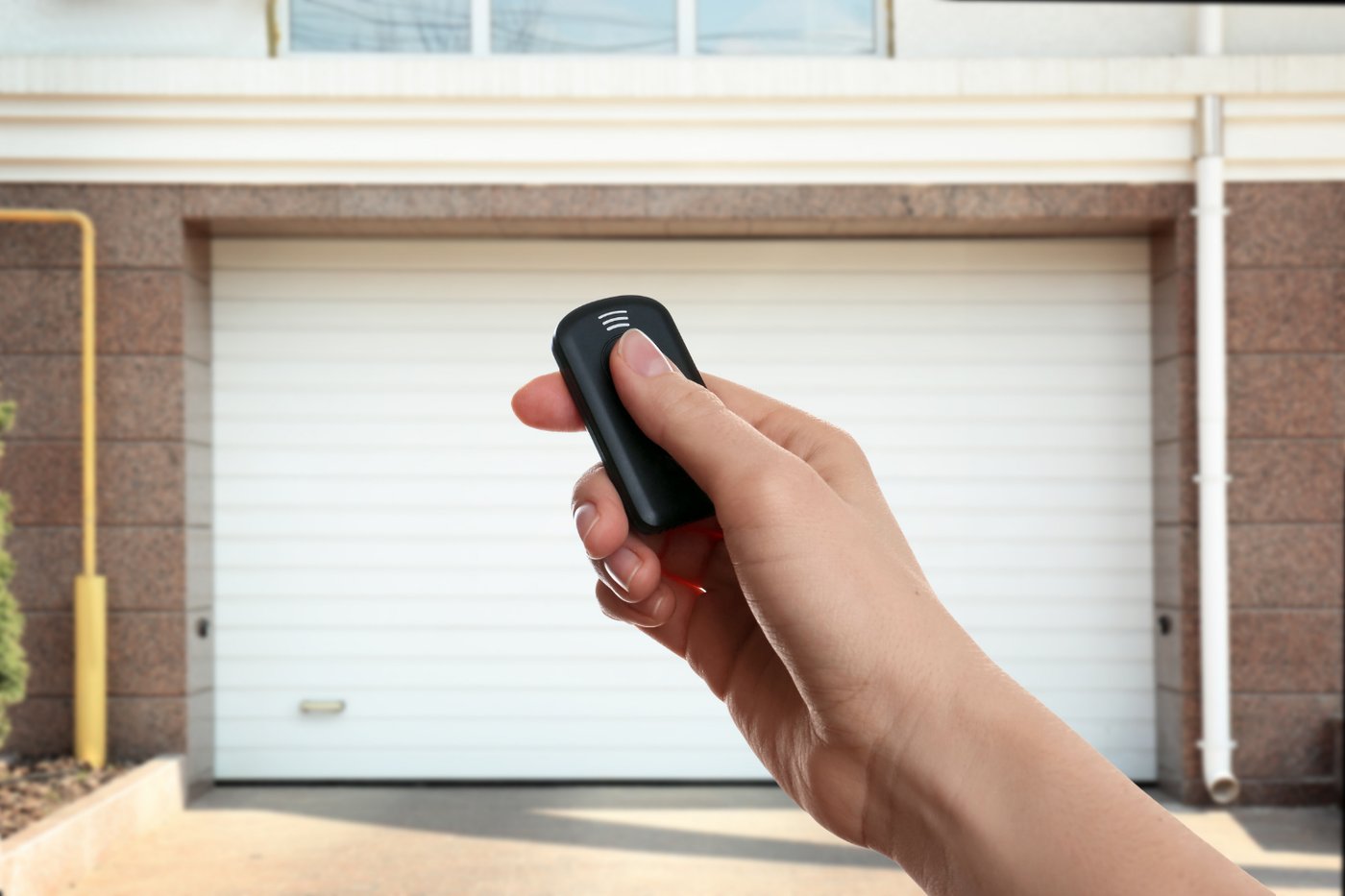
Smart garage door controllers put an open door back under control
Credit: Canva Images
A garage door left open overnight or during a full day at work is one of the most common home security gaps. It's also one of the easiest to fix without any wiring. A smart garage door controller is a small box, usually mounted on the wall near the garage door opener's motor unit, that connects to the opener's existing control wiring.
That wiring runs at low voltage, similar to a doorbell or a thermostat. It typically just requires attaching two wires to the same terminals already used by the physical wall button inside the garage. No part of the installation touches the opener's motor, its electrical supply or anything resembling house current.
Some newer garage door openers, particularly recent models from Chamberlain and LiftMaster, include Wi-Fi connectivity built in from the factory, which skips the need for a separate controller entirely. Anyone with an older opener can add the same functionality with a retrofit controller instead, and the two options end up functioning almost identically from the app.
Once connected, the controller reports whether the door is open or closed in real time, rather than leaving that as a guess after pulling out of the driveway. Many models send an alert if the door has been open longer than a set number of minutes. That catches the door left open by a rushed morning or a kid who forgot to close it behind them.
Remote open and close functions add convenience beyond monitoring. A garage door can be opened for a delivery, a house cleaner or a dog walker without a hidden key or a shared code for the front door. Pairing that feature with an indoor or outdoor camera lets a homeowner watch the delivery happen and close the door again immediately afterward. None of it requires leaving a couch or an office desk.
Smart blinds and shades follow a schedule instead of a cord

Credit: Hendrik Schuette / Unsplash
Motorized blinds and shades used to mean an electrician, a home automation contractor and a wall panel wired into the house. Battery-powered retrofit versions changed that. A small motor clips onto an existing blind's tilt rod, or an entire shade gets replaced with a battery-powered version built around the same mounting brackets already on the window.
Retrofit motors work with blinds already installed, adding motorized control to venetian or vertical blinds without buying new window coverings. Full replacement shades, common for roller and cellular styles, come as a single unit with the motor built into the roller tube itself. Both approaches mount with the same brackets or clips a manual version would use, and both can typically be removed just as easily if a household moves.
Power comes from a rechargeable battery inside the motor, typically charged every few weeks to a few months depending on how often the blinds move. A nearby solar panel accessory, when included, extends that further. No electrical outlet or wiring is involved at any point.
Scheduling unlocks most of the practical value. Blinds can rise at sunrise and lower at sunset automatically. They can also adjust partway during a hot afternoon, blocking direct sun without blocking the view entirely. A fixed position while on vacation helps suggest the house is occupied. Pairing that schedule with a smart thermostat adds a small but real efficiency gain, since blocking afternoon sun in summer reduces how hard an air conditioner has to work.
Measuring before buying avoids the most common return. Retrofit motors are built for specific rod diameters and blind types, and a shade replacement needs the exact width and mount type of the window it's going into. Most brands provide a measuring guide in the app or on the product page. Following it closely matters more for this category than for almost anything else on this list.
An irrigation controller waters the lawn by the weather, not the clock

Credit: Canva Images
A traditional sprinkler timer runs on a fixed schedule regardless of whether it rained the night before or a heat wave just settled in. A smart irrigation controller replaces that timer and connects to the exact same low-voltage valve wiring already running to the sprinkler zones in the yard. That's the same 24-volt wiring used by a doorbell transformer or a thermostat.
Installation typically means removing the old controller from the wall, labeling each wire as it comes off and reconnecting those same wires to the matching terminals on the new unit. Most brands color-code or number their terminals to match common industry standards, and manufacturer apps often walk through the process wire by wire with photos.
Weather awareness is the core upgrade over a standard timer. Some controllers pull local forecast and rainfall data over Wi-Fi and skip a scheduled watering day automatically after real rain. Others pair with a small soil moisture sensor placed in the yard, watering based on actual soil conditions rather than an assumption baked into a fixed schedule months earlier.
Zone-by-zone control adds precision a basic timer rarely offers. A front lawn in full sun and a shaded side yard need different amounts of water. A smart controller can run each zone on its own schedule instead of treating an entire property identically. Drip lines for garden beds typically need far less water and far more frequent, shorter cycles than a lawn zone does.
Water savings and rule compliance both follow naturally from these features. Many municipalities, especially in drought-prone regions, restrict which days and hours outdoor watering is allowed. A smart controller can be programmed once to follow those rules automatically, rather than relying on someone to remember the schedule. Several water utilities also offer rebates for weather-based controllers that meet efficiency standards.
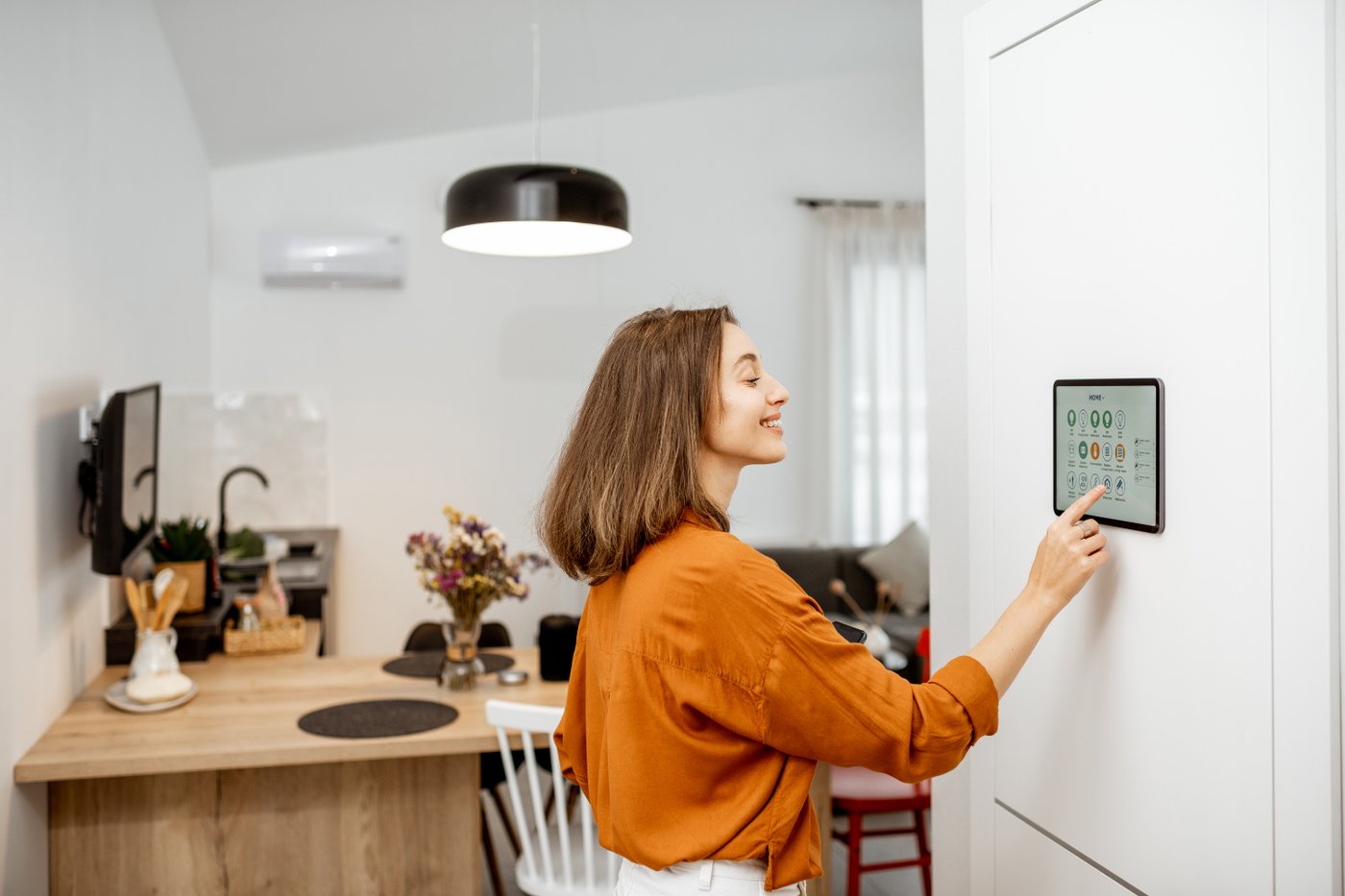
Smart speakers and hubs put every device under one voice command
Credit: Canva Images
A smart speaker plugs into an outlet and connects to a home Wi-Fi network through an app. It immediately works as a voice assistant, capable of setting timers, answering questions, playing music and checking the weather. That's the basic function most people already associate with an Echo, a Google $GOOGL Nest speaker or an Apple $AAPL HomePod.
The bigger role these devices play in a smart home is acting as a hub. A hub is the bridge that lets a phone app, a voice command or an automated routine reach every other connected device in the house from one place. Some speakers include a built-in radio for Zigbee or Thread, the wireless standards used by many locks, sensors and bulbs. That removes the need to buy a separate bridge for those devices.
Routines are where a hub earns its keep. A single phrase like "good night" can lock the front door, turn off every light except a bedroom lamp, lower the thermostat a few degrees and arm the security cameras. All of that happens through one voice command instead of adjusting each device individually. Building a routine usually takes a few minutes in the app, selecting which devices respond and in what order.
Ecosystem choice matters more than brand loyalty might suggest. Amazon $AMZN, Google and Apple each maintain their own smart home platform. Most modern devices increasingly work with more than one thanks to the Matter standard, but checking compatibility before buying still avoids frustration. A household already invested in iPhones tends to get the smoothest experience from Apple's ecosystem, while an Android household or one already using Google services often prefers Google's.
Privacy is worth understanding upfront rather than discovering later. A smart speaker listens continuously for its wake word, though audio is only sent to the company's servers after that word is detected. Every major platform allows muting the microphone with a physical switch, and every app includes a settings page for reviewing or deleting stored voice recordings.
Smart power strips cut phantom power draw from idle electronics
Credit: Canva Images
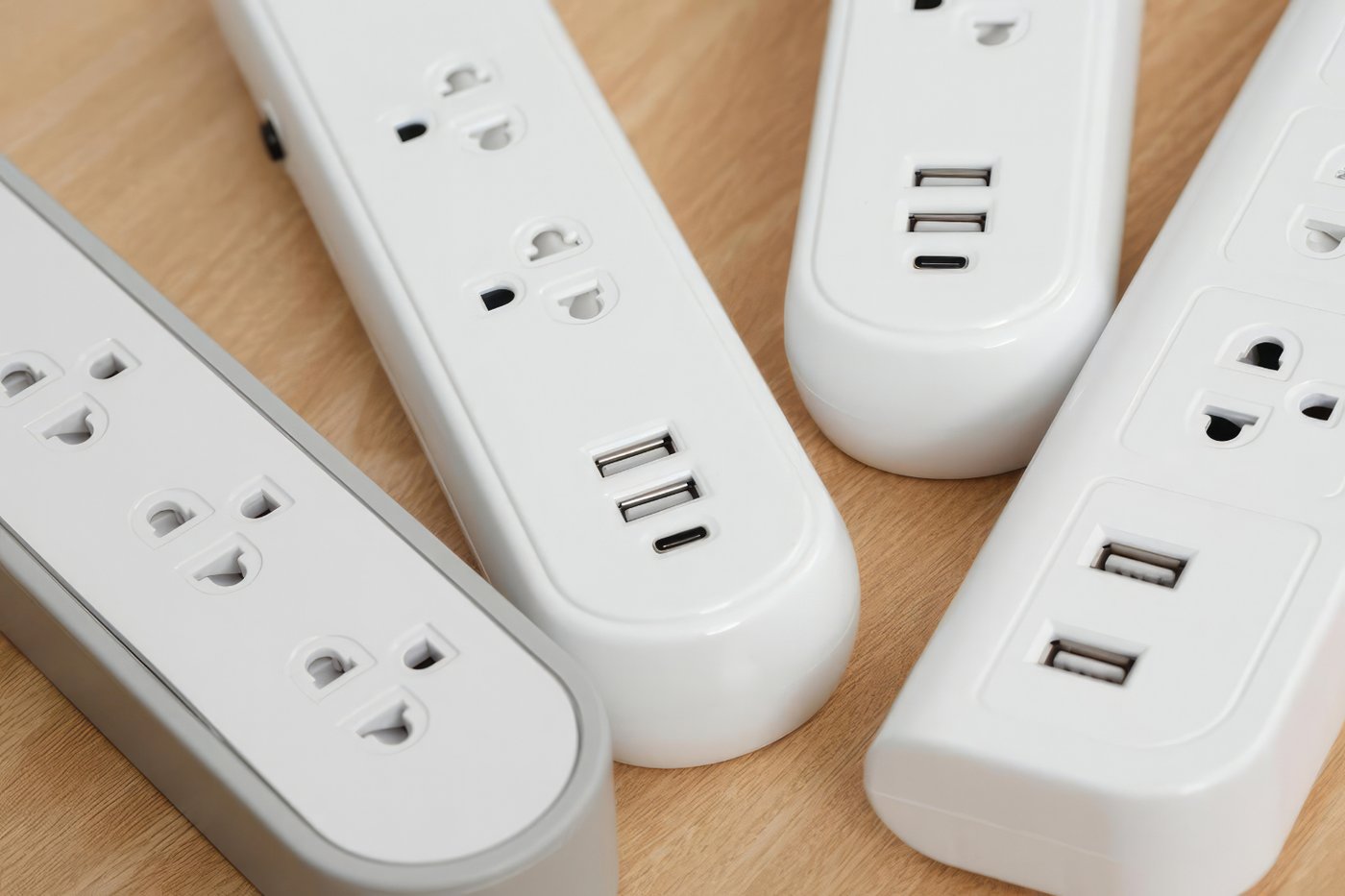
A smart power strip works like a smart plug with several outlets instead of one. It solves a problem a single smart plug can't. A television, a game console, a soundbar and a streaming box often need to act as one unit, all part of the same routine.
Most models split their outlets into two categories. A few stay always-on, meant for a modem, a router or a DVR that shouldn't lose power on a schedule. The rest are individually switched, controllable from an app, a voice command or a physical button on the strip itself. One command can shut down an entire entertainment center while leaving the network running.
Phantom power draw is the main reason this category exists. Many electronics pull a small, continuous trickle of power even while fully powered off, as long as they stay plugged in. That trickle keeps a remote signal ready to receive or a clock display lit. A game console, a cable box and a phone charger left plugged in around the clock add up over a year, even at a few watts each.
Scheduling works the same way it does on a single smart plug. A strip can shut off the switched outlets automatically at a set bedtime, cutting power to a bedroom television and any chargers plugged into it. Everything can turn back on before an alarm goes off. Energy monitoring, available on some models, tracks how much each outlet actually draws over time.
A power strip also solves a placement problem several individual smart plugs create. A row of bulky smart plugs can block adjacent outlets on a standard wall receptacle, especially in an older house with only two outlets per wall. One smart strip consolidates that same control into a single unit, freeing up the wall outlet it plugs into for something else entirely.
A mesh Wi-Fi system keeps a house full of devices online
Credit: Canva Images
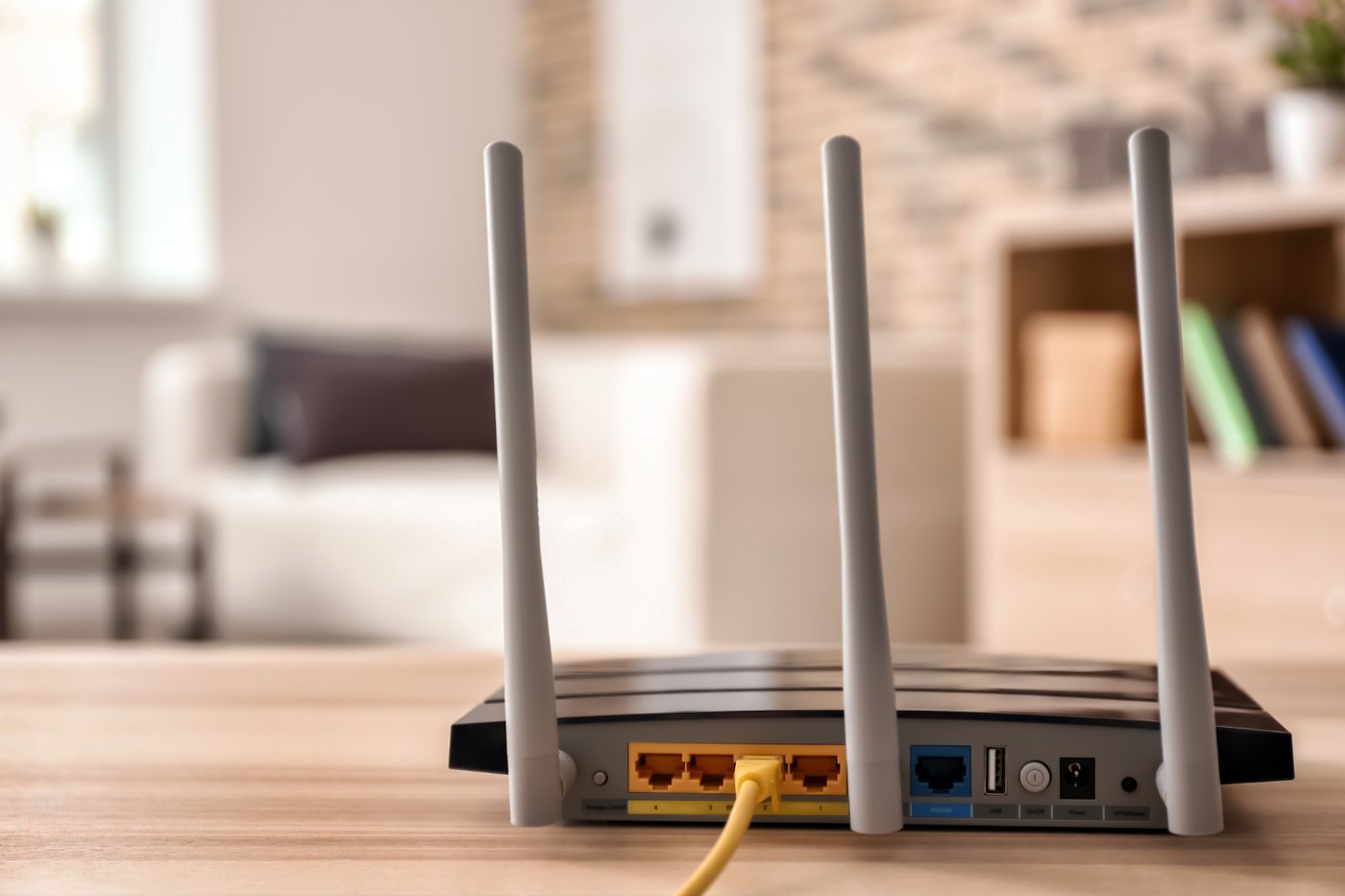
None of the other 14 upgrades on this list work reliably without a strong Wi-Fi signal reaching every corner of a house. A single router sitting in a home office or a basement often can't manage that on its own. A mesh Wi-Fi system solves that gap by spreading coverage across two or more small units placed around the house instead of relying on one central router.
Setup involves plugging each unit into a power outlet, no wiring beyond that. One unit connects directly to the modem, typically with a single Ethernet cable. The rest communicate wirelessly with that main unit and with each other, extending the same network into rooms a single router's signal never quite reaches.
Dead zones are the main problem a mesh system fixes. A garage, a basement, an upstairs bedroom at the far end of the house or a backyard patio often sit outside a single router's reliable range. That's especially true once the signal has to pass through several walls or a floor. Adding a mesh unit near that dead zone extends strong coverage into it, rather than asking every device in that room to fight for a weak, distant signal.
Device capacity matters just as much as coverage once a house fills up with smart plugs, cameras, sensors and locks. A basic router built to handle a laptop, a couple of phones and a smart TV starts to strain as more devices join. Once 10 or 15 additional smart plugs, cameras and sensors join the same network, dropped connections become common. A mesh system built for a smart home distributes that load across multiple access points instead of overloading one.
Several mesh systems now double as a smart home hub in their own right, including a built-in radio for Thread or Zigbee alongside standard Wi-Fi. That turns a single purchase into both the network backbone the rest of this list depends on and one more way to connect the devices already running on it.