
Here are some powerful keyboard shortcuts that save time, improve focus, and boost productivity on any device
Ingo Joseph via Pexels
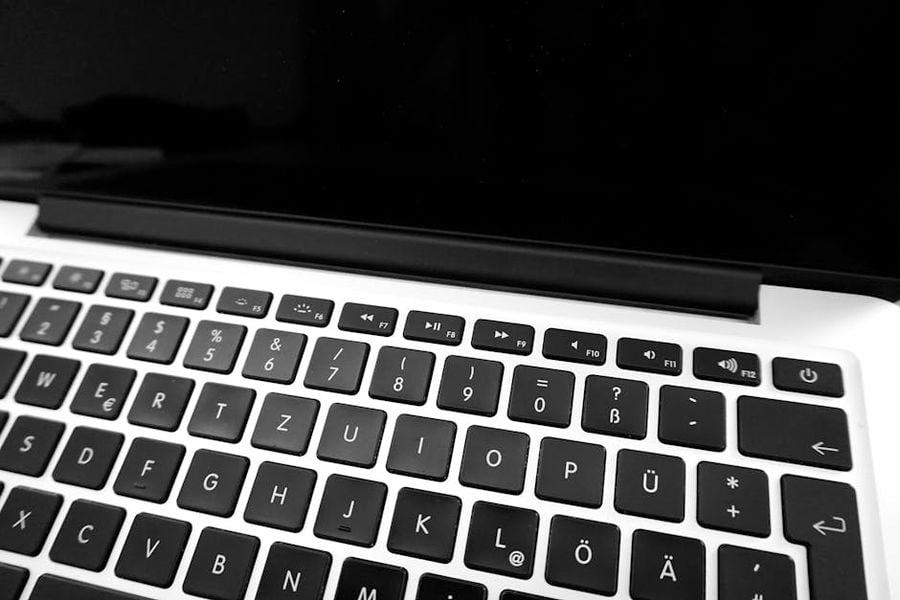
Keyboard shortcuts offer some of the simplest ways to save time and work more efficiently. By relying less on your mouse, you reduce the small but constant interruptions that break your focus. Over the course of a day, those micro-savings can add up to a real productivity gain.
For many people, shortcuts are like hidden features in plain sight. They can transform everyday tasks, from writing emails to managing files. Professionals who master them often find they can navigate software faster and with fewer mistakes.
The best part is that you don't have to learn dozens all at once. Start with a few, use them regularly, and build your collection over time. Before long, you'll wonder how you ever worked without them.
Here are some of the best.
Miguel Á. Padriñán via Pexels
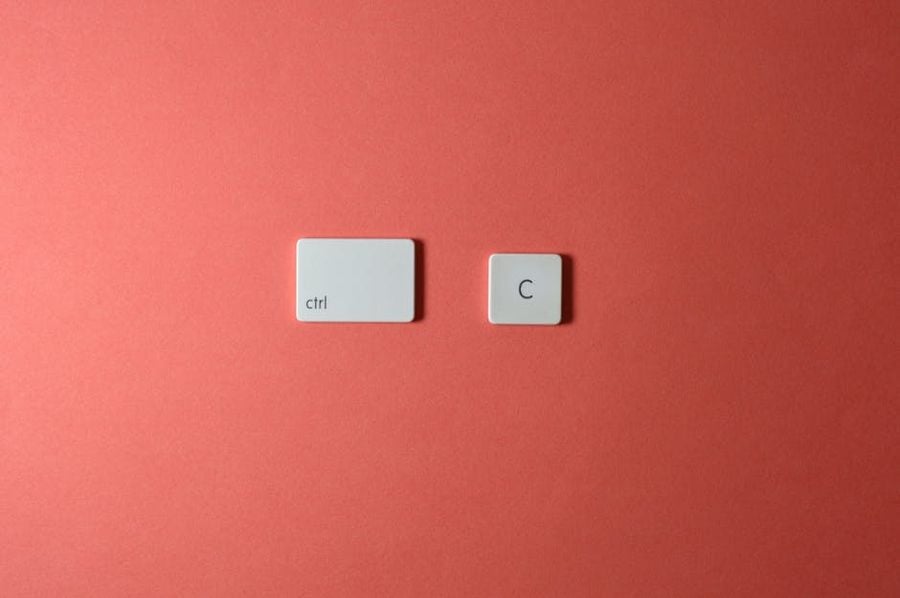
These are the bread and butter of productivity. They work in most programs and across both Windows and macOS.
Master these first, and you'll already feel a speed boost in your daily work.
Lisa from Pexels via Pexels
If you spend hours online browsing with Chrome, these will help you move at lightning speed.
These keyboard shortcuts make switching between research, emails, and entertainment effortless.
Miguel Á. Padriñán via Pexels
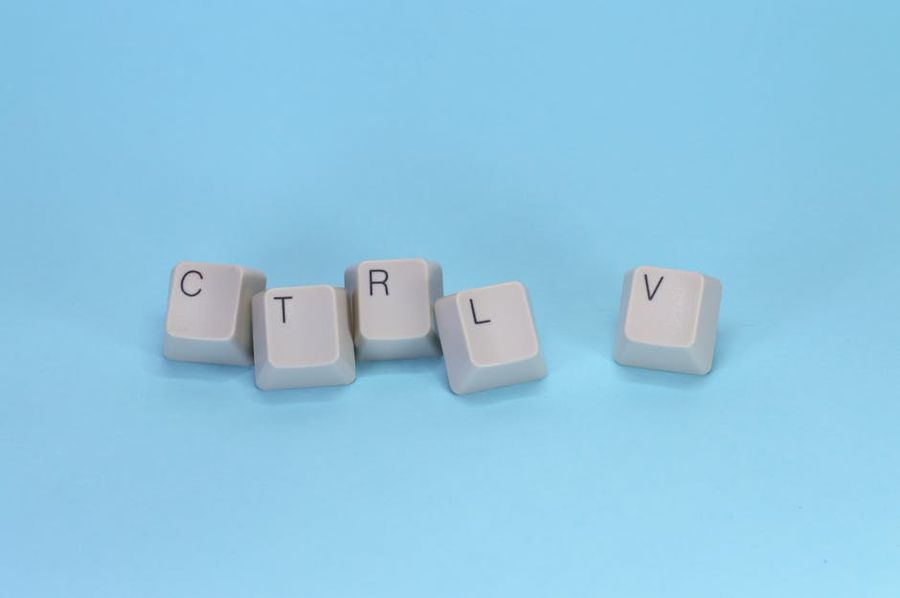
Writers, coders, and anyone who types a lot will love these.
The less time you spend moving your cursor, the more time you have for your work.
Miguel Á. Padriñán via Pexels
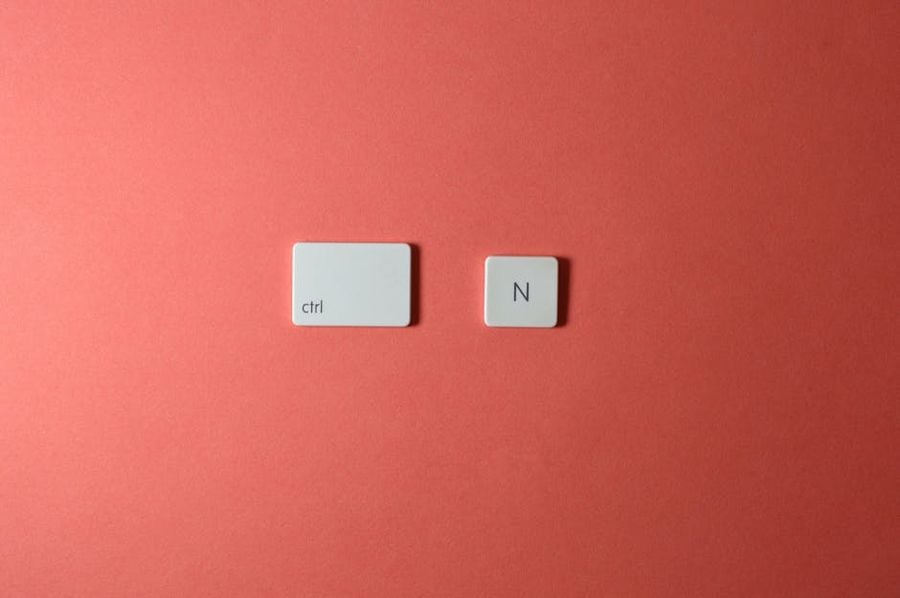
Managing files with shortcuts is faster and less distracting than clicking through folders.
Over time, these commands will make file organization second nature.
Miguel Á. Padriñán via Pexels
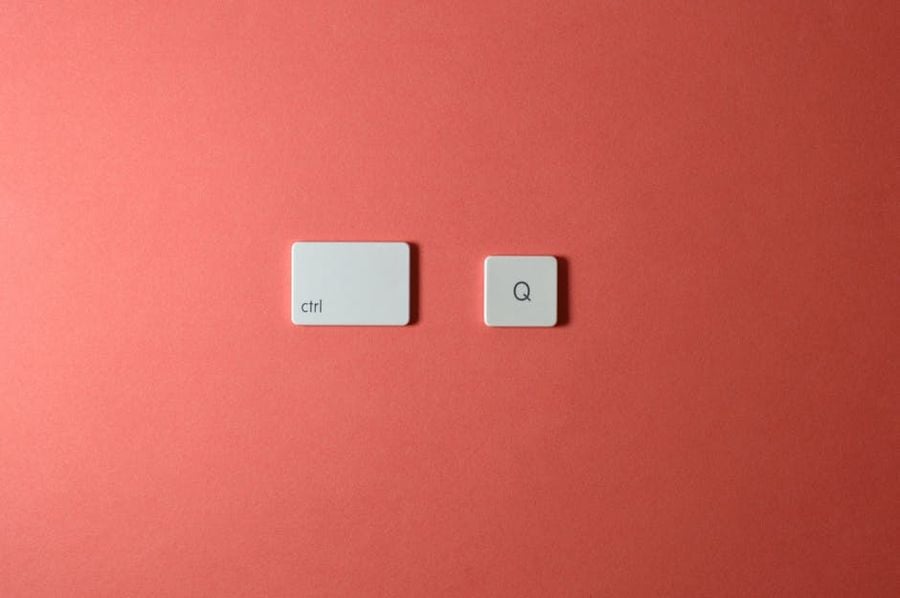
Once you're comfortable with the basics, power-user shortcuts can supercharge your workflow.
These commands let you keep your system secure and efficient without breaking your rhythm.
Phil Desforges via Pexels
Every app has hidden gems that can save you time.
Spending a few minutes learning shortcuts for your most-used apps can pay off for years.
Boris Hamer via Pexels
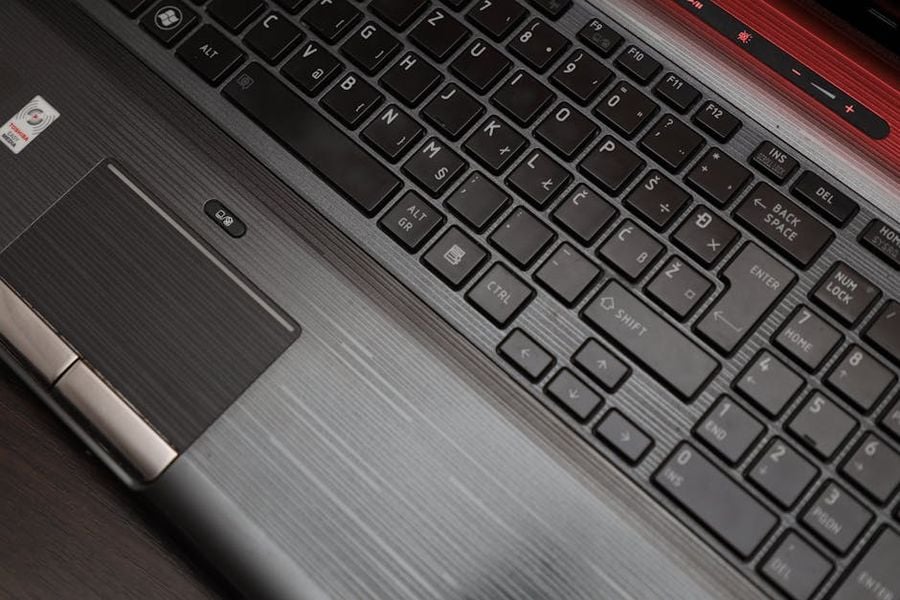
Sometimes the best shortcut is the one you make yourself.
Customizing shortcuts ensures they match your habits and work style. Over time, you can create a personal toolkit that works exactly the way you do.